Nokia C2-01 Dissasembly

Jonathan Vacek and one other contributor
Last updated on Feb 26, 2026
Views: 368
View statistics:
- Past 24 Hours:
- 5
- Past 7 Days:
- 28
- Past 30 Days:
- 115
- All Time:
- 368
Comments: 0
No one has left comments on this guide. Will you be first?
Go to guide commentsCompleted: 0 1
No one has marked this guide "completed." Will you be the first?
1 person has marked this guide "completed." It's you — great job!
Favorites: 0 1
No one has favorited (and subscribed to) this guide. Will you be the first?
1 person has favorited (and subscribed to) this guide — and that's you!
Community-Contributed Guide
An awesome member of our community made this guide. It was not created by iFixit staff.
Introduction
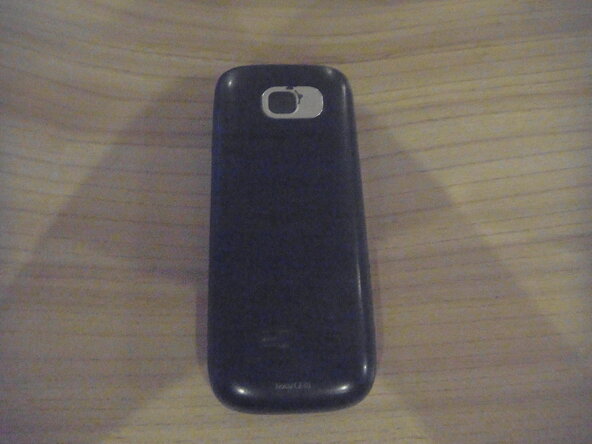
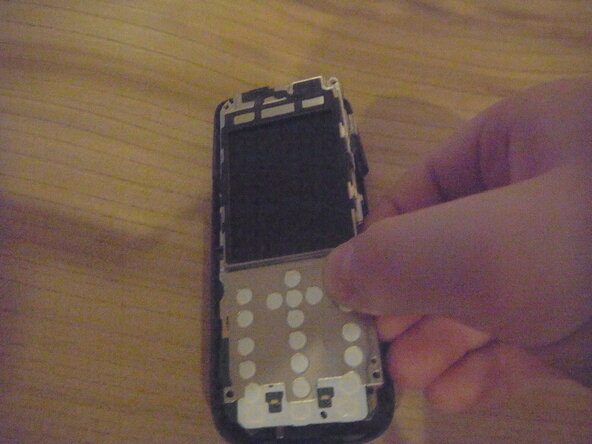
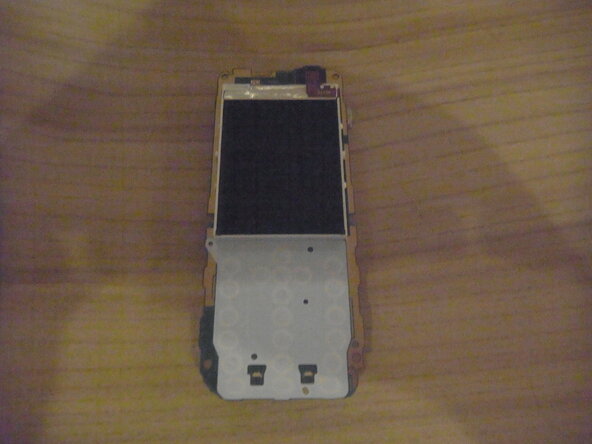
Go to step 1 ↓I apologize for the grainy photos, I don't have a very good camera.
-
-
-
Remove back cover by sliding downwards.
-
Remove battery and sim card (if applicable).
 Ask FixBot
-
-
-
Remove two 5mm-long screws on the left and right using a T6 Torx screwdriver.
-
-
-
Flip phone over to front.
-
Insert opening pick underneath headphone jack and pry around edge of phone until front cover pops off.
-
-
-
Remove four 5mm-long screws in the corners of the motherboard using a Torx T6 screwdriver.
-
-
-
Pull one plastic clip out of the way and gently lift and pull the motherboard out of the housing.
-
-
-
-
Flip phone over and use Spudger to move metal clips out of the way.
-
Flip phone back over and remove metal screen housing.
-
-