Free Shipping on Domestic Orders $75+

Nokia 6 Motherboard Replacement

What you need

  1. Nokia 6 Motherboard Replacement, Display Assembly: step 1, image 1 of 3 Nokia 6 Motherboard Replacement, Display Assembly: step 1, image 2 of 3 Nokia 6 Motherboard Replacement, Display Assembly: step 1, image 3 of 3
    • Power off your Nokia 6 before beginning disassembly.

    • Insert the SIM card ejection tool into the hole on the left side of the phone.

    • Remove the SIM card and microSD card.

    Ask FixBot

    Add Comment

  2. Nokia 6 Motherboard Replacement: step 2, image 1 of 1
    • If your display glass is cracked, take precaution by taping over the display to prevent further breakage and harm.

    • Lay overlapping strips of clear packing tape over the Nokia 6's display until the whole screen is covered.

    Ask FixBot

    Add Comment

  3. Nokia 6 Motherboard Replacement: step 3, image 1 of 1
    • To soften the adhesive, use a heat gun and heat one edge of the phone for five minutes.

    • To use the heat gun, plug it into an outlet.

    • When the heat gun is plugged in, the heat gun automatically turns on and will start blowing hot air.

    Ask FixBot

    Add Comment

  4. Nokia 6 Motherboard Replacement: step 4, image 1 of 1
    • Take a Jimmy and slide it under the glass after the adhesive has been softened.

    • Place a pick under the glass after lifting with the pry tool so that the screen won't re-adhere to the frame again.

    • Make sure to not touch the LCD edge underneath the glass layer with the metal pry tool or the cards. This can damage the ribbon cables underneath and compromise the structural integrity of the phone itself.

    • The corners of the screen are the most fragile part of the screen. Make sure that the entire edge of the screen is dislodged from the frame before prying at the corners.

    Ask FixBot

    Add Comment

  5. Nokia 6 Motherboard Replacement: step 5, image 1 of 1
    • Lift the screen off of the phone.

    Ask FixBot

    Add Comment

  6. Nokia 6 Motherboard Replacement: step 6, image 1 of 2 Nokia 6 Motherboard Replacement: step 6, image 2 of 2
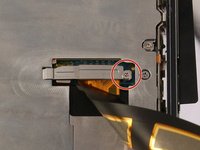
    • Use a Phillips #000 screwdriver to remove the 1 mm x 1.4 mm screw holding down the metal bracket over the screen ribbon connector.

    Ask FixBot

    Add Comment

  7. Nokia 6 Motherboard Replacement: step 7, image 1 of 1
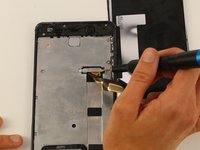
    • Remove the metal bracket with a tweezer.

    Ask FixBot

    Add Comment

  8. Nokia 6 Motherboard Replacement: step 8, image 1 of 1
    • Use a spudger to disconnect the screen ribbon connector and free the display assembly.

    • The corners and edge of the LCD are fragile. Be careful attaching it to the back of the phone.

    • Carefully remove the screen from the device.

    Ask FixBot

    Add Comment

  9. Nokia 6 Motherboard Replacement, Home Button Assembly: step 9, image 1 of 1
    • Disconnect the battery connector with a spudger.

    Ask FixBot

    Add Comment

  10. Nokia 6 Motherboard Replacement: step 10, image 1 of 2 Nokia 6 Motherboard Replacement: step 10, image 2 of 2
    Tool used on this step:
    Tweezers
    $4.99
    Buy
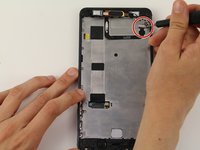
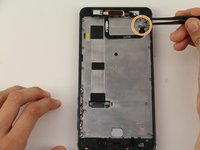
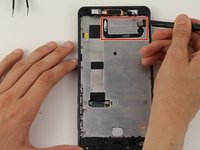
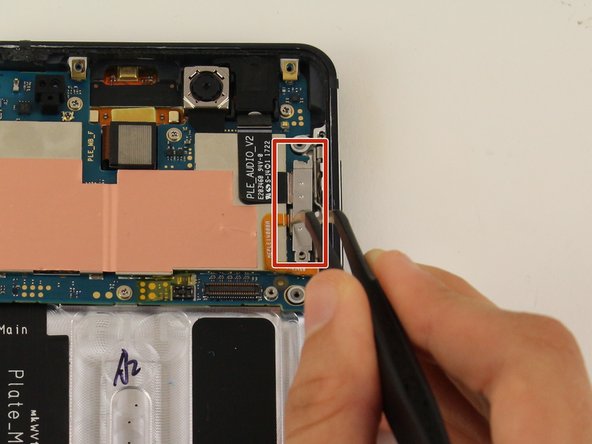
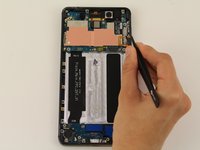
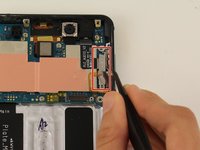
    • Use a Phillips #00 screwdriver to remove the 1.2 mm x 2.2 mm screw in the upper hand corner of the phone.

    • Use tweezers to remove the bracket.

    Ask FixBot

    Add Comment

  11. Nokia 6 Motherboard Replacement: step 11, image 1 of 2 Nokia 6 Motherboard Replacement: step 11, image 2 of 2
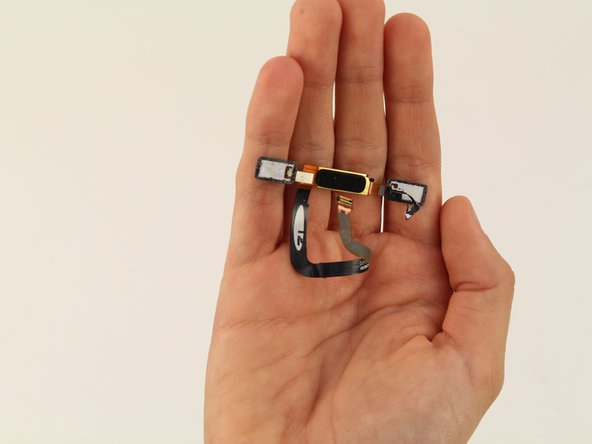
    • Detach the cable with the black nylon spudger.

    • Detach the home button and remove it from the device.

    Ask FixBot

    Add Comment

  12. Nokia 6 Motherboard Replacement, Midframe: step 12, image 1 of 1
    • Remove 18 screws.

    • There is one 1 mm x 1.4 mm screw that needs to be removed by a Phillips #000 screwdriver.

    • One of the screws is 1.2 mm x 4.2 mm and will be removed by a Phillips #00.

    • The remaining 16 screws can be removed by the Phillips #00 screwdriver and are 1.2 mm x 2.2 mm.

    Ask FixBot

    Add Comment

  13. Nokia 6 Motherboard Replacement: step 13, image 1 of 2 Nokia 6 Motherboard Replacement: step 13, image 2 of 2
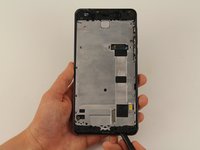
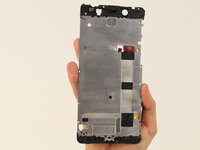
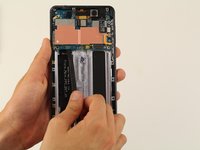
    • Decouple the midframe with the spudger and remove the midframe from the device.

    Ask FixBot

    Add Comment

  14. Nokia 6 Motherboard Replacement, Motherboard: step 14, image 1 of 2 Nokia 6 Motherboard Replacement, Motherboard: step 14, image 2 of 2
    Tool used on this step:
    Tweezers
    $4.99
    Buy
    Ask FixBot

    Add Comment

  15. Nokia 6 Motherboard Replacement: step 15, image 1 of 3 Nokia 6 Motherboard Replacement: step 15, image 2 of 3 Nokia 6 Motherboard Replacement: step 15, image 3 of 3
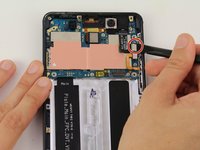
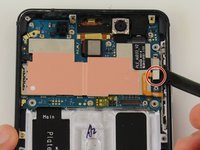
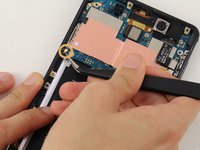
    • Detach the two cables with the spudger.

    • Detach the cable with a pair of tweezers.

    • Be careful when detaching the cables, make sure to not completely remove the cables from the phone!

    Ask FixBot

    Add Comment

  16. Nokia 6 Motherboard Replacement: step 16, image 1 of 1
    • Remove six screws.

    • Two of these screws are 1.0 mm x 1.4 mm and need to be removed by a Phillips #000 screwdriver.

    • The remaining four screws are 1.2 mm x 2.2 mm and are removed by a Phillips #00 screwdriver.

    Ask FixBot

    Add Comment

  17. Nokia 6 Motherboard Replacement: step 17, image 1 of 2 Nokia 6 Motherboard Replacement: step 17, image 2 of 2
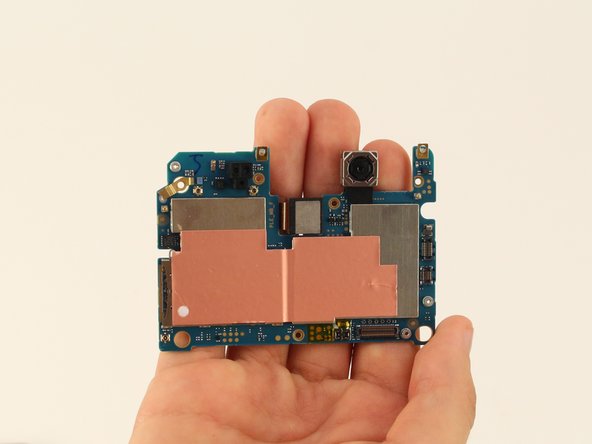
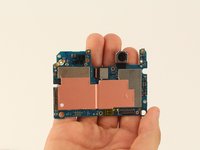
    • Remove the motherboard from the Nokia 6 with the spudger.

    • Be careful because the motherboard is fragile. Wiggle it gently to remove it.

    Ask FixBot

    Add Comment

Conclusion

To reassemble your device, follow these instructions in reverse order.

Cancel: I did not complete this guide.

3 other people completed this guide.

Chrissy Robins

Member since: 04/15/19

1,603 Reputation

10 Guides authored

Team

Cal Poly, Team S9-G15, Maness Spring 2019 Member of Cal Poly, Team S9-G15, Maness Spring 2019

CPSU-MANESS-S19S9G15

4 Members

14 Guides authored

0 Guide Comments

Add Comment

View Statistics:

Past 24 Hours: 2

Past 7 Days: 13

Past 30 Days: 48

All Time: 3,982