Introduction
This guide will disassemble the phone's cover plate and key pad to reveal the interface in order to work on the phone's speaker. This guide requires a moderate amount of work as the small parts are tricky to remove.
What you need
-
-
Remove the back cover plate of the phone. To do this press down the lock as you slide the cover toward the bottom of the phone.
 Ask FixBot
-
-
-
Once the back cover plate is removed, the battery should be exposed. Remove the battery by prying it out. This can be done with your finger-nail or a prying tool.
-
-
-
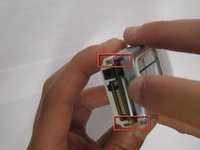
Using your fingernails or another tool, pry the front face plate out along its edges and corners.
-
-
-
-
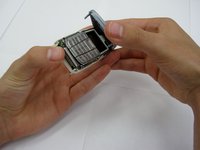
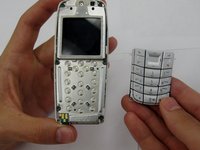
Once the cover plate has been removed, the existing keypad should be easily removed.
-
-
-
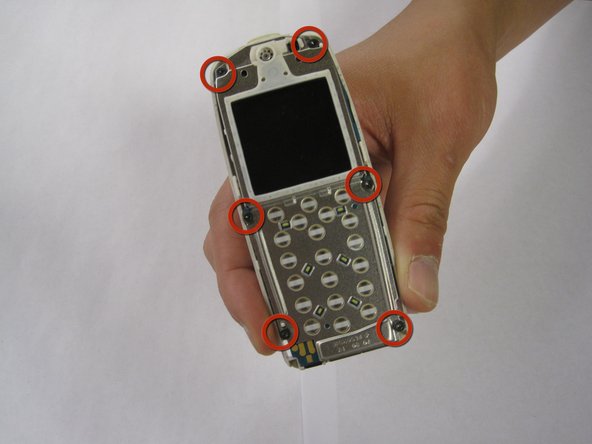
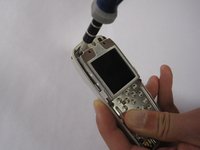
Once the keypad has been removed, unscrew the 6 exposed screws on the front of the phone.
-
-
-
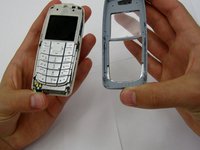
Once all the screws have been removed, the front part of the phone should be removable from the rest of the phone.
-
-
-
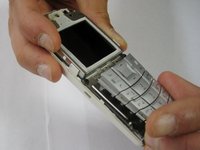
To remove the speaker from the phone, take a pencil or sharp object and poke the speaker free from the removed front part of the phone.
-
To install a new speaker, simply place a new speaker in the same location and put the phone back together.
-







To reassemble your device, follow these instructions in reverse order.
Cancel: I did not complete this guide.
One other person completed this guide.

Team

Clemson, Team 13-2, Benson Spring 2013 Member of Clemson, Team 13-2, Benson Spring 2013
CLEM-BENSON-S13S13G2
3 Members
23 Guides authored
