
Nokia 2630b Back Case Replacement

Last updated on Jan 16, 2026
Views: 2.5K
View statistics:
- Past 24 Hours:
- 2
- Past 7 Days:
- 15
- Past 30 Days:
- 89
- All Time:
- 2,496
Comments: 1
1 comment on steps.
Completed: 0 1
No one has marked this guide "completed." Will you be the first?
1 person has marked this guide "completed." It's you — great job!
Favorites: 0 1
No one has favorited (and subscribed to) this guide. Will you be the first?
1 person has favorited (and subscribed to) this guide — and that's you!
Needs Better Images
Better photos will improve this guide. Help out by taking, editing, or uploading new ones!
Confusing Text
Some of this guide's text is confusing, duplicated, or off-topic. Clarify it by editing!
Missing Steps
Oops! This guide is currently missing one or more important steps.
Slice and Dice
The steps in this guide should be split up and made into a series of prerequisite guides.
Better Introduction
Improve this guide by completing or revising its introduction.
Missing Details
Some of this guide's details are missing. Help users by adding tools, difficulty, or time.
Introduction
Go to step 1 ↓In this guide, we show how to unscrew and remove the back case of the Nokia 2630b. This enables access to the motherboard, antenna, and LCD screen of the phone.
What you need
Parts
Tools


-
-
-
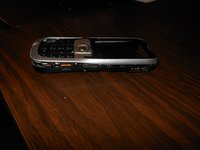
Press and the release button on both sides of the battery cover. While holding down the release buttons pull the battery cover away from the phone
 Ask FixBot
-
-
-
-
-
Remove the two screws on either side of the battery case using a T5 Torx screwdriver.
-
-
-
Remove screws using the T5 Torx screwdriver to release the computer chip from the case.
-
-
-
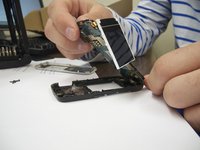
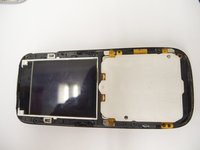
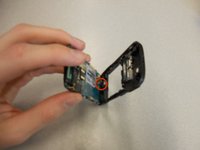
Carefully remove the computer chip and screen out of the black case with your fingers.
-
-
-
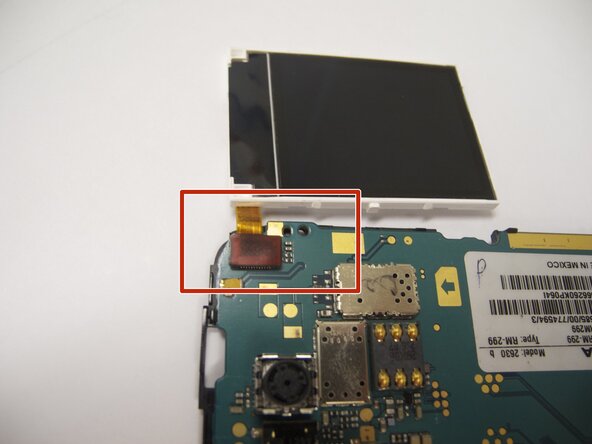
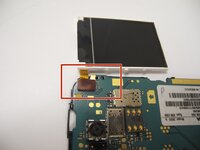
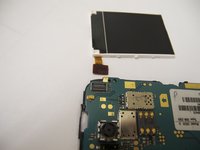
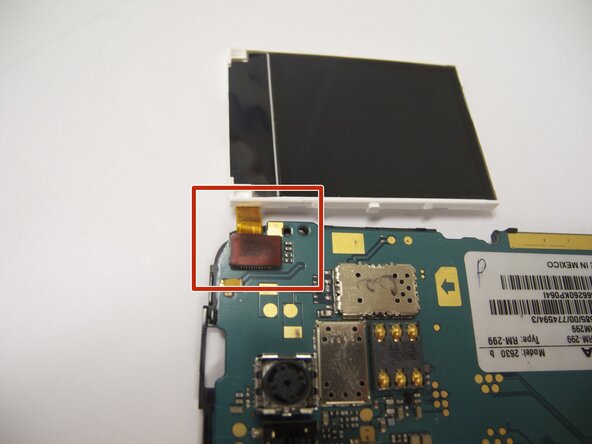
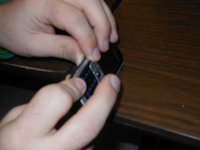
The screen is attached to the motherboard by an orange ribbon.
-
Carefully detach the ribbon from the motherboard using your fingers.
-
-
-
-
-
-
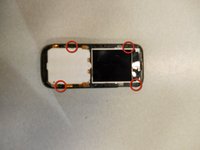
Locate the four screws that secure the back case to the rest of the phone.
-
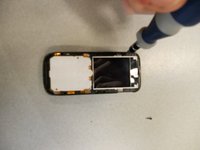
Unscrew all four screws using a "T-5" star shaped screw driver, turning counter-clockwise.
-
-
-
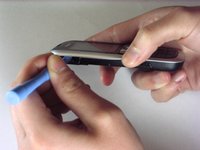
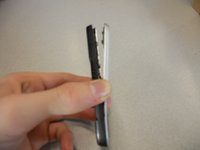
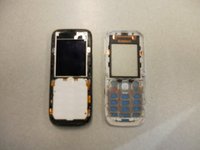
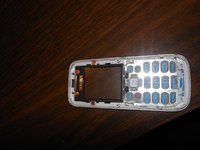
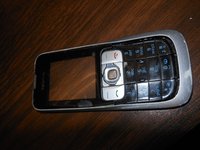
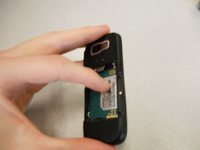
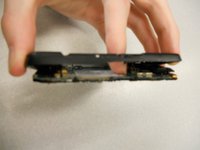
Holding the rear case, applying pressure to the back of the phone near the location of the battery in order to separate the two components.
-
-















To reassemble your device, follow these instructions in reverse order. Take your e-waste to an R2 or e-Stewards certified recycler.

Team

Cal Poly, Team 9-61, Walters Spring 2011 Member of Cal Poly, Team 9-61, Walters Spring 2011
CPSU-WALTERS-S11S9G61
5 Members
48 Guides authored
