Introduction
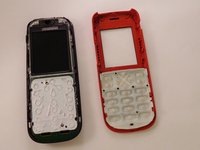
This guide will show you how to remove the faceplate. With the faceplate removed, you can clean the keypad if it is sticking or completely replace the keypad if it is broken.
What you need
-
-
-
Using your thumbs, press and slide down the back cover of the Nokia 1010.
 Ask FixBot
-
-
-
Insert the prying tool in the notch above the battery.
-
Once the prying tool is inserted, lift up the battery.
-
-
-
-
-
-
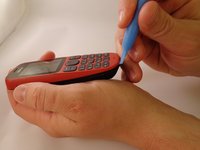
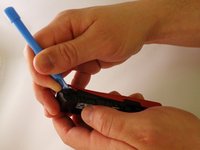
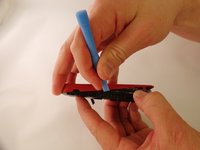
Insert the prying tool between the seam of the faceplate and the body.
-
-
-
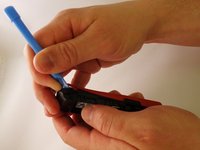
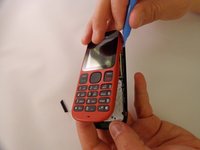
Starting from the bottom of the phone, begin prying around the base of the phone alternating form left to right.
-
-
-
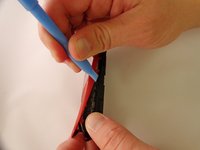
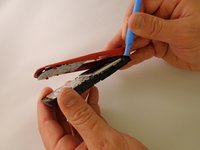
As the base loosens, slowly increase the separation between the plates and the body of the phone.
-
-






To reassemble your device, follow these instructions in reverse order.
Cancel: I did not complete this guide.
9 other people completed this guide.

Team

Eastern Washington University, Team 1-1, Plummer Spring 2015 Member of Eastern Washington University, Team 1-1, Plummer Spring 2015
EWU-PLUMMER-S15S1G1
4 Members
72 Guides authored
