Free Shipping on Domestic Orders $75+

Nokero N400 Back Cover Replacement

What you need

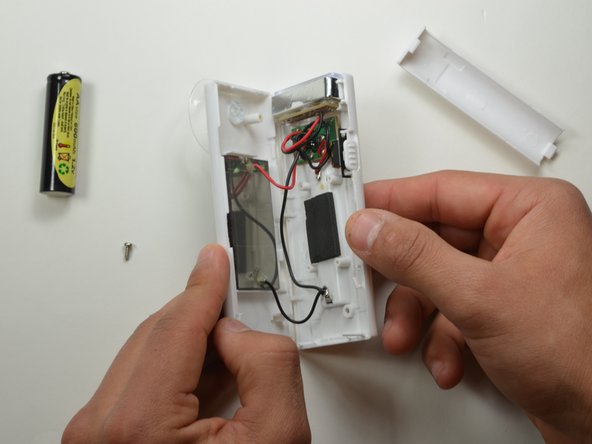
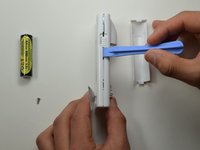
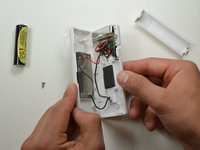
    1. Nokero N400 Back Cover Replacement, Remove Battery Cover: step 1, image 1 of 3 Nokero N400 Back Cover Replacement, Remove Battery Cover: step 1, image 2 of 3 Nokero N400 Back Cover Replacement, Remove Battery Cover: step 1, image 3 of 3
      • Press down firmly to remove the battery cover and display battery.

      • Then remove the battery.

      Ask FixBot

      Add Comment

    2. Nokero N400 Back Cover Replacement, Unscrew Back Cover: step 2, image 1 of 2 Nokero N400 Back Cover Replacement, Unscrew Back Cover: step 2, image 2 of 2
      • Remove the 7mm Phillips #1 screw.

      Ask FixBot

      Add Comment

    3. Nokero N400 Back Cover Replacement, Pry Open Back Cover: step 3, image 1 of 2 Nokero N400 Back Cover Replacement, Pry Open Back Cover: step 3, image 2 of 2
      • Place the plastic opening tool in between the two plastic panels and slowly work your way around the device.

      • Unlatch the clips on the inside and pull device apart.

      • Some clips will break when forced open.

      Ask FixBot

      Add Comment

Conclusion

To reassemble your device, follow these instructions in reverse order.

Cancel: I did not complete this guide.

Kasey Kolyno

Member since: 01/20/15

125 Reputation

1 Guide authored

Team

USF Tampa, Team 19-2, Blackwell Winter 2015 Member of USF Tampa, Team 19-2, Blackwell Winter 2015

USFT-BLACKWELL-W15S19G2

4 Members

60 Guides authored

0 Guide Comments

Add Comment

View Statistics:

Past 24 Hours: 0

Past 7 Days: 4

Past 30 Days: 39

All Time: 551