Free Shipping on Domestic Orders $75+

Nokero N222-Huron Colored Lens Replacement

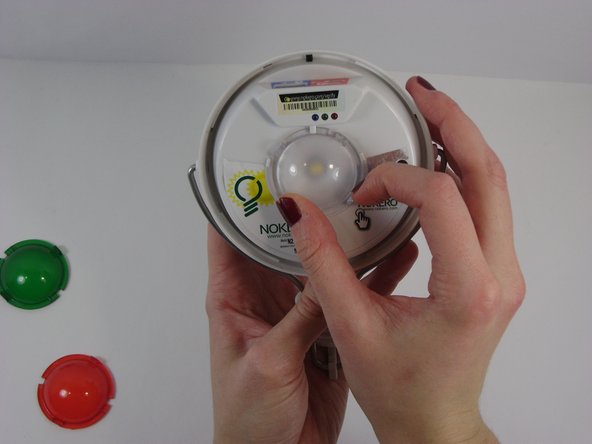
  1. Nokero N222-Huron Colored Lens Replacement, Clear Cover: step 1, image 1 of 1
    • Grasp the clear cover and the white housing and twist the cover counter-clockwise.

    • The lid may hold fast, but it will come off with some firm twisting.

    Ask FixBot
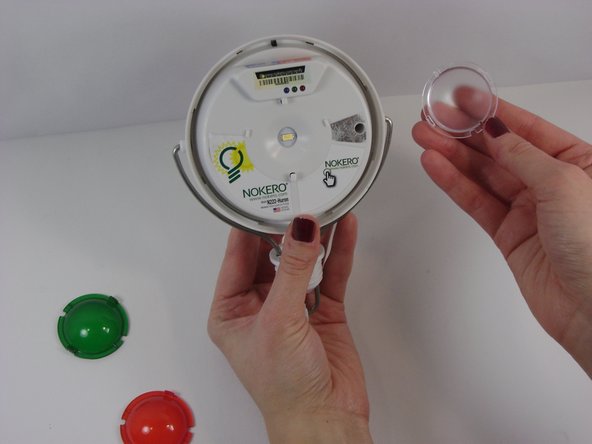
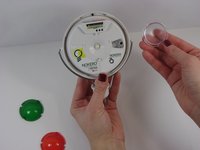
  2. Nokero N222-Huron Colored Lens Replacement: step 2, image 1 of 1
    • Lift the lid from the device

    • It may be helpful to use a spudger to pry under the lid if there is difficulty in getting a good grip on the smooth plastic.

    Ask FixBot
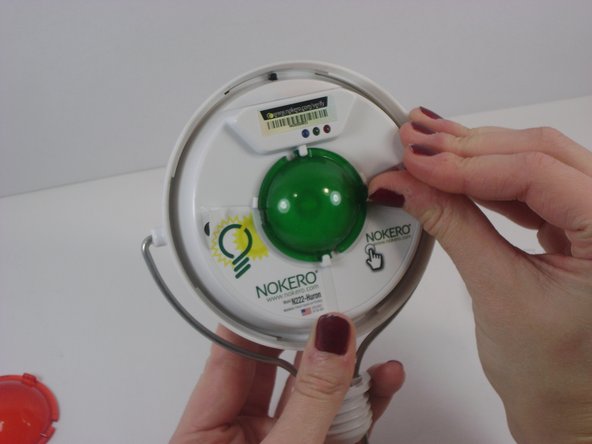
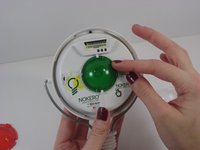
  3. Nokero N222-Huron Colored Lens Replacement, Colored Lens: step 3, image 1 of 3 Nokero N222-Huron Colored Lens Replacement, Colored Lens: step 3, image 2 of 3 Nokero N222-Huron Colored Lens Replacement, Colored Lens: step 3, image 3 of 3
    • Turn the lens until the slots line up with the retaining clips on the device.

    • Lift the lens off of the device. It should come off easily.

    Ask FixBot
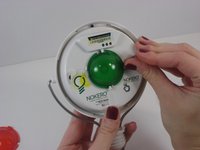
  4. Nokero N222-Huron Colored Lens Replacement: step 4, image 1 of 2 Nokero N222-Huron Colored Lens Replacement: step 4, image 2 of 2
    • When reinstalling the lends, line up the slots of the new lens with the retaining clips, and rotate the lens counter-clockwise.

    • You will hear an audible click when the lens is locked in place.

    Ask FixBot
Conclusion

To reassemble your device, follow the instructions for the first two steps in reverse order.

Vinny Capone

Member since: 10/18/13

549 Reputation

5 Guides authored

Team

UMass Dartmouth, Team 2-4, Gulbrandsen Fall 2013 Member of UMass Dartmouth, Team 2-4, Gulbrandsen Fall 2013

UMASSD-GULBRANDSEN-F13S2G4

3 Members

10 Guides authored

0 Guide Comments

Add Comment

View Statistics:

Past 24 Hours: 2

Past 7 Days: 15

Past 30 Days: 60

All Time: 517