Free Shipping on Domestic Orders $75+

Nobis NB07 Microphone Replacement

Views: 651

View statistics:

Past 24 Hours:
3
Past 7 Days:
21
Past 30 Days:
103
All Time:
651
Comments: 0

No one has left comments on this guide. Will you be first?

Go to guide comments
Completed: 0

No one has marked this guide "completed." Will you be the first?

Favorites: 0

No one has favorited (and subscribed to) this guide. Will you be the first?

Time Required: 25 - 35 minutes
Difficulty: Difficult
Nobis NB07 Microphone Replacement

Introduction

Go to step 1 ↓

If your tablet microphone is not working at its best, you can replace it easily using this guide. To do so, you will need to disassemble your tablet and use soldering tools.

What you need

Tools

    1. Nobis NB07 Microphone Replacement, Opening the case: step 1, image 1 of 1
      • Look towards the topside of the tablet, where the power button is located.

      • Insert a plastic opening tool in the crack between the two parts of the case.

      • Move it gently back and forth to open the case.

      Ask FixBot

      Add Comment

    2. Nobis NB07 Microphone Replacement: step 2, image 1 of 3 Nobis NB07 Microphone Replacement: step 2, image 2 of 3 Nobis NB07 Microphone Replacement: step 2, image 3 of 3
      • With the plastic opening tool in the opening between the two sides of the case, slide the tool along the tablet's border to separate the two sides completely.

      • Be careful when you separate the two halves. Open the case from the opposite side of the camera, there is a cable connecting both halves of the case.

      Ask FixBot

      Add Comment

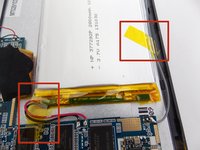
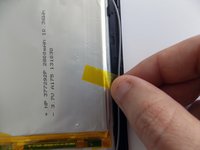
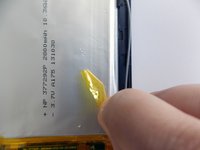
    3. Nobis NB07 Microphone Replacement, Replacing the battery: step 3, image 1 of 3 Nobis NB07 Microphone Replacement, Replacing the battery: step 3, image 2 of 3 Nobis NB07 Microphone Replacement, Replacing the battery: step 3, image 3 of 3
      • Remove the tape holding the battery in place.

      Ask FixBot

      Add Comment

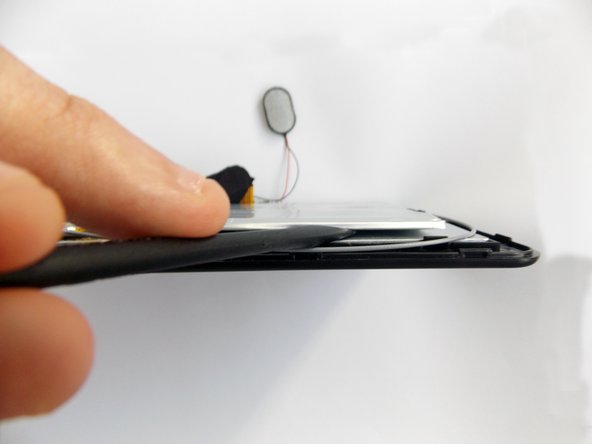
    4. Nobis NB07 Microphone Replacement: step 4, image 1 of 3 Nobis NB07 Microphone Replacement: step 4, image 2 of 3 Nobis NB07 Microphone Replacement: step 4, image 3 of 3
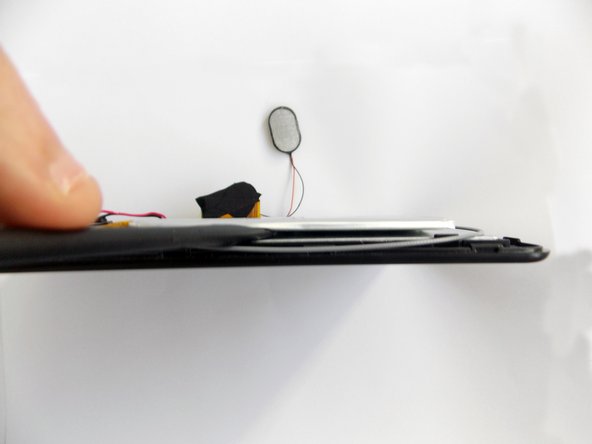
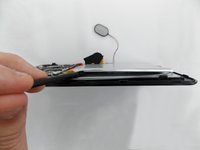
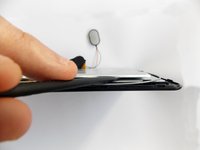
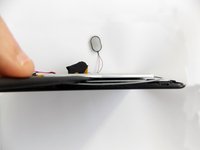
      • Insert the flat end of the spudger tool in the crack beneath the battery.

      • Move the spudger tool carefully side to side to remove the glue that is holding the battery in place.

      • This is a soft battery, so a little bending is expected.

      Ask FixBot

      Add Comment

    5. Nobis NB07 Microphone Replacement: step 5, image 1 of 1
      • After the battery is unglued, locate the cables that connect it to the motherboard.

      • Annotate where each color goes to make the reassembly easier.

      Ask FixBot

      Add Comment

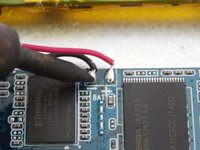
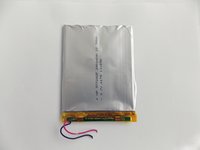
    6. Nobis NB07 Microphone Replacement: step 6, image 1 of 2 Nobis NB07 Microphone Replacement: step 6, image 2 of 2
      • Desolder the cables with a soldering iron and use a desoldering braid to remove the solder.

      • Review the Ifixit soldering guide if you need help soldering.

      • You can now remove the battery.

      Ask FixBot

      Add Comment

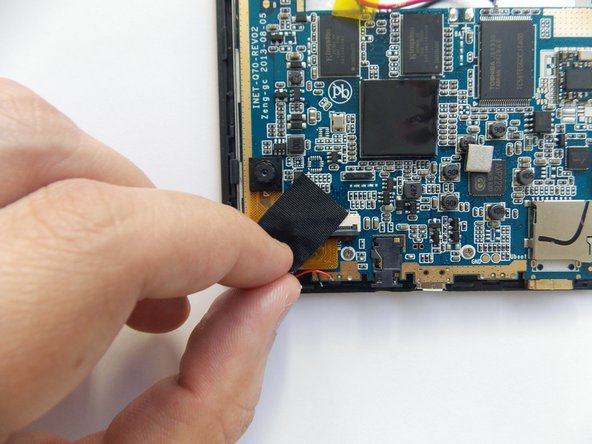
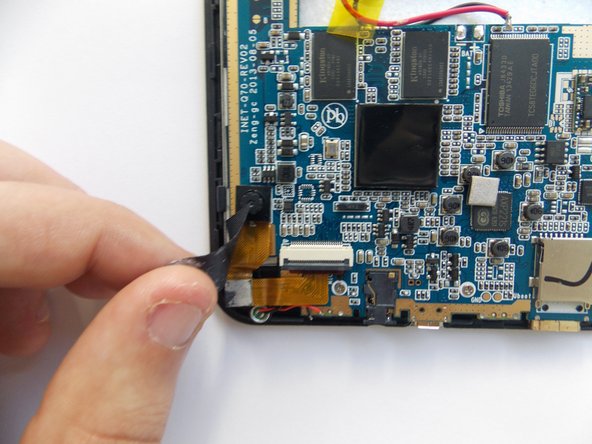
    1. Nobis NB07 Microphone Replacement, Removing the cameras: step 7, image 1 of 3 Nobis NB07 Microphone Replacement, Removing the cameras: step 7, image 2 of 3 Nobis NB07 Microphone Replacement, Removing the cameras: step 7, image 3 of 3
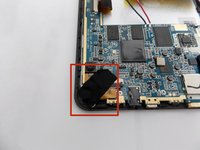
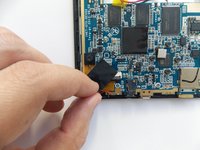
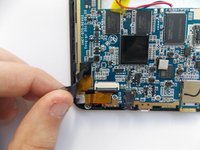
      • Remove the black tape covering the cameras power cable.

      Ask FixBot

      Add Comment

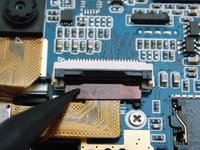
    2. Nobis NB07 Microphone Replacement: step 8, image 1 of 2 Nobis NB07 Microphone Replacement: step 8, image 2 of 2
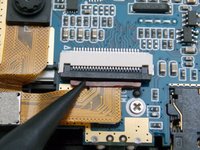
      • Use the spudger tool to pry upwards the ZIF connector and release the power cable.

      Ask FixBot

      Add Comment

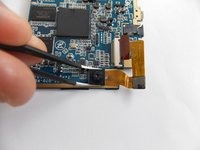
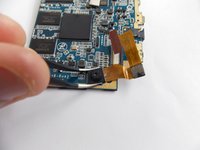
    3. Nobis NB07 Microphone Replacement: step 9, image 1 of 3 Nobis NB07 Microphone Replacement: step 9, image 2 of 3 Nobis NB07 Microphone Replacement: step 9, image 3 of 3
      Tool used on this step:
      Tweezers
      $4.99
      Buy
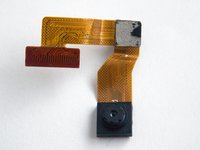
      • With the power cable disconnected, the backside camera is free. However, both cameras are sequentially connected through the power cable; the front side camera is glued to the motherboard.

      • Using tweezers, carefully grab the front camera and twist slowly.

      • The camera should release easily, do not twist too hard.

      • You can now remove the cameras.

      Ask FixBot

      Add Comment

    1. Nobis NB07 Microphone Replacement, Removing the microphone: step 10, image 1 of 1
      • Locate the microphone's cables in front of the cameras' ZIF connector.

      • Annotate where each color goes to make the reassembly easier.

      Ask FixBot

      Add Comment

    2. Nobis NB07 Microphone Replacement: step 11, image 1 of 1
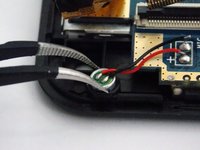
      • Desolder the cables with a soldering iron and use a desoldering braid to remove the solder.

      • Review the Ifixit soldering guide if you need help soldering.

      Ask FixBot

      Add Comment

    3. Nobis NB07 Microphone Replacement: step 12, image 1 of 2 Nobis NB07 Microphone Replacement: step 12, image 2 of 2
      Tool used on this step:
      Tweezers
      $4.99
      Buy
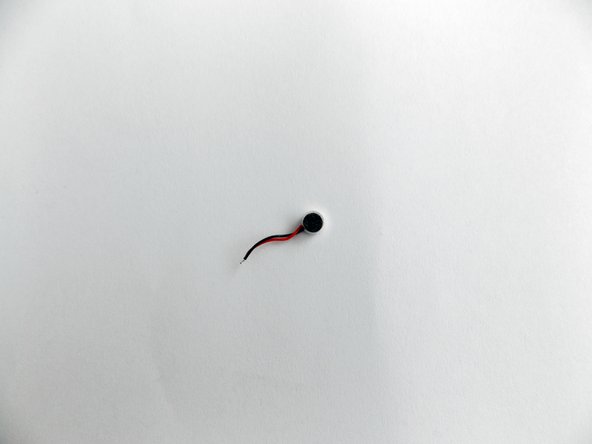
      • Use the pointy end of the tweezers to retrieve the microphone from its socket.

      • You can now remove the microphone.

      Ask FixBot

      Add Comment

Conclusion

To reassemble your device, follow these instructions in reverse order.

Cancel: I did not complete this guide.

Daniel Gomero

Member since: 01/21/15

966 Reputation

5 Guides authored

Team

USF Tampa, Team 5-5, Brown Winter 2015 Member of USF Tampa, Team 5-5, Brown Winter 2015

USFT-BROWN-W15S5G5

3 Members

60 Guides authored

0 Guide Comments

Add Comment

View Statistics:

Past 24 Hours: 3

Past 7 Days: 21

Past 30 Days: 103

All Time: 651