Free Shipping on Domestic Orders $75+

Nintendo Wii U Wireless and Bluetooth Module Replacement

What you need

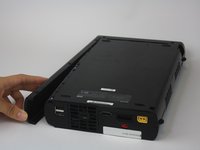
  1. Nintendo Wii U Wireless and Bluetooth Module Replacement, Wireless 2.4ghz Module and Bluetooth Module: step 1, image 1 of 3 Nintendo Wii U Wireless and Bluetooth Module Replacement, Wireless 2.4ghz Module and Bluetooth Module: step 1, image 2 of 3 Nintendo Wii U Wireless and Bluetooth Module Replacement, Wireless 2.4ghz Module and Bluetooth Module: step 1, image 3 of 3
    • Locate the black or white stickers on the underside of the unit. A spudger will be used to remove these stickers to revel 9 screws.

    Ask FixBot

    Add Comment

  2. Nintendo Wii U Wireless and Bluetooth Module Replacement: step 2, image 1 of 1
    • Remove the five Phillips #0 screws.

    • Remove the four Tri-Wing (Y1) screws.

    Ask FixBot

    Add Comment

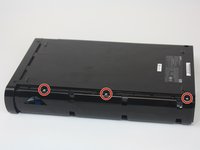
  3. Nintendo Wii U Wireless and Bluetooth Module Replacement: step 3, image 1 of 2 Nintendo Wii U Wireless and Bluetooth Module Replacement: step 3, image 2 of 2
    • Remove the CMOS battery door on the left side of the console.

    • Remove the three Y1 Tri-Wing screws.

    Ask FixBot

    Add Comment

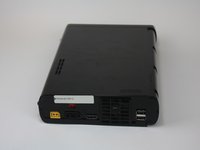
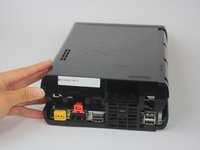
  4. Nintendo Wii U Wireless and Bluetooth Module Replacement: step 4, image 1 of 3 Nintendo Wii U Wireless and Bluetooth Module Replacement: step 4, image 2 of 3 Nintendo Wii U Wireless and Bluetooth Module Replacement: step 4, image 3 of 3
    • Gently pry off the top lid of the Wii U.

    Ask FixBot

    Add Comment

  5. Nintendo Wii U Wireless and Bluetooth Module Replacement: step 5, image 1 of 3 Nintendo Wii U Wireless and Bluetooth Module Replacement: step 5, image 2 of 3 Nintendo Wii U Wireless and Bluetooth Module Replacement: step 5, image 3 of 3
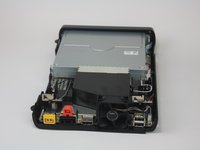
    • Rotate the device so that the front plate is facing you.

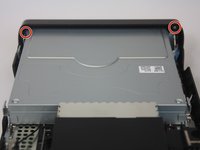
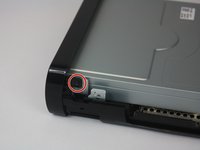
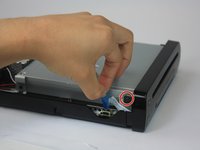
    • Remove the two Phillips #1 screws that connect the front plate to each side of the device.

    Ask FixBot

    Add Comment

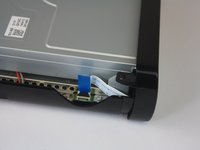
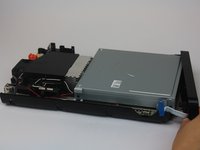
  6. Nintendo Wii U Wireless and Bluetooth Module Replacement: step 6, image 1 of 2 Nintendo Wii U Wireless and Bluetooth Module Replacement: step 6, image 2 of 2
    • Remove the ribbon cable from the unit.

    • Separate the front plate from the main console.

    Ask FixBot

    Add Comment

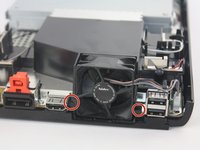
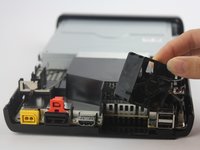
  7. Nintendo Wii U Wireless and Bluetooth Module Replacement: step 7, image 1 of 2 Nintendo Wii U Wireless and Bluetooth Module Replacement: step 7, image 2 of 2
    • Remove the fan with a Phillips #1 by unscrewing the two connecting screws on both sides of the fan. The fan’s wires will still be attached to the motherboard as it is permanently affixed.

    Ask FixBot

    Add Comment

  8. Nintendo Wii U Wireless and Bluetooth Module Replacement: step 8, image 1 of 2 Nintendo Wii U Wireless and Bluetooth Module Replacement: step 8, image 2 of 2
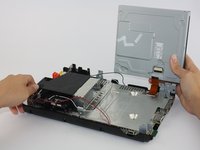
    • Using a Phillips #0 screwdriver, unscrew the four screws (two on each side) from the disc reader connecting it to the main console and remove disc reader.

    Ask FixBot

    Add Comment

  9. Nintendo Wii U Wireless and Bluetooth Module Replacement: step 9, image 1 of 3 Nintendo Wii U Wireless and Bluetooth Module Replacement: step 9, image 2 of 3 Nintendo Wii U Wireless and Bluetooth Module Replacement: step 9, image 3 of 3
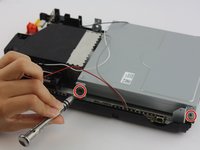
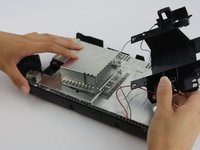
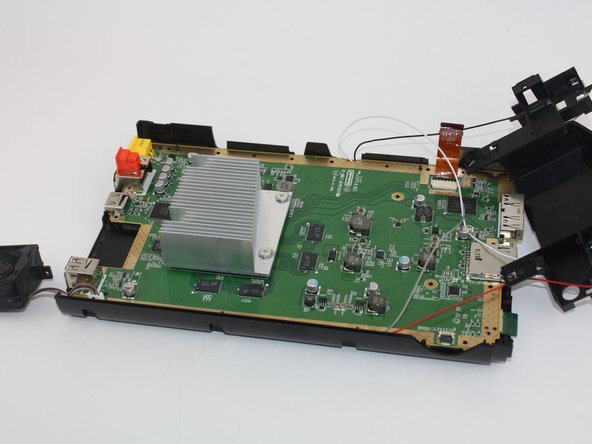
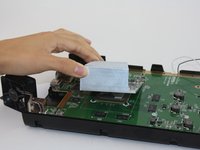
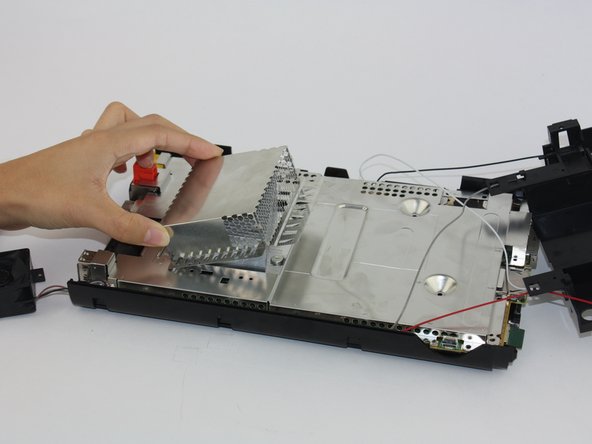
    • Unscrew and remove the heatsink. You will have to carefully move the antenna cables out of the way in order to remove the heatsink shielding.

    Ask FixBot

    Add Comment

  10. Nintendo Wii U Wireless and Bluetooth Module Replacement: step 10, image 1 of 2 Nintendo Wii U Wireless and Bluetooth Module Replacement: step 10, image 2 of 2
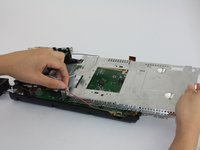
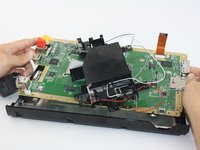
    • Using a Phillips #1 unscrew all floor screws connecting the outer plate from the circuit board to remove the circuit board.

    Ask FixBot

    Add Comment

  11. Nintendo Wii U Wireless and Bluetooth Module Replacement: step 11, image 1 of 2 Nintendo Wii U Wireless and Bluetooth Module Replacement: step 11, image 2 of 2
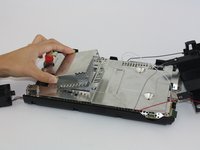
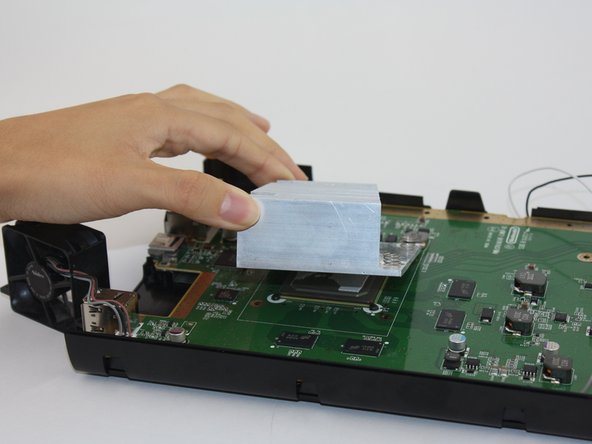
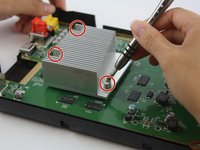
    • Using a Phillips #1 unscrew the 4 screws securing the heatsink to the motherboard and remove the heatsink.

    Ask FixBot

    Add Comment

  12. Nintendo Wii U Wireless and Bluetooth Module Replacement: step 12, image 1 of 2 Nintendo Wii U Wireless and Bluetooth Module Replacement: step 12, image 2 of 2
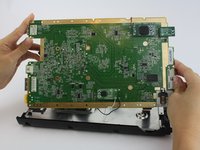
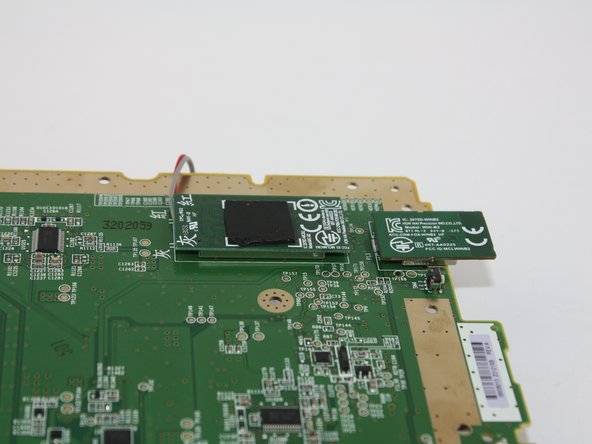
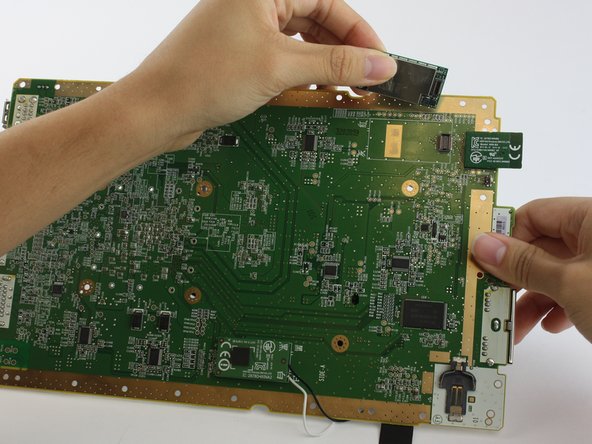
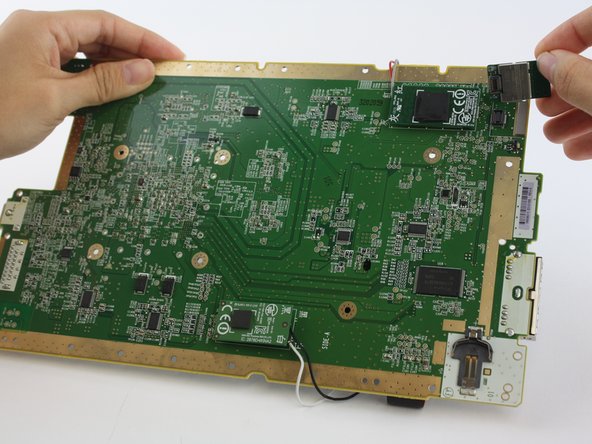
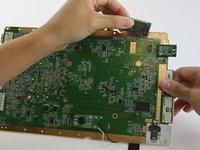
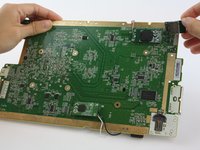
    • Locate the screws lining the perimeter of the motherboard that you will remove with a Phillips #1 screwdriver. Once they are unscrewed, the motherboard should easily separate from the lower tray.

    • Once the motherboard is detached, flip it over to view the wireless modules.

    Ask FixBot

    Add Comment

  13. Nintendo Wii U Wireless and Bluetooth Module Replacement: step 13, image 1 of 3 Nintendo Wii U Wireless and Bluetooth Module Replacement: step 13, image 2 of 3 Nintendo Wii U Wireless and Bluetooth Module Replacement: step 13, image 3 of 3
    • Pull up gently on the wireless modules to avoid breakage.

    Ask FixBot

    Add Comment

Conclusion

To reassemble your device, follow these instructions in reverse order.

Cancel: I did not complete this guide.

9 other people completed this guide.

Jana Miles

Member since: 02/24/16

326 Reputation

1 Guide authored

Team

USF Tampa, Team 1-2, Leahy Spring 2016 Member of USF Tampa, Team 1-2, Leahy Spring 2016

USFT-LEAHY-S16S1G2

3 Members

15 Guides authored

7 Guide Comments

GamePad module is model: MIC-B2 (5GHz) (BCM43237KMLG).

WiFi module is model: WIN-A2 (2.4GHz) (BCM43362KUBG).

Bluetooth module is model: WIN-B2 (BCM20702).

phacox.cll - Reply Share
Great guide with clear pictures!

Question: Does the Wii U operate correctly without WiFi and without Bluetooth modules? Of course, no connection can be established thru these modules when they were removed, but, does all the other stuff work correctly and you can play your games as usual?

Bert Zweistein - Reply Share
I am thinking you wouldn't be able to use any controllers if you did so because of their reliance on the Bluetooth module, no? I am not sure if the Gamepad controller uses only 5GHz wifi only or Bluetooth too

IronGumby - Reply Share

So after wasting quite a bit of my life looking for these parts. Here are the part numbers that you should type into the good ole Google machine or Ebay if you are looking to purchase these parts.

GamePad module (5GHz) : 2878D-MIC-B2

WiFi module (2.4GHz) Part number is: 2878D-WIN-A2

Bluetooth module Part number is: 2878D-WIN-B2

Just some dude - Reply Share

How in the world am I expected to get these 2 cables off of the bluetooth adapter? I do not want to break them off but I do not think they twist off either

Shawn Berry - Reply Share

Add Comment

View Statistics:

Past 24 Hours: 13

Past 7 Days: 60

Past 30 Days: 344

All Time: 16,525