Introduction
If your Gameboy Pocket is not powering on properly, there are a number of things you can try. One of the easiest methods is to clean out any corrosion there may be in the battery terminals, which could be interfering with the battery connection.
This guide will walk you through the removal and cleaning of the shell-side battery terminal (the one not attached to the motherboard) to get your Gameboy powering on without a hitch.
Before beginning this guide, make sure your Gameboy is powered off.
What you need
-
-
-
Remove the battery cover and batteries.
 Ask FixBot
-
-
-
Separate the front and back side of the Gameboy by gently pulling them apart.
-
-
-
-
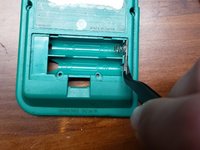
Using a flathead screwdriver (or flat piece of plastic), nudge in the clip holding the shell-side battery terminal in place to release it from the shell.
-
-
Tool used on this step:Tweezers$4.99
-
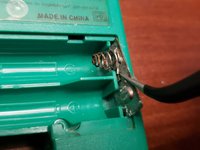
Using a pair of tweezers, remove the battery terminal from the shell.
-
-
-
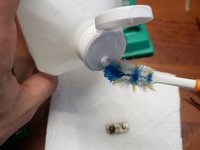
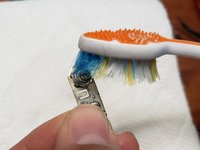
Add isopropyl alcohol to a toothbrush.
-
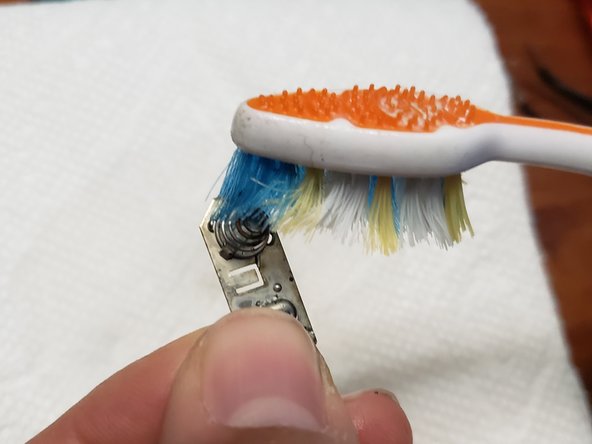
Scrub the terminal where the corrosion is to remove as much as possible. If most of the corrosion is removed, skip to step 10.
-
-
-
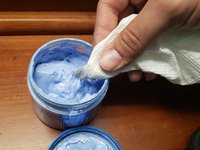
Add metal polish to a paper towel.
-
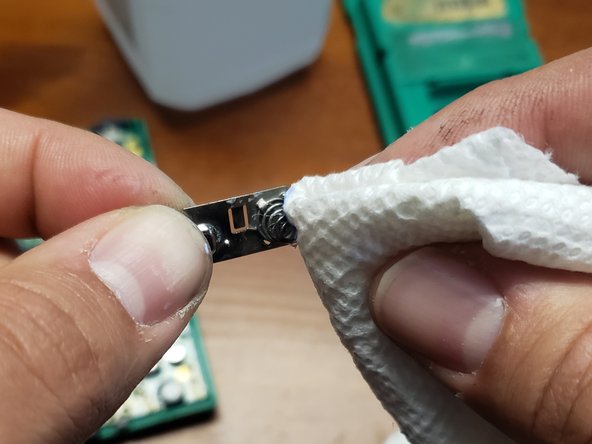
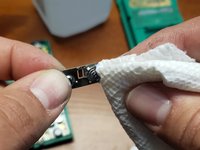
Polish the battery terminal to remove the remainder of the corrosion.
-
-





To reassemble your device, follow these instructions in reverse order.
Cancel: I did not complete this guide.
10 other people completed this guide.

Team

UMass Dartmouth, Team S1-G24, Riel Spring 2021 Member of UMass Dartmouth, Team S1-G24, Riel Spring 2021
UMASSD-RIEL-S21S1G24
1 Member
12 Guides authored
4 Guide Comments
Thank you for the guide! Resurrected a Gameboy Pocket today that has graphical glitches on the boot screen and sometimes crashed mid-game when a cartridge could load. This process seems to have completely remediated that.
I only needed to complete through step 6 to get clean shiny contacts in my case.
Much better than the usual battery replacement guides! Most of those are practically useless as they do little more than say, “replace the batteries,” which is pretty much self-evident, and noting, “clean any corrosion,” without explaining how to do that!
Is there a corresponding guide for cleaning the sections of the battery terminal which are fixed to the board, i.e. not shell-side?
