Free Shipping on Domestic Orders $75+

Nintendo Game Boy Advance SP Battery Replacement

What you need

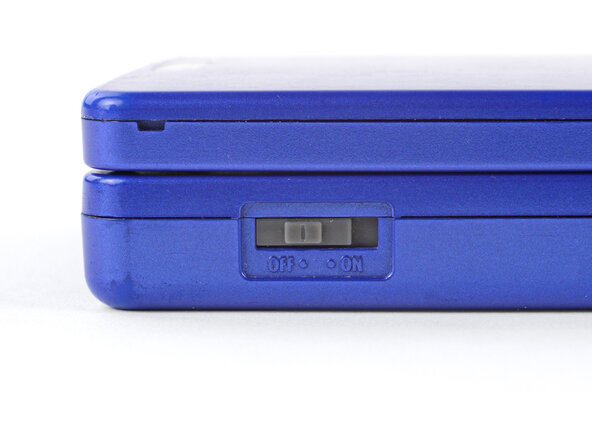
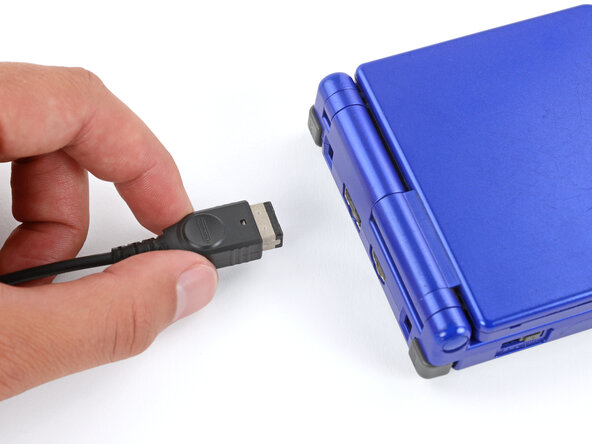
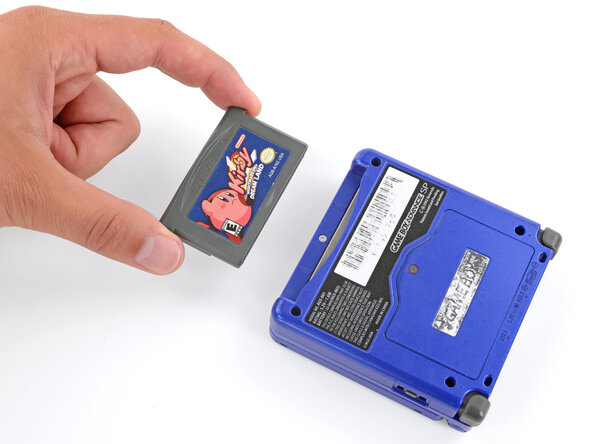
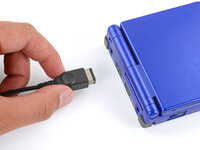
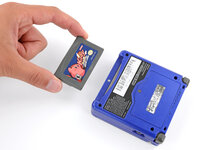
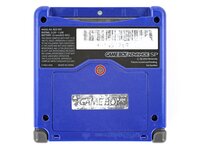
  1. Nintendo Game Boy Advance SP Battery Replacement, Prepare your Game Boy for disassembly: step 1, image 1 of 3 Nintendo Game Boy Advance SP Battery Replacement, Prepare your Game Boy for disassembly: step 1, image 2 of 3 Nintendo Game Boy Advance SP Battery Replacement, Prepare your Game Boy for disassembly: step 1, image 3 of 3
    • Slide the power switch to the OFF position and unplug any cables.

    • If you have a game cartridge in, remove it.

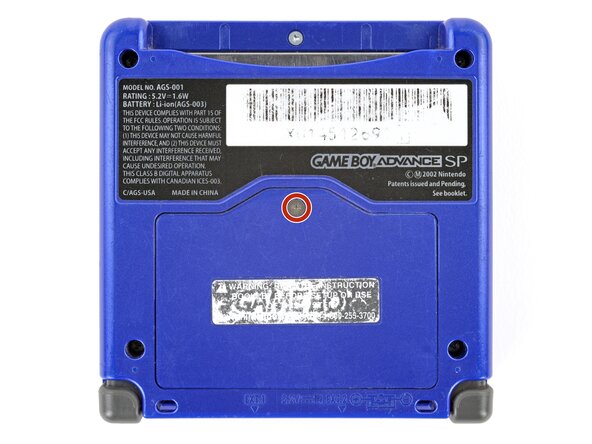
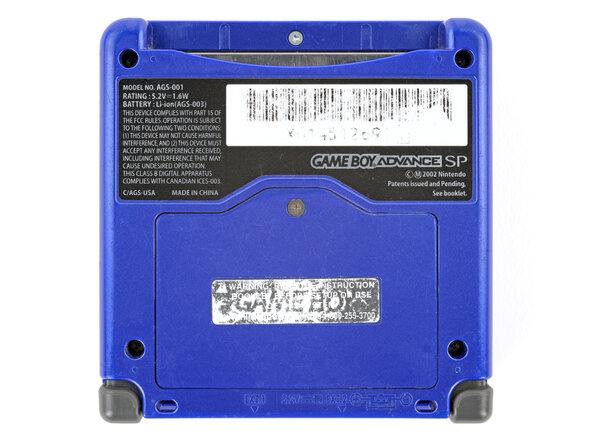
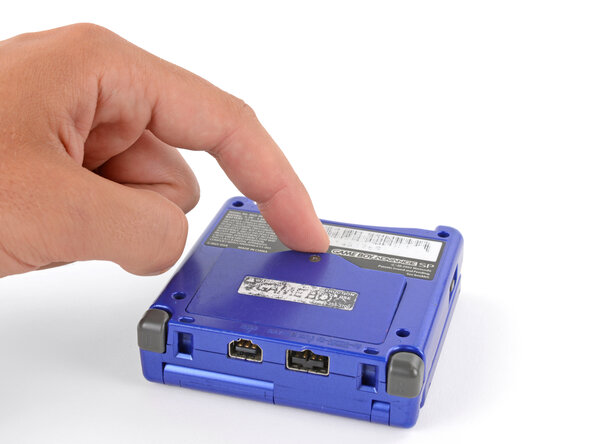
  2. Nintendo Game Boy Advance SP Battery Replacement, Remove the battery cover: step 2, image 1 of 2 Nintendo Game Boy Advance SP Battery Replacement, Remove the battery cover: step 2, image 2 of 2
    • Use a JIS 00 screwdriver to loosen the captive screw securing the battery cover.

    • You can try to use a non-iFixit Phillips driver in a pinch, but you risk damaging or stripping the screw. Push down firmly on the driver and twist slowly.

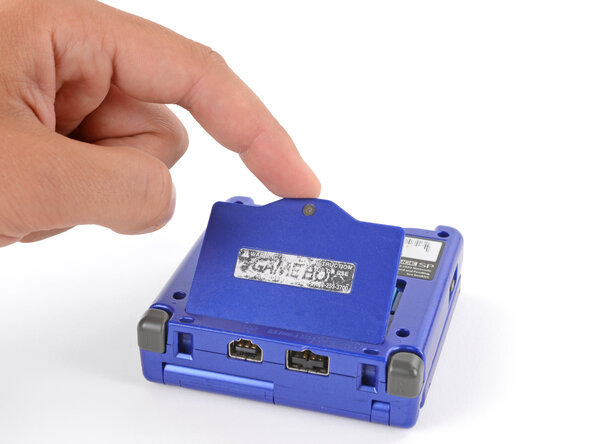
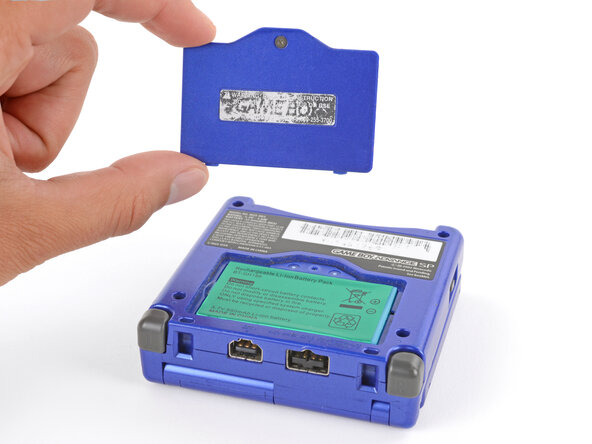
  3. Nintendo Game Boy Advance SP Battery Replacement: step 3, image 1 of 3 Nintendo Game Boy Advance SP Battery Replacement: step 3, image 2 of 3 Nintendo Game Boy Advance SP Battery Replacement: step 3, image 3 of 3
    • Lift the edge of the cover near the screw and remove the cover.

    • During reassembly, hook the tabs on the bottom edge of the cover into their slots and lay the cover into place.

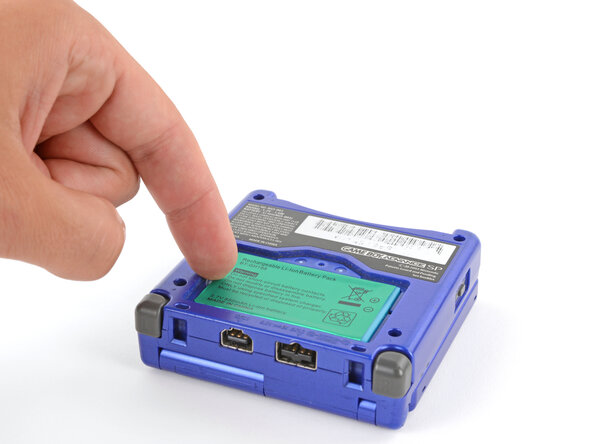
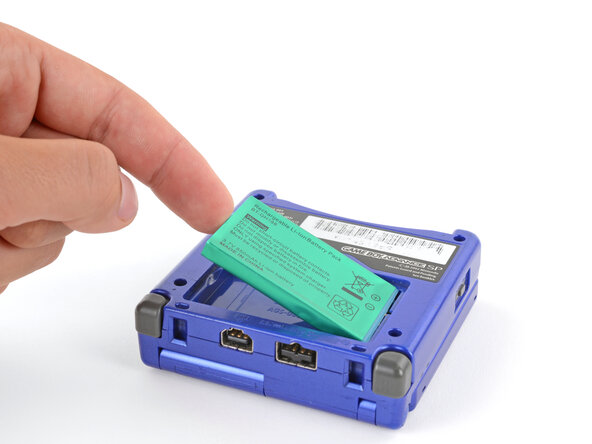
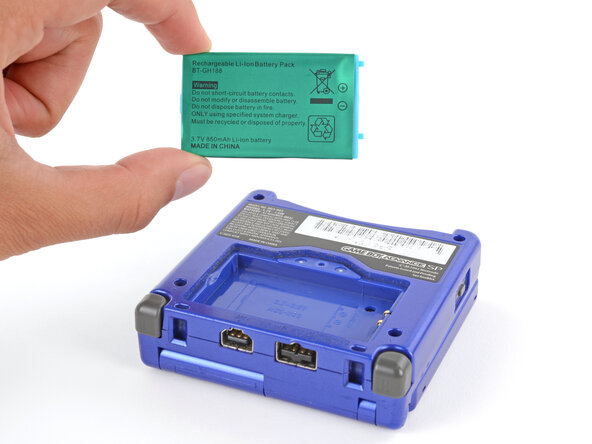
  4. Nintendo Game Boy Advance SP Battery Replacement, Remove the battery: step 4, image 1 of 3 Nintendo Game Boy Advance SP Battery Replacement, Remove the battery: step 4, image 2 of 3 Nintendo Game Boy Advance SP Battery Replacement, Remove the battery: step 4, image 3 of 3
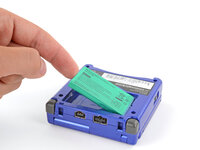
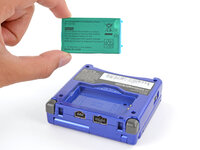
    • Use your finger to lift the battery by the tab on its left edge, then remove it.

    • During reassembly:

    • Never reuse a deformed or damaged battery—it's a fire hazard. Replace it with a new battery.

    • Your replacement battery may come with a plastic enclosure that slides over the battery.

    • Insert the edge of the battery with contacts at a slight downward angle—aligning the contacts with their prongs in the recess—and press the battery into place.

Conclusion

To reassemble your device, follow these instructions in reverse order.

Take your e-waste to an R2 or e-Stewards certified recycler.

Repair didn’t go as planned? Try some basic troubleshooting, or ask our Answers Community for troubleshooting help.

36 other people completed this guide.

Spencer Day

Member since: 09/14/22

184,038 Reputation

1,166 Guides authored

4 Guide Comments

This task is not very easy, its easy.

Very easy: Does not require opening device.

Easy: Requires minimal disassembly and requires a few tools like a Philips or flat-head screwdriver.

This however requires opening device.

Santi12008 - Reply Share

Why so pedantic?

keegan clow - Share

By "opening device" they mean it requires opening the casing rather than simply opening a battery door. This repair is meant to be performed by end-users and even Nintendo once sold the necessary parts. This is still "very easy."

fluffy - Share

Thanks for yout guideline. I settle in 5 minutes.

aam9999 - Reply Share

Add Comment

View Statistics:

Past 24 Hours: 17

Past 7 Days: 250

Past 30 Days: 1,053

All Time: 87,479