Introduction
This guide will show you how to replace the most important part of your Nintendo 3DS XL, the motherboard. The motherboard is the central part of your device, it's where everything happens!
What you need
-
-
-
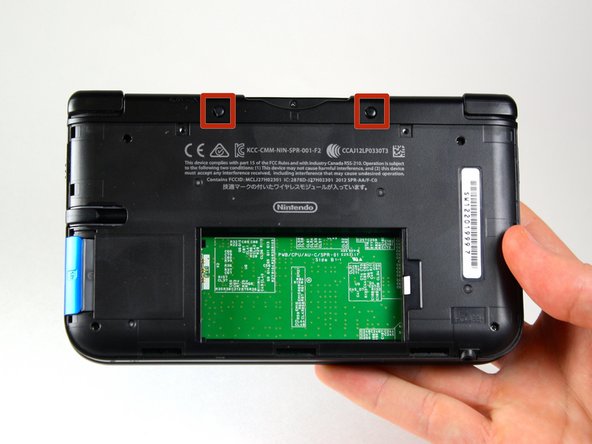
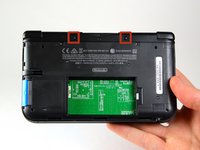
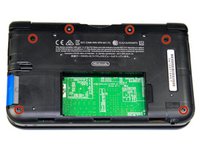
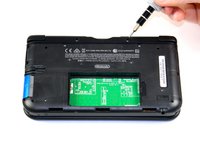
Use a JIS 00 screwdriver to loosen the 4.2 mm‑long screws on the top edge of the back cover.
 Ask FixBot
-
-
-
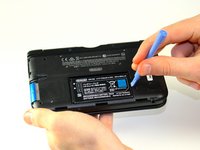
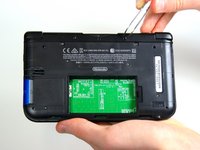
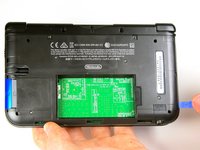
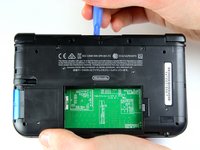
Use a plastic opening tool to pry off the clips securing the back cover, starting at the top corners and working your way down.
-
Use your hands to remove the back cover.
-
-
-
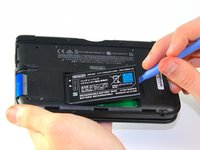
Insert the plastic opening tool into the opening located on the right side of the battery.
-
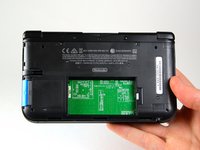
Pry the battery out of its recess and remove it.
-
-
-
-
Tool used on this step:Tweezers$4.99
-
Using tweezers pull out the rubber bumpers that are located at the top of the device on either side of the game cartridge compartment.
-
-
-
Remove the 2.3 mm screw located above the game cartridge slot with a Phillips #00 screwdriver.
-
-
-
With a plastic opening tool pry off the lower case starting at the bottom edge and working around the perimeter.
-
Two ribbon cables connect the case to the circuit board. Be careful to not pull the case too hard and rip the ribbon cables.
-
-
-
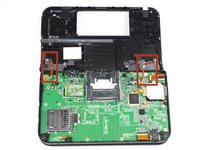
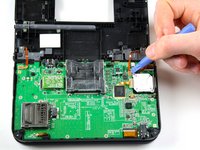
Disconnect the ribbon cables located underneath the left and right bumpers by prying up the base of the cables with a plastic opening tool.
-
Completely remove the lower case from the rest of the device and set aside.
-
-
-
-
Position the device such that the game cartridge slot is located at the top.
-
Locate the circle pad on the right side of the device.
-
Remove the two 7.5 mm screws on the upper left and the bottom right corners.
-
-
-
Using the flat head side of the spudger carefully lift up the retaining flap that attaches the circle pad ribbon to the motherboard.
-
Remove the ribbon and circle pad joystick.
-
-
-
-
-
Position the device such that the game cartridge slot is located at the top.
-
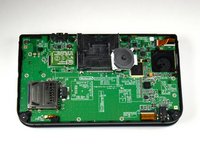
Locate the IR board on the upper right side of the motherboard.
-
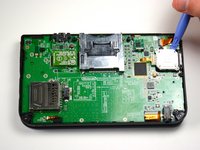
Remove the IR board with a plastic opening tool by inserting the tool below the IR board and gently prying up.
-
-
-
-
Tool used on this step:Tweezers$4.99
-
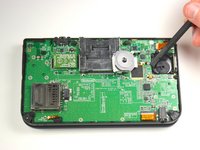
Locate the volume switch on the right side of the motherboard next to the circle pad joystick.
-
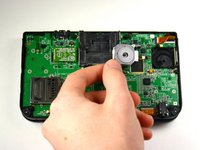
Using tweezers, carefully remove the volume board from the casing. It will still be attached to the motherboard by a ribbon cable.
-
-
-
Using the flat head side of the spudger carefully lift up the flap that attaches the volume board ribbon to the motherboard.
-
Remove the volume board and set aside.
-
-
-
Remove the black plastic pieces from the lower left and right hand corners with either your fingers or tweezers.
-
-
-
Using the flat head side of the spudger carefully lift up the flaps that attach the two smaller ribbons to the motherboard.
-
Remove the ribbons from the flaps.
-
-
-
Using the flat head side of the spudger carefully lift up the flaps that attach the wider ribbons to the motherboard.
-
Remove the ribbons from the opened flaps.
-
-
-
Using the flat head side of the spudger carefully lift up the flap that attaches the ribbon to the motherboard.
-
Remove the ribbon from the flap.
-
-
-
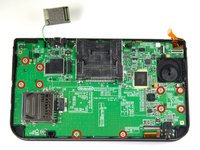
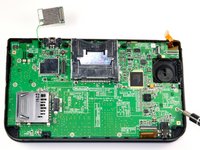
Use a Phillips #00 screwdriver to remove ten 3.0 mm screws that are located around the face of the motherboard.
-
-
-
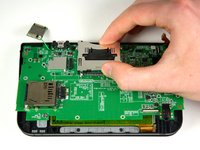
Carefully lift the board straight up just enough to clear the two plastic mounts located near the top corners of the cartridge slot.
-
Gently flip the motherboard over the top side.
-
-
-
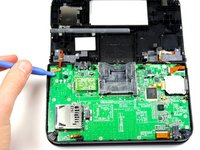
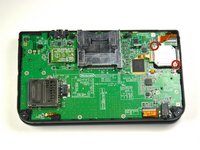
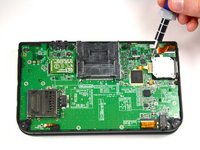
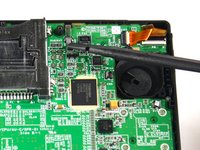
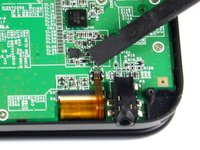
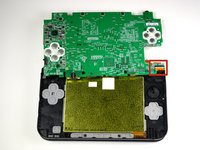
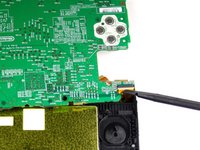
Using the flat head side of the spudger carefully lift up the flap that attaches the wider ribbon on the upper right side to the motherboard.
-
Remove the ribbon from the opened flap.
-
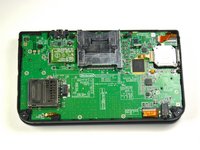
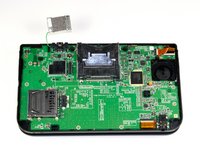
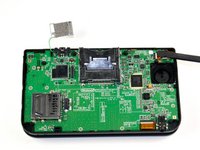
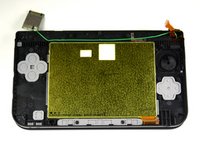
Set the motherboard aside.
-


















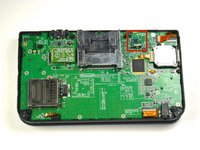
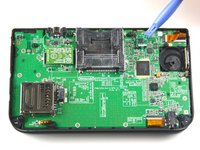


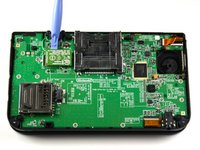
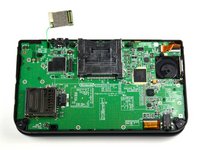


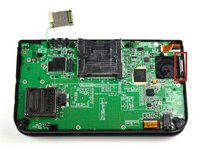
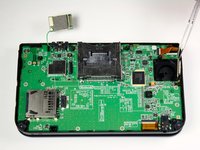


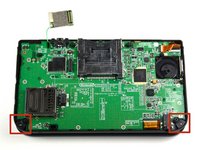
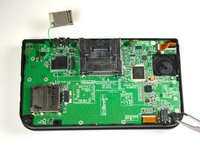




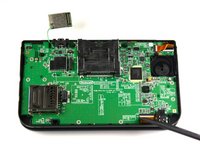
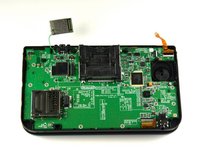


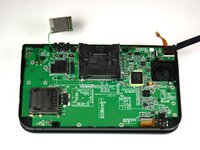
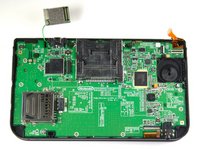






To reassemble your device, follow these instructions in reverse order.
Cancel: I did not complete this guide.
58 other people completed this guide.

Team

Cal Poly, Team 9-13, Regan Spring 2014 Member of Cal Poly, Team 9-13, Regan Spring 2014
CPSU-REGAN-S14S9G13
5 Members
96 Guides authored
14 Guide Comments
Does anyone know how to fix the flap on the ribbon because I accidentally removed the whole thing
How do you fix it so it will stop shutting down on start up?
