Introduction
The guide will help take apart the Nintendo 3DS XL to uncover the motherboard, then identify the IR Board in order to be replaced.
What you need
-
-
-
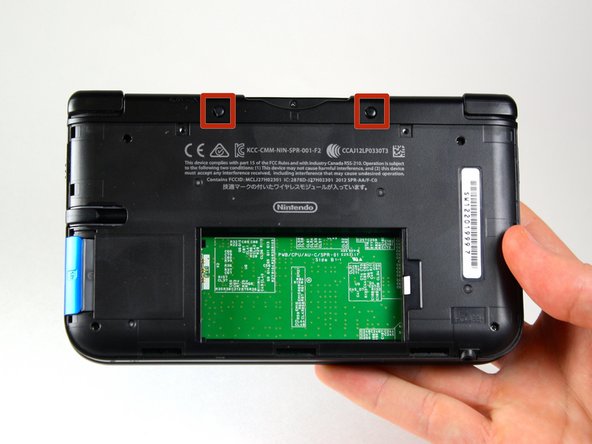
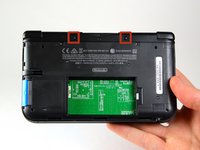
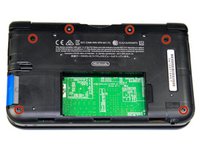
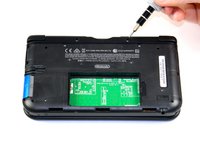
Use a JIS 00 screwdriver to loosen the 4.2 mm‑long screws on the top edge of the back cover.
 Ask FixBot
-
-
-
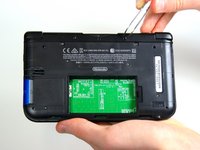
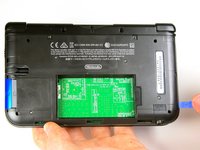
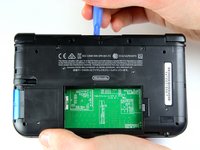
Use a plastic opening tool to pry off the clips securing the back cover, starting at the top corners and working your way down.
-
Use your hands to remove the back cover.
-
-
-
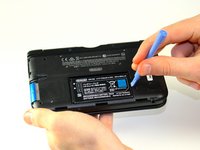
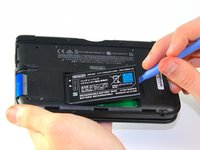
Insert the plastic opening tool into the opening located on the right side of the battery.
-
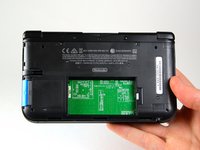
Pry the battery out of its recess and remove it.
-
-
-
-
Tool used on this step:Tweezers$4.99
-
Using tweezers pull out the rubber bumpers that are located at the top of the device on either side of the game cartridge compartment.
-
-
-
-
Remove the 2.3 mm screw located above the game cartridge slot with a Phillips #00 screwdriver.
-
-
-
With a plastic opening tool pry off the lower case starting at the bottom edge and working around the perimeter.
-
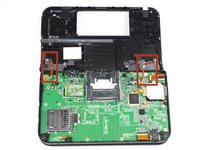
Two ribbon cables connect the case to the circuit board. Be careful to not pull the case too hard and rip the ribbon cables.
-
-
-
Disconnect the ribbon cables located underneath the left and right bumpers by prying up the base of the cables with a plastic opening tool.
-
Completely remove the lower case from the rest of the device and set aside.
-
-
-
Position the device such that the game cartridge slot is located at the top.
-
Locate the circle pad on the right side of the device.
-
Remove the two 7.5 mm screws on the upper left and the bottom right corners.
-
-
-
Using the flat head side of the spudger carefully lift up the retaining flap that attaches the circle pad ribbon to the motherboard.
-
Remove the ribbon and circle pad joystick.
-
-
-
-
-
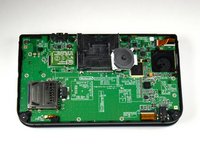
Position the device such that the game cartridge slot is located at the top.
-
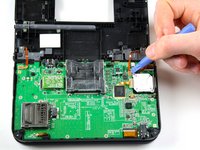
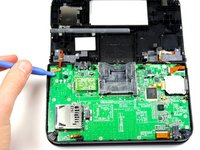
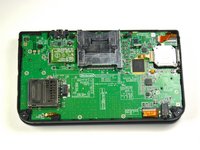
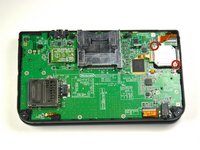
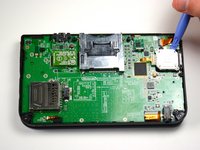
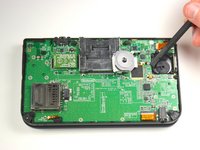
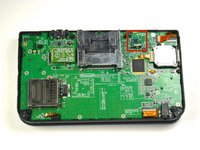
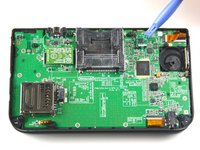
Locate the IR board on the upper right side of the motherboard.
-
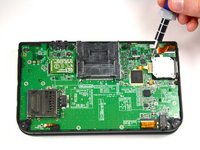
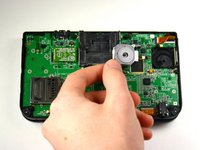
Remove the IR board with a plastic opening tool by inserting the tool below the IR board and gently prying up.
-
-


















To reassemble your device, follow these instructions in reverse order.
Cancel: I did not complete this guide.
11 other people completed this guide.

Team

Cal Poly, Team 9-13, Regan Spring 2014 Member of Cal Poly, Team 9-13, Regan Spring 2014
CPSU-REGAN-S14S9G13
5 Members
96 Guides authored
4 Guide Comments
This guide was really helpful, I had to teardown my 3DS to remove a rice crispy that was stuck in the SD card reader, I don't know how it got there, I wasn't even eating cereals
was removing the analog stick really necessary?
So I have an original 3DS and a 3DS XL the 3DS Xl Works great but the 3DS won't turn on. I believe it is because I t has a missing IR Board. I am hoping to use the one on the 3DS XL. Do you think it will work?they look similar in the pictures..... Anyway I am confused as to why I have to take out the cirlepad??
if you are missing ir board the system will not boot?
