Free Shipping on Domestic Orders $75+

Ninja Professional Blender BL660 Drive Socket Replacement

What you need

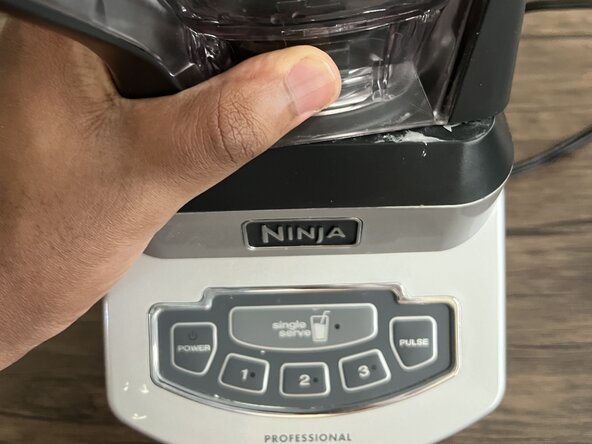
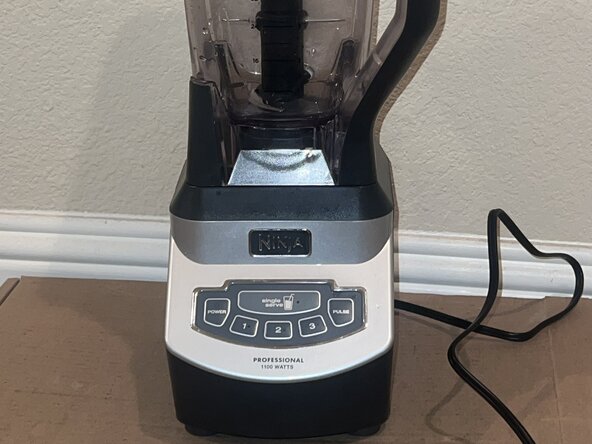
  1. Ninja Professional Blender BL660 Drive Socket Replacement, Ninja Professional Blender BL660 Drive Socket Replacement: step 1, image 1 of 3 Ninja Professional Blender BL660 Drive Socket Replacement, Ninja Professional Blender BL660 Drive Socket Replacement: step 1, image 2 of 3 Ninja Professional Blender BL660 Drive Socket Replacement, Ninja Professional Blender BL660 Drive Socket Replacement: step 1, image 3 of 3
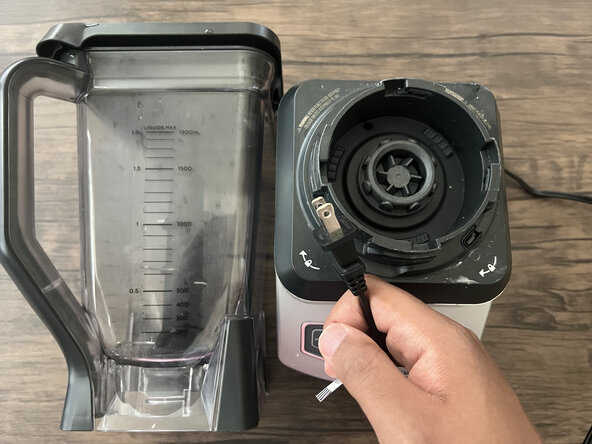
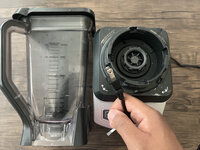
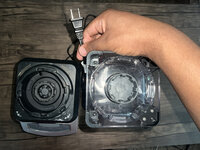
    • Make sure your blender is unplugged before you begin.

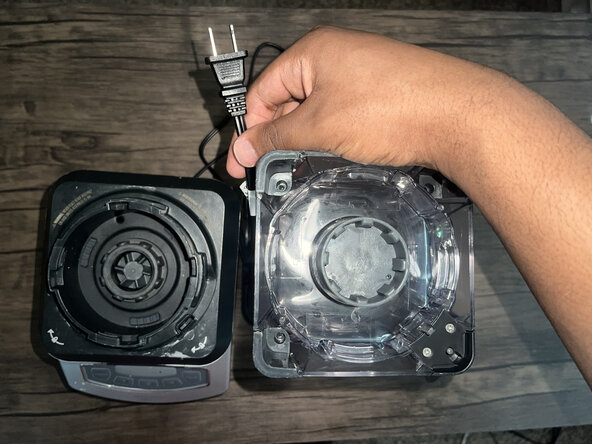
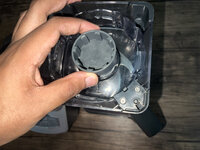
    • Remove the blender jar and blades.

    • Turn the blender jar upside down and set it next to the base.

  2. Ninja Professional Blender BL660 Drive Socket Replacement: step 2, image 1 of 3 Ninja Professional Blender BL660 Drive Socket Replacement: step 2, image 2 of 3 Ninja Professional Blender BL660 Drive Socket Replacement: step 2, image 3 of 3
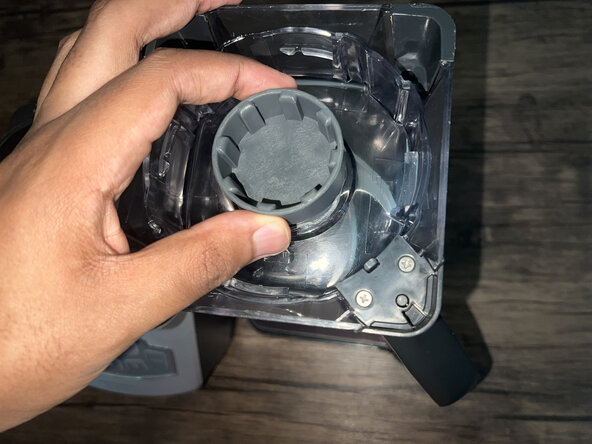
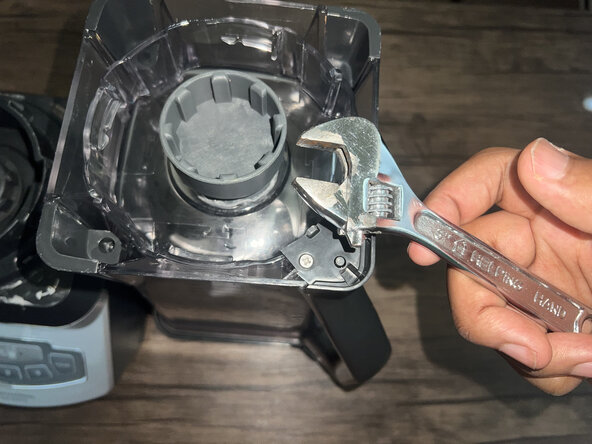
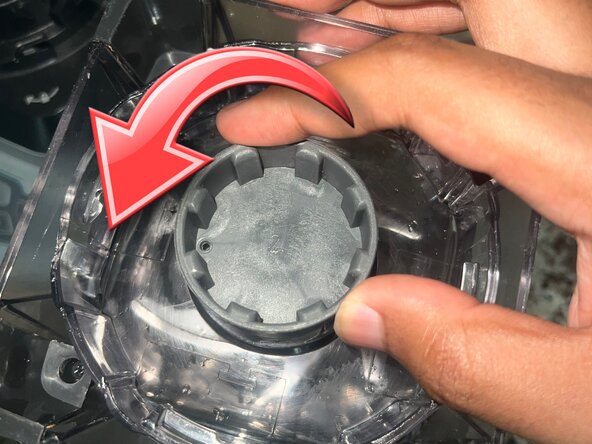
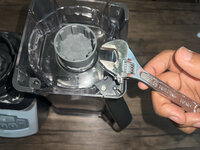
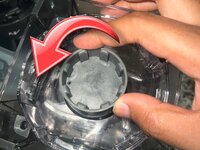
    • Use pliers or a wrench to unscrew the worn drive socket.

    • Make sure to unscrew it counterclockwise.

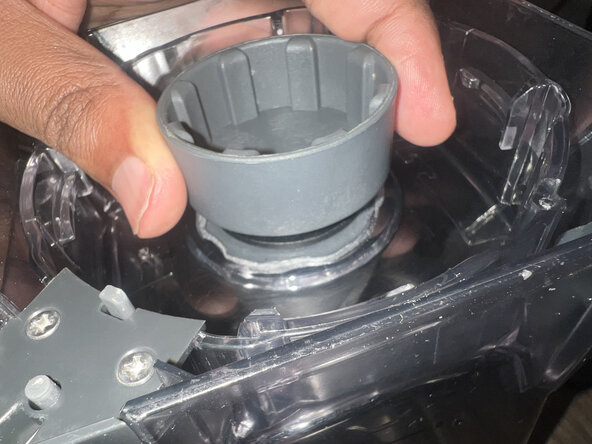
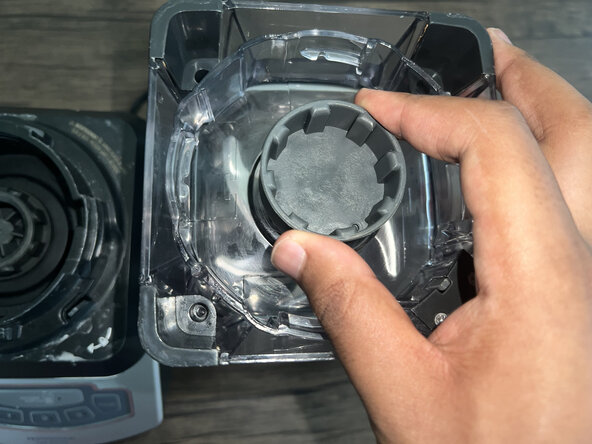
  3. Ninja Professional Blender BL660 Drive Socket Replacement: step 3, image 1 of 2 Ninja Professional Blender BL660 Drive Socket Replacement: step 3, image 2 of 2
    • Align the replacement drive socket with the mount and hand-tighten.

    • Ensure it is tightened securely.

  4. Ninja Professional Blender BL660 Drive Socket Replacement: step 4, image 1 of 2 Ninja Professional Blender BL660 Drive Socket Replacement: step 4, image 2 of 2
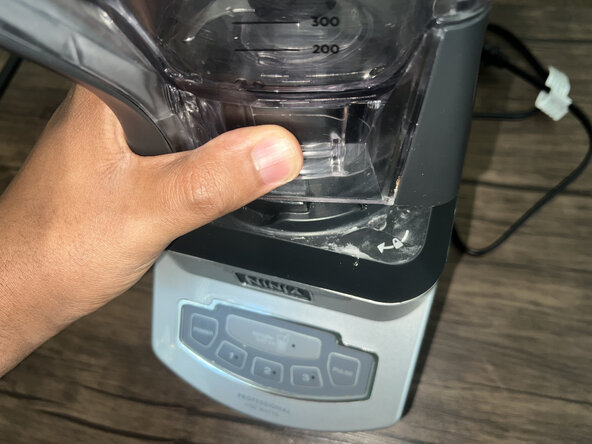
    • Twist the blender jar back into its base.

    • Test the new socket by running the blender with an empty jar.

Conclusion

To reassemble your device, follow these instructions in reverse order.

Derek Johnbull

Member since: 06/12/25

109 Reputation

1 Guide authored

0 Guide Comments

Add Comment

View Statistics:

Past 24 Hours: 1

Past 7 Days: 13

Past 30 Days: 53

All Time: 409