Free Shipping on Domestic Orders $75+

Nikon D90 Rear Display Buttons Replacement

What you need

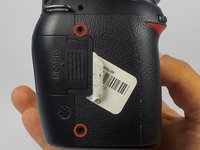
  1. Nikon D90 Rear Display Buttons Replacement, Removing Casing Screws: step 1, image 1 of 2 Nikon D90 Rear Display Buttons Replacement, Removing Casing Screws: step 1, image 2 of 2
    • Locate the screws on both sides of the camera.

    • Remove the four 6.3 mm Phillips screws using a PH00 screwdriver.

    • Be careful not to strip the screws.

    Ask FixBot

    Add Comment

  2. Nikon D90 Rear Display Buttons Replacement, Removing the Rear Casing: step 2, image 1 of 3 Nikon D90 Rear Display Buttons Replacement, Removing the Rear Casing: step 2, image 2 of 3 Nikon D90 Rear Display Buttons Replacement, Removing the Rear Casing: step 2, image 3 of 3
    • Use a plastic opening tool to separate the rear case from the camera.

    Ask FixBot

    Add Comment

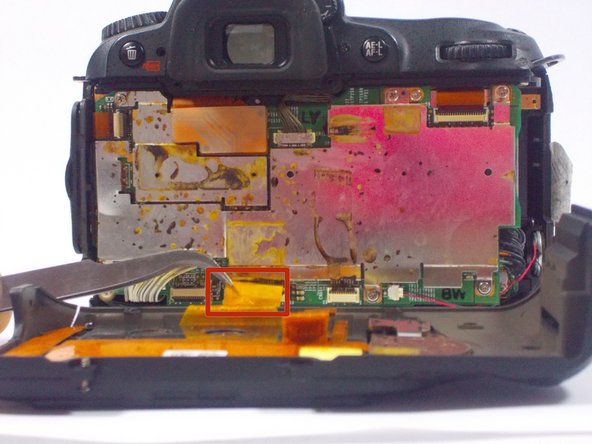
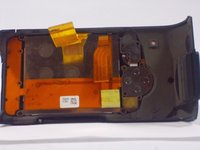
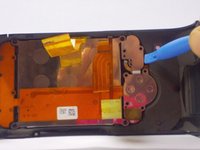
  3. Nikon D90 Rear Display Buttons Replacement, Disconnecting the Ribbon Cables: step 3, image 1 of 2 Nikon D90 Rear Display Buttons Replacement, Disconnecting the Ribbon Cables: step 3, image 2 of 2
    Tool used on this step:
    Tweezers
    $4.99
    Buy
    • After, remove the two orange ribbon connectors attached to the interior of the camera with tweezers.

    • Make sure to remove the ribbon cables carefully from the connectors to avoid damaging the camera.

    Ask FixBot

    Add Comment

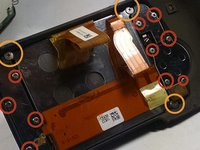
  4. Nikon D90 Rear Display Buttons Replacement, Removing the Screws from the Rear Casing: step 4, image 1 of 2 Nikon D90 Rear Display Buttons Replacement, Removing the Screws from the Rear Casing: step 4, image 2 of 2
    • Remove the screws from the back assembly with a Phillips (PH00) head screwdriver.

    • Remove the ten 5.3 mm Phillips screws.

    • Remove the three 4.3 mm Phillips screws.

    Ask FixBot

    Add Comment

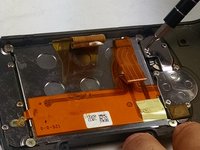
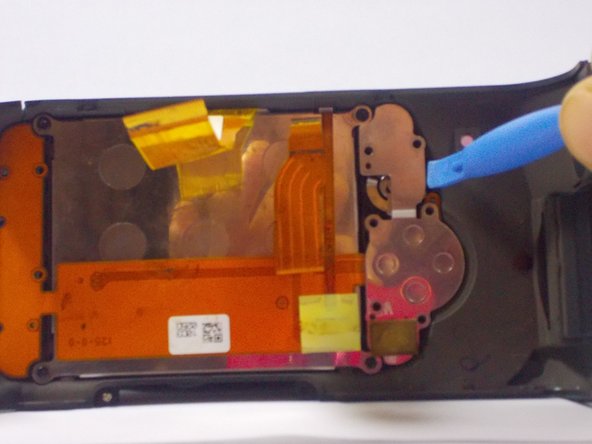
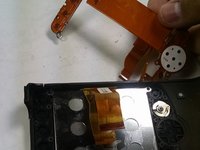
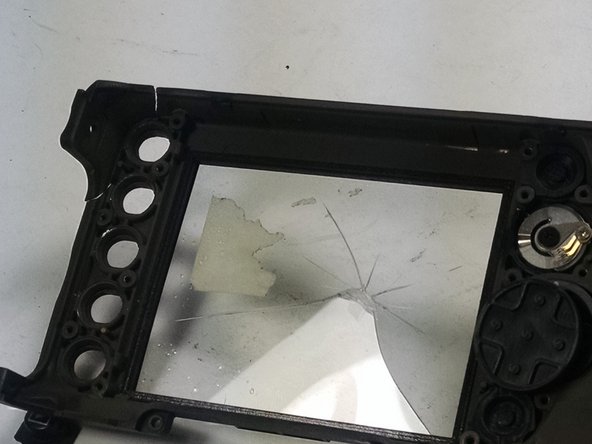
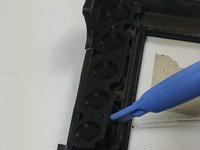
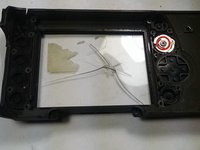
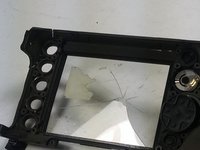
  5. Nikon D90 Rear Display Buttons Replacement, Removing the LCD and other components: step 5, image 1 of 3 Nikon D90 Rear Display Buttons Replacement, Removing the LCD and other components: step 5, image 2 of 3 Nikon D90 Rear Display Buttons Replacement, Removing the LCD and other components: step 5, image 3 of 3
    • Use a plastic opening tool to separate the LCD and metal plates from the casing.

    Ask FixBot

    Add Comment

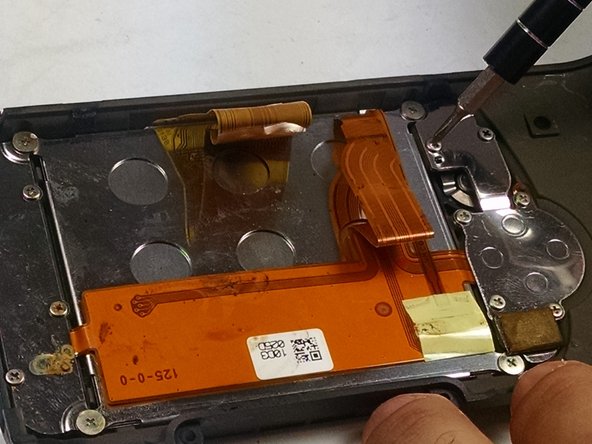
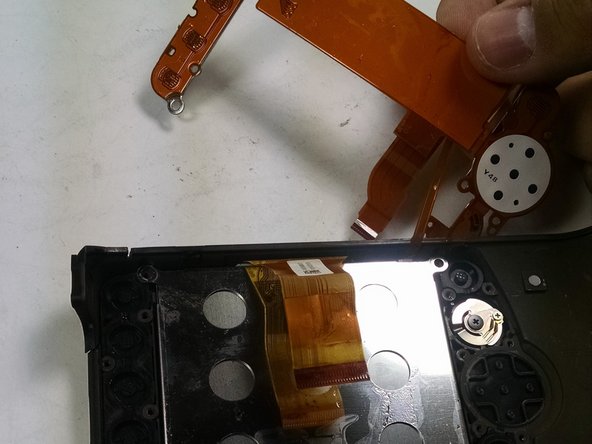
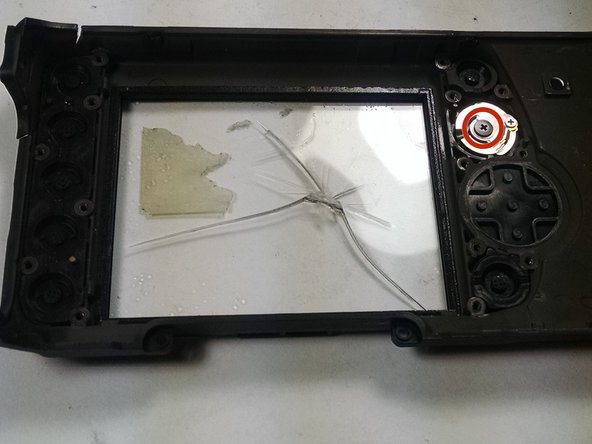
  6. Nikon D90 Rear Display Buttons Replacement, Removing the Display Buttons: step 6, image 1 of 3 Nikon D90 Rear Display Buttons Replacement, Removing the Display Buttons: step 6, image 2 of 3 Nikon D90 Rear Display Buttons Replacement, Removing the Display Buttons: step 6, image 3 of 3
    • Use a plastic opening tool to separate the buttons from the casing.

    • Remove the 4.3 mm Phillips screw from the knob using a PH00 screwdriver.

    Ask FixBot

    Add Comment

Conclusion

To reassemble your device, follow these instructions in reverse order.

Cancel: I did not complete this guide.

One other person completed this guide.

jonothon cawley

Member since: 10/20/14

354 Reputation

2 Guides authored

Team

UMass Dartmouth, Team 1-7, Duarte Fall 2014 Member of UMass Dartmouth, Team 1-7, Duarte Fall 2014

UMASSD-DUARTE-F14S1G7

3 Members

6 Guides authored

0 Guide Comments

Add Comment

View Statistics:

Past 24 Hours: 1

Past 7 Days: 7

Past 30 Days: 60

All Time: 3,243