
Nikon D90 Flash Bulb Replacement

jonothon cawley and 3 other contributors
Last updated on May 7, 2024
Views: 8.6K
View statistics:
- Past 24 Hours:
- 8
- Past 7 Days:
- 28
- Past 30 Days:
- 128
- All Time:
- 8,573
Comments: 2
2 guide comments.
Go to guide commentsCompleted: 8 9
8 people have marked this guide "completed." Will you be next?
9 people have marked this guide "completed." Including you — great job!
Favorites: 2 3
2 people have favorited (and subscribed to) this guide. Will you be next?
3 people have favorited (and subscribed to) this guide — including you!
Introduction
Go to step 1 ↓With a few simple tools and parts, this guide will help you replace your broken or burnt out bulb on the Nikon D90 camera. Be careful not to strip the screws as you disassemble the camera. In addition, be careful not to break the bulb or cut yourself on a broken bulb while you are disassembling the camera.
What you need
Tools


-
-
-
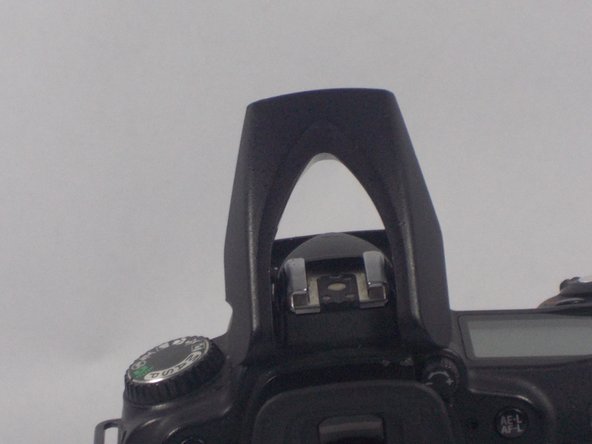
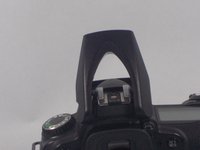
Using a PH00 screwdriver, remove the two 5.3 mm Phillips screws from the flash casing.
-
-
-
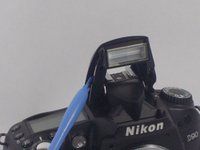
Use a plastic opening tool and carefully pry open the top casing of the flash.
-
Then, lift off the top casing of the flash.
-
-
-
Tool used on this step:Tweezers$4.99
-
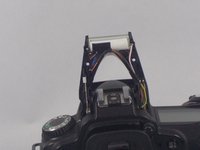
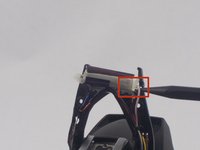
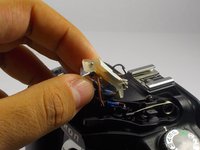
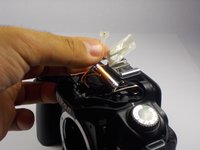
Carefully unclip the bulb casing from the plastic casing using tweezers.
-
Remove the black and white tape on the bulb casing.
-
-
-
-
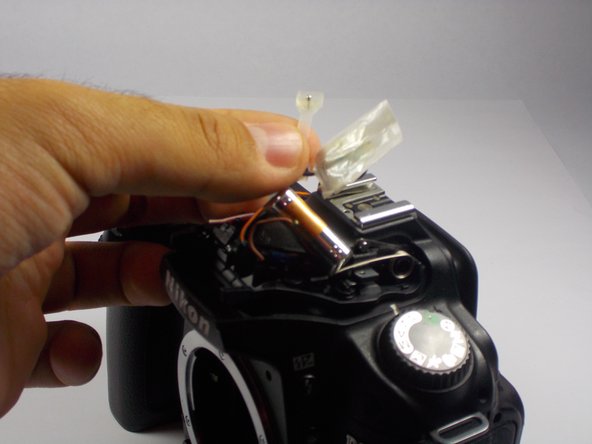
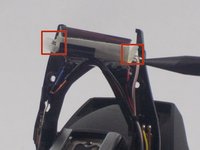
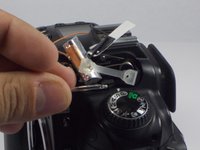
Remove the rubber stopper on the left and right side of the bulb.
-
Separate the rubber stopper from the white and black tape.
-
The bulb can now be slid out and replaced.
-
-


 Ask FixBot







To reassemble your device, follow these instructions in reverse order.
Cancel: I did not complete this guide.
8 other people completed this guide.

Team

UMass Dartmouth, Team 1-7, Duarte Fall 2014 Member of UMass Dartmouth, Team 1-7, Duarte Fall 2014
UMASSD-DUARTE-F14S1G7
3 Members
72 Guides authored
