Free Shipping on Domestic Orders $75+

Nikon Coolpix S800c Zoom Unit/Shutter Replacement Guide

What you need

  1. Nikon Coolpix S800c Zoom Unit/Shutter Replacement Guide, Back Panel/Touch Screen: step 1, image 1 of 2 Nikon Coolpix S800c Zoom Unit/Shutter Replacement Guide, Back Panel/Touch Screen: step 1, image 2 of 2
    • Remove all 4 screws from the bottom face of the camera using a Phillips #00 head screwdriver (found in iFixit tool kit).

    Ask FixBot

    Add Comment

  2. Nikon Coolpix S800c Zoom Unit/Shutter Replacement Guide: step 2, image 1 of 2 Nikon Coolpix S800c Zoom Unit/Shutter Replacement Guide: step 2, image 2 of 2
    • Using a plastic tool, pry open the back panel of the camera. Be careful not to apply too much force and damage the camera.

    Ask FixBot

    Add Comment

  3. Nikon Coolpix S800c Zoom Unit/Shutter Replacement Guide, Motherboard: step 3, image 1 of 1
    • Unscrew all 6 visible screws that secure the motherboard into place using a Phillips head screwdriver (found in iFixit tool kit).

    Ask FixBot

    Add Comment

  4. Nikon Coolpix S800c Zoom Unit/Shutter Replacement Guide: step 4, image 1 of 1
    • Pull the shown panel off of the motherboard to expose the Image sensor connection

    Ask FixBot

    Add Comment

  5. Nikon Coolpix S800c Zoom Unit/Shutter Replacement Guide: step 5, image 1 of 1
    • Lift tab up to remove the Image sensor connection strip.

    Ask FixBot

    Add Comment

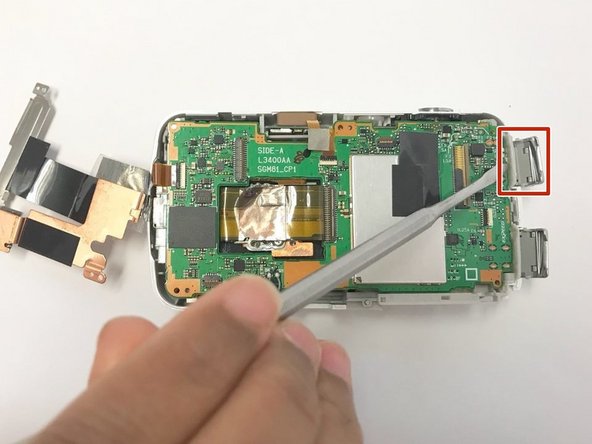
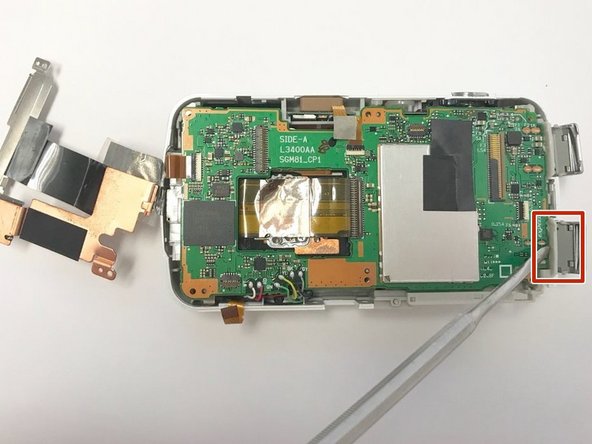
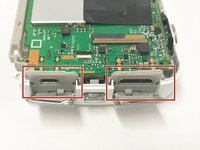
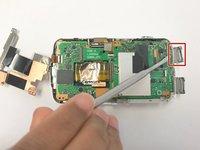
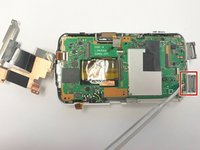
  6. Nikon Coolpix S800c Zoom Unit/Shutter Replacement Guide: step 6, image 1 of 3 Nikon Coolpix S800c Zoom Unit/Shutter Replacement Guide: step 6, image 2 of 3 Nikon Coolpix S800c Zoom Unit/Shutter Replacement Guide: step 6, image 3 of 3
    • Pull the gray panels back to allow the hidden micro usb and hdmi insert connectors to come free.

    • Use a Metal Spudger to help with the process to get these connectors free from the frame.

    Ask FixBot

    Add Comment

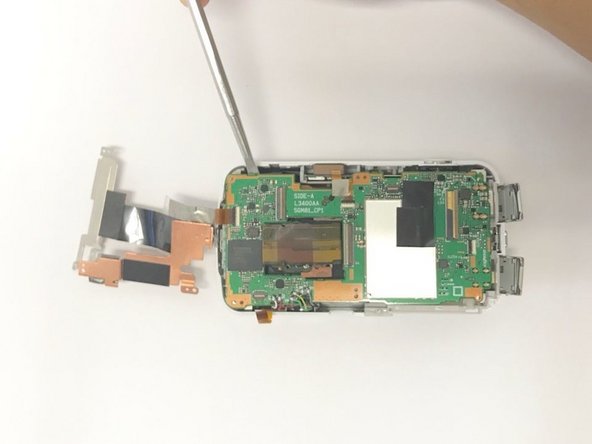
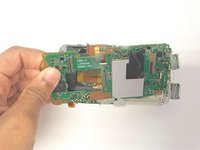
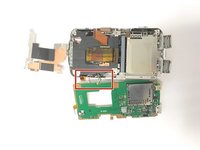
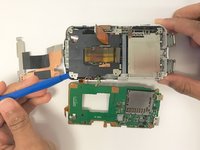
  7. Nikon Coolpix S800c Zoom Unit/Shutter Replacement Guide: step 7, image 1 of 2 Nikon Coolpix S800c Zoom Unit/Shutter Replacement Guide: step 7, image 2 of 2
    • Using a Metal Spudger, lift the motherboard up from the body of the camera.

    Ask FixBot

    Add Comment

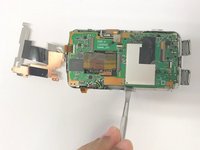
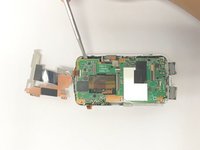
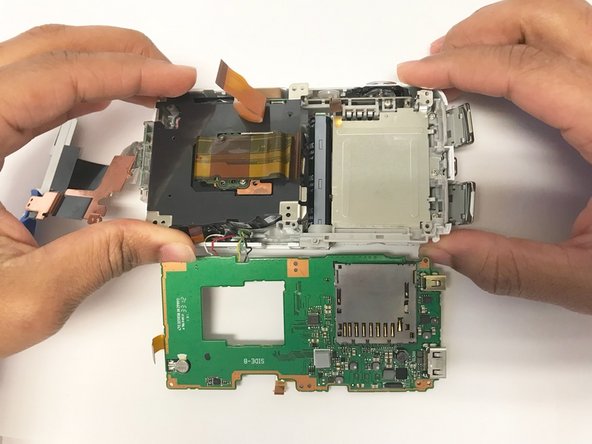
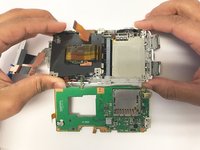
  8. Nikon Coolpix S800c Zoom Unit/Shutter Replacement Guide: step 8, image 1 of 2 Nikon Coolpix S800c Zoom Unit/Shutter Replacement Guide: step 8, image 2 of 2
    • Pull the motherboard off of the main body of the camera.

    Ask FixBot

    Add Comment

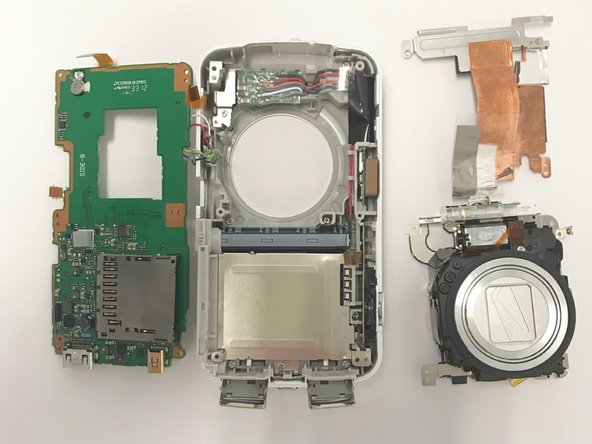
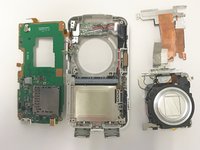
  9. Nikon Coolpix S800c Zoom Unit/Shutter Replacement Guide, Zoom Unit/Shutter: step 9, image 1 of 3 Nikon Coolpix S800c Zoom Unit/Shutter Replacement Guide, Zoom Unit/Shutter: step 9, image 2 of 3 Nikon Coolpix S800c Zoom Unit/Shutter Replacement Guide, Zoom Unit/Shutter: step 9, image 3 of 3
    • Use a plastic opening tool of your choice to loosen and pry up the zoom unit/shutter component.

    • Use your hands to manually lift the zoom unit/shutter component up and out of the main body of the camera.

    Ask FixBot

    Add Comment

Conclusion

To reassemble your device, follow these instructions in reverse order.

Cancel: I did not complete this guide.

Erik Knapton

Member since: 01/30/18

222 Reputation

2 Guides authored

Team

Baylor, Team S2-G6, Johnson Spring 2018 Member of Baylor, Team S2-G6, Johnson Spring 2018

BU-JOHNSON-S18S2G6

3 Members

10 Guides authored

0 Guide Comments

Add Comment

View Statistics:

Past 24 Hours: 0

Past 7 Days: 4

Past 30 Days: 28

All Time: 585