
Nikon Coolpix S6800 Button Assembly Replacement

sam ford and 3 other contributors
Last updated on Jun 23, 2015
Views: 1.4K
View statistics:
- Past 24 Hours:
- 5
- Past 7 Days:
- 20
- Past 30 Days:
- 87
- All Time:
- 1,420
Comments: 1
1 guide comment.
Go to guide commentsCompleted: 1 2
1 person has marked this guide "completed." Will you be next?
2 people have marked this guide "completed." Including you — great job!
Favorites: 0 1
No one has favorited (and subscribed to) this guide. Will you be the first?
1 person has favorited (and subscribed to) this guide — and that's you!
Markup Mishap
This guide needs better markups. Help out by correcting or making some markup annotations.
Needs More Images
A few more images would make this guide's procedures crystal clear.
Introduction
Go to step 1 ↓This guide will allow you to disassemble the camera to the point where the button assembly can be replaced, help you replace it and provide direction for reassembly.
What you need
Tools


-
-
-
Turn the camera upside down and locate the two, black screws.
-
Using the Philips #00 Screwdriver, remove each screw.
 Ask FixBot
-
-
-
Rotate the camera to the left side and remove the two, black, #00 Philips screws.
-
-
-
Rotate the camera to the right side and remove the two, black, #00 Philips screws.
-
-
-
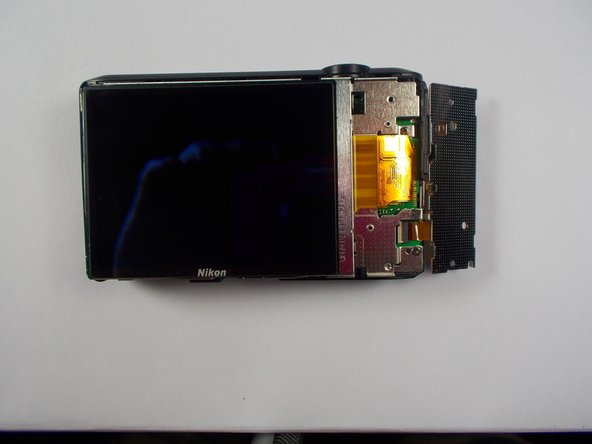
Using the Philips #00 Screwdriver, remove the two screws that are holding the keypad.
-
-
-
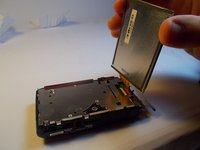
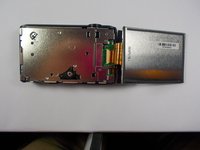
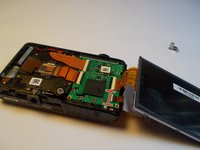
Gently pull the display away from the camera body.
-
Fold the display away from the camera
-
-
-
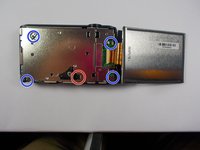
Remove the visible midframe screws.
-
There is a screw beneath the foam square that must be removed as well.
-
The screw holding the silver wrist-strap loop on the side of the camera must also be removed.
-
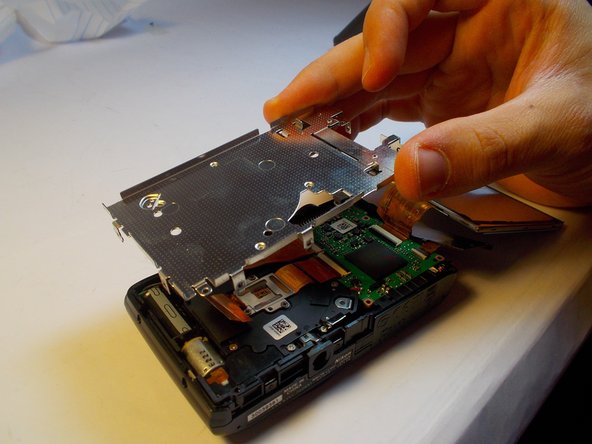
Gently lift the midframe up and out of the device.
-
-
-
-
-
-
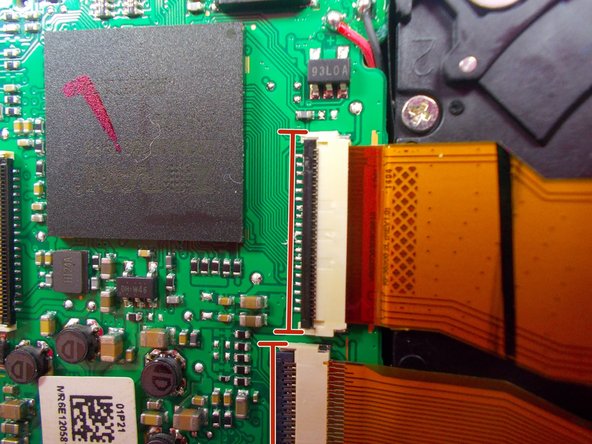
Flip up the little tan tab on the connecter of the button pad's ribbon.
-
-
-
Take the new button pad and orient it the same way as the old pad before it was removed.
-
Gently slide the end of the electric ribbon into the connector.
-
To make sure that the ribbon is completely in the connector give it a firm push but don't force anything. The ribbon should slide in with only a little resistance.
-
-








To reassemble your device, follow these instructions in reverse order.
Cancel: I did not complete this guide.
One other person completed this guide.

Team

UMass Dartmouth, Team 1-2, Shastany Spring 2015 Member of UMass Dartmouth, Team 1-2, Shastany Spring 2015
UMASSD-SHASTANY-S15S1G2
4 Members
48 Guides authored
