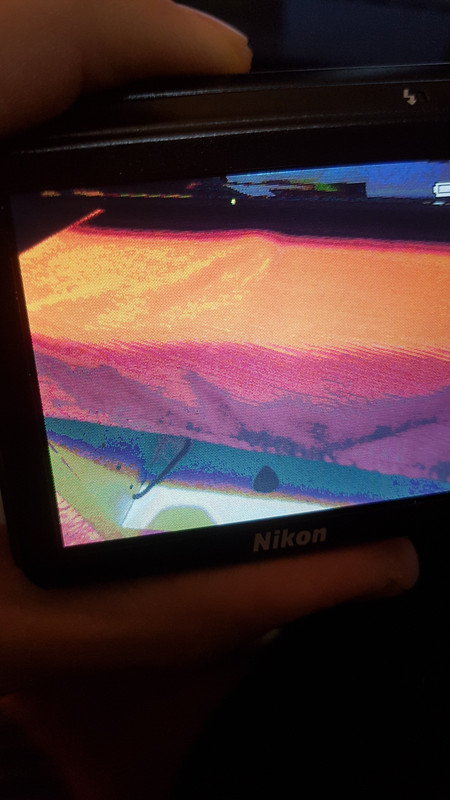
Nikon Coolpix S6300 Display Replacement

Hung and one other contributor
Last updated on Nov 30, 2015
Views: 2.5K
View statistics:
- Past 24 Hours:
- 1
- Past 7 Days:
- 16
- Past 30 Days:
- 78
- All Time:
- 2,520
Comments: 4
2 comments on steps, 2 guide comments.
Go to guide commentsCompleted: 0 1
No one has marked this guide "completed." Will you be the first?
1 person has marked this guide "completed." It's you — great job!
Favorites: 0 1
No one has favorited (and subscribed to) this guide. Will you be the first?
1 person has favorited (and subscribed to) this guide — and that's you!
Needs Better Images
Better photos will improve this guide. Help out by taking, editing, or uploading new ones!
Action Shots
Be an action hero! This guide needs images that better demonstrate how to perform specific actions.
Missing Steps
Oops! This guide is currently missing one or more important steps.
Introduction
Go to step 1 ↓This guide shows how to replace a broken display
What you need
Tools


-
-
-
Place the camera facing upwards.
-
Press down on the battery cover and slide towards the front face of the camera.
 Ask FixBot
-
-
-
-
-
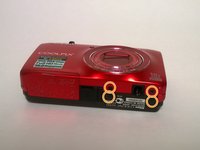
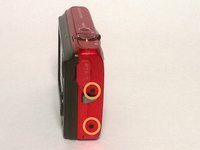
Locate the eight outer PH 2mm screws on the device.
-
Using the PH00 screwdriver remove all of the screws from the camera.
-
-
-
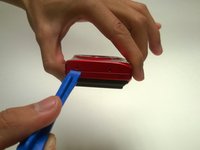
Using a plastic opening tool, gently pry off the front and rear plates.
-
Be patient with this step, do not force the clips holding the plates together.
-
-
-
Using a Phillips #00 screwdriver, remove the PH 2 mm screw located to the right of the screen, above the OK dial.
-
-
-
-
-
-
Remove the clasp from the ribbon cable using the plastic spudger.
-
You may now remove the display.
-
-





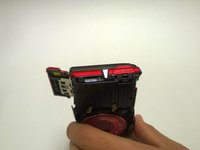
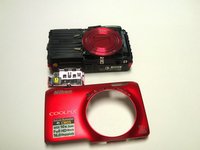


To reassemble your device, follow these instructions in reverse order.

Team

USF Tampa, Team 1-2, Remmell Fall 2015 Member of USF Tampa, Team 1-2, Remmell Fall 2015
USFT-REMMELL-F15S1G2
5 Members
60 Guides authored
2 Guide Comments
I have this problem with my coolpix (see images and video):
https://i.postimg.cc/pXk2L4QB/20190201-1...
https://i.postimg.cc/d3wYqjLX/20190201-1...
https://i.postimg.cc/RCLmgyYz/20190201-1...
https://drive.google.com/file/d/1sDr8fPD...
Screen has a posterized effect.
I already replaced the screen with a new one, but the problem remains..
Any idea what is faulty, and how can I fix it?