Introduction
The guide will give you a step by step tutorial on how to replace the shutter release button on the device.
What you need
-
-
With the battery door facing upward, take your PH000 screwdriver and remove the 4 mm screws from the bottom of the device.
 Ask FixBot
-
-
-
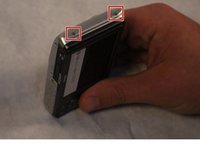
After removing the screws, rotate the device to where the micro USB port is facing up.
-
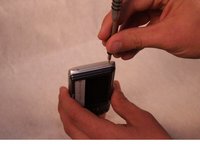
Now, take your PH000 screwdriver and remove the two 4 mm screws from the device.
-
-
-
Rotate the device 180 degrees so that the opposite side of the device is now facing upwards.
-
Now, take your PH000 screwdriver and remove the two 4 mm screws from the device.
-
-
-
-
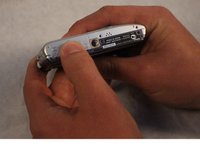
After all of the screws are removed, rotate the device so that the bottom of the device is now facing upward.
-
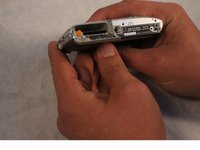
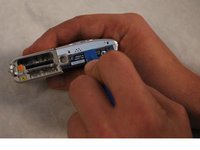
With your index finger, press down and slide open the memory card/battery door.
-
-
-
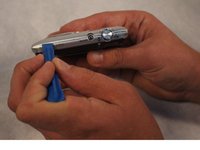
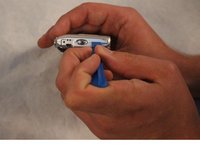
Now take the plastic opening tool, and place it in the seam of the device.
-
Now, work the tool around the seam of the device until you can safely pry open the device.
-
-
-
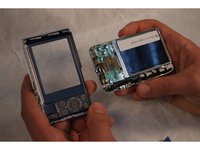
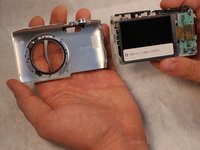
Take the thumb of the hand holding the device and place it on the plastic front panel.
-
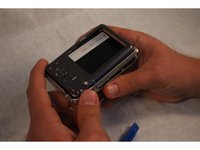
With your free hand, grip the outer edge of the LCD screen and start to pull the LCD from the front panel of the device.
-
This should cause the two pieces to separate from each other.
-
-
-
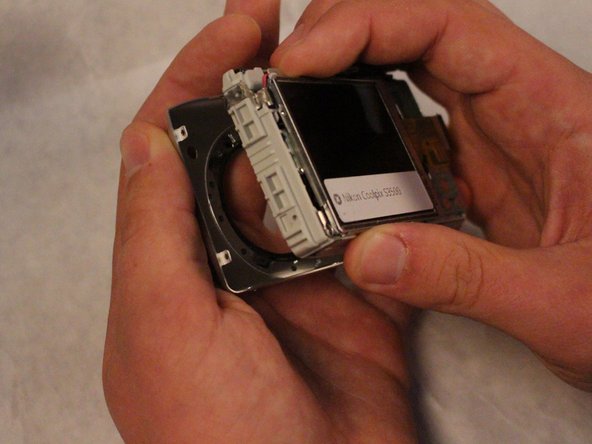
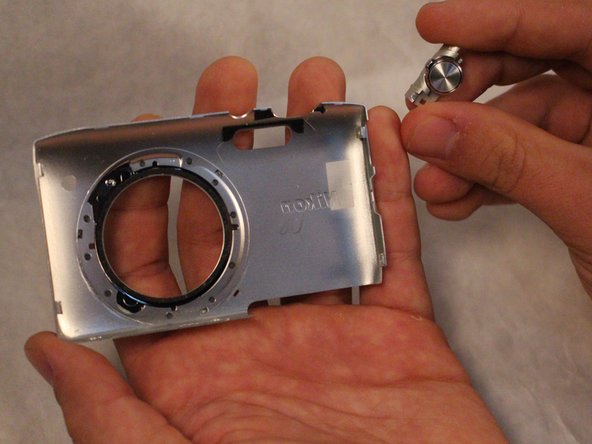
Now that the 2 pieces are separated, take your free hand and gently press down on the shutter release button.
-
This should cause the shutter release button to come free from the front panel of the device.
-












To reassemble your device, follow these instructions in reverse order.
Cancel: I did not complete this guide.
2 other people completed this guide.

Team

Sam Houston State, Team 2-1, Blackburne Fall 2015 Member of Sam Houston State, Team 2-1, Blackburne Fall 2015
SHSU-BLACKBURNE-F15S2G1
3 Members
7 Guides authored
