Free Shipping on Domestic Orders $75+

Nikon Coolpix P100 Back Buttons Replacement

What you need

    1. Nikon Coolpix P100 Back Buttons Replacement, Back Buttons: step 1, image 1 of 1
      • Turn the front of the camera toward you.

      Ask FixBot

      Add Comment

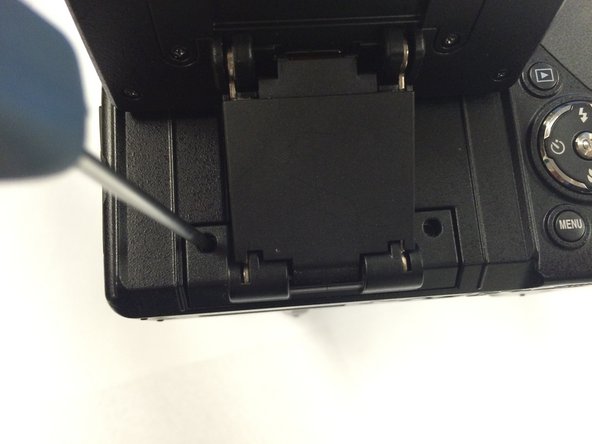
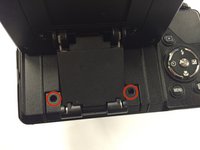
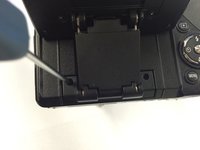
    2. Nikon Coolpix P100 Back Buttons Replacement: step 2, image 1 of 3 Nikon Coolpix P100 Back Buttons Replacement: step 2, image 2 of 3 Nikon Coolpix P100 Back Buttons Replacement: step 2, image 3 of 3
      • On the left side of the camera, remove two screws using a Phillips #00 screwdriver.

      Ask FixBot
      Add Comment

    3. Nikon Coolpix P100 Back Buttons Replacement: step 3, image 1 of 1
      • On the right side of the camera, remove the first visible screw.

      Ask FixBot
      Add Comment

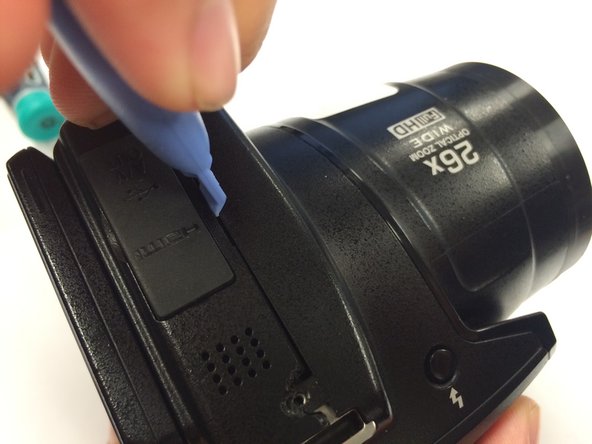
    4. Nikon Coolpix P100 Back Buttons Replacement: step 4, image 1 of 1
      • Lift the HDMI and A/V OUT cover to access the hidden screw.

      Ask FixBot
      Add Comment

    5. Nikon Coolpix P100 Back Buttons Replacement: step 5, image 1 of 1
      • Flip the camera upside down and remove the seven marked screws.

      Ask FixBot

      Add Comment

    6. Nikon Coolpix P100 Back Buttons Replacement: step 6, image 1 of 2 Nikon Coolpix P100 Back Buttons Replacement: step 6, image 2 of 2
      • Remove the two screws hidden underneath the display panel.

      Ask FixBot
      Add Comment

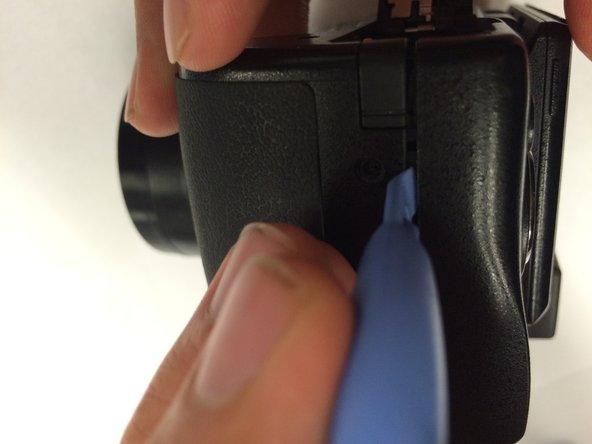
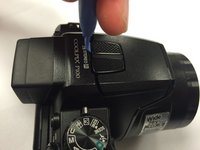
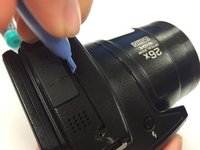
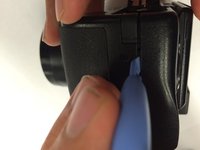
    7. Nikon Coolpix P100 Back Buttons Replacement: step 7, image 1 of 3 Nikon Coolpix P100 Back Buttons Replacement: step 7, image 2 of 3 Nikon Coolpix P100 Back Buttons Replacement: step 7, image 3 of 3
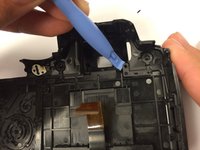
      • Use a plastic opening tool to gently loosen up the sides of the camera.

      Ask FixBot
      Add Comment

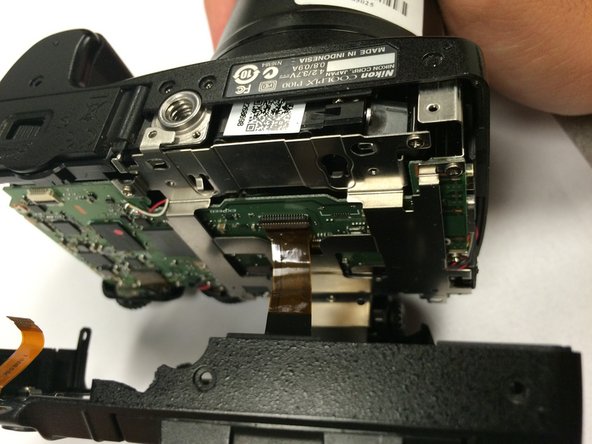
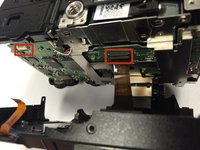
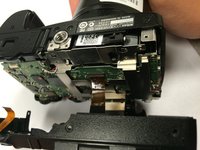
    8. Nikon Coolpix P100 Back Buttons Replacement: step 8, image 1 of 2 Nikon Coolpix P100 Back Buttons Replacement: step 8, image 2 of 2
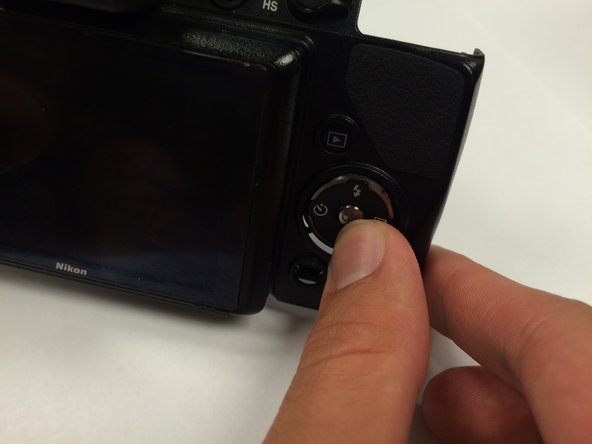
      • Carefully open the camera.

      • There are two ribbon cables when opening the camera. Make sure to properly detach them before proceeding.

      Ask FixBot
      Add Comment

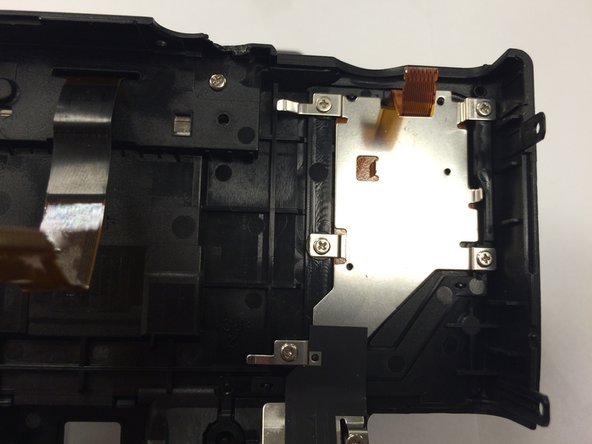
    9. Nikon Coolpix P100 Back Buttons Replacement: step 9, image 1 of 2 Nikon Coolpix P100 Back Buttons Replacement: step 9, image 2 of 2
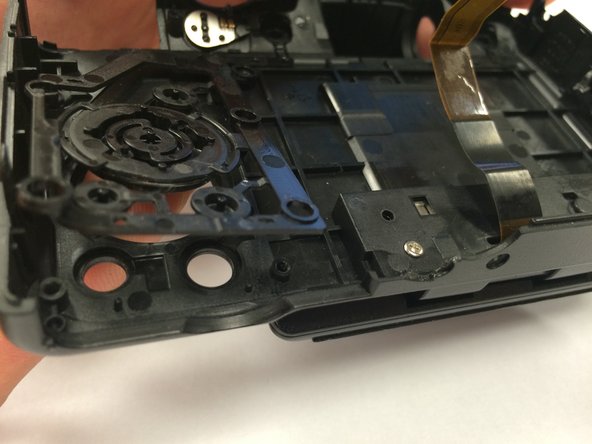
      • This is the cover that houses the back buttons of the camera. Turn it around.

      Ask FixBot
      Add Comment

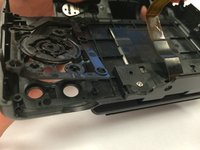
    10. Nikon Coolpix P100 Back Buttons Replacement: step 10, image 1 of 1
      • Remove the six indicated screws.

      Ask FixBot
      Add Comment

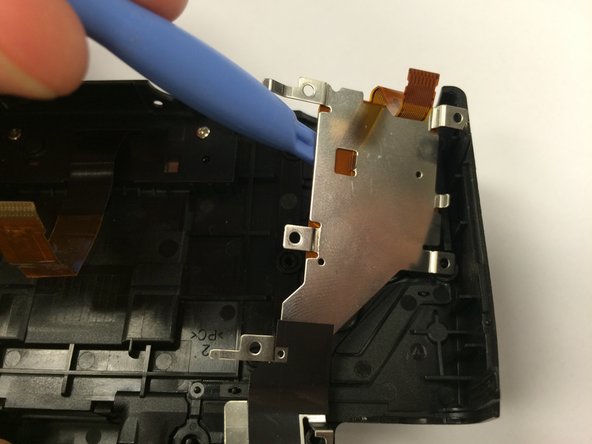
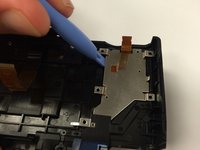
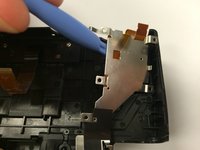
    11. Nikon Coolpix P100 Back Buttons Replacement: step 11, image 1 of 2 Nikon Coolpix P100 Back Buttons Replacement: step 11, image 2 of 2
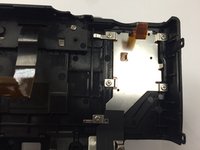
      • Use a plastic opening tool to lift the metal plate and set it aside.

      Ask FixBot

      Add Comment

    12. Nikon Coolpix P100 Back Buttons Replacement: step 12, image 1 of 3 Nikon Coolpix P100 Back Buttons Replacement: step 12, image 2 of 3 Nikon Coolpix P100 Back Buttons Replacement: step 12, image 3 of 3
      • Turn the cover around and push against the buttons.

      Ask FixBot

      Add Comment

    13. Nikon Coolpix P100 Back Buttons Replacement: step 13, image 1 of 1
      • Now you have partial access to one set of buttons.

      Ask FixBot

      Add Comment

    14. Nikon Coolpix P100 Back Buttons Replacement: step 14, image 1 of 1
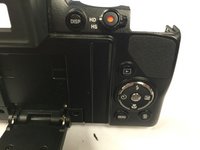
      • Find the last set of removal buttons on the bottom left.

      Ask FixBot

      Add Comment

    15. Nikon Coolpix P100 Back Buttons Replacement: step 15, image 1 of 1
      • Remove the screw.

      Ask FixBot

      Add Comment

    16. Nikon Coolpix P100 Back Buttons Replacement: step 16, image 1 of 2 Nikon Coolpix P100 Back Buttons Replacement: step 16, image 2 of 2
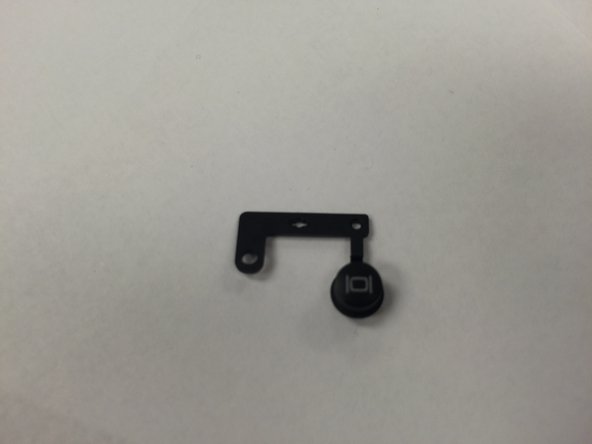
      • Use a plastic opening tool to remove the button.

      Ask FixBot

      Add Comment

Conclusion

To reassemble your device, follow these instructions in reverse order.

Cancel: I did not complete this guide.

Nghiem Ngo

Member since: 01/15/15

339 Reputation

2 Guides authored

Team

USF Tampa, Team 1-1, Tanski Winter 2015 Member of USF Tampa, Team 1-1, Tanski Winter 2015

USFT-TANSKI-W15S1G1

3 Members

46 Guides authored

0 Guide Comments

Add Comment

View Statistics:

Past 24 Hours: 1

Past 7 Days: 4

Past 30 Days: 17

All Time: 1,248