Introduction
Fixing or replacing parts of devices is always needed to be detailed with enough information and clarification, especially electronics because of their sensitivity and size. This iFixit project will explain in detail how to replace the memory card of the Nikon Coolpix 995 step by step. With clarification of safety procedures and choosing the right tools.
-
-
-
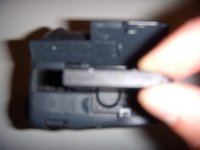
Set camera so the memory card compartment is facing you.
-
Place thumb under cover latch where it says "card", then gently lift straight upwards.
 Ask FixBot
-
-
-
-
After you properly reinsert the memory card, place your thumb on the top of the cover and gently press down until you hear and feel the cover click back into the closed position.
-
-


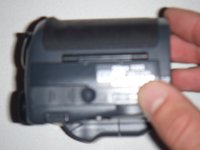
To reassemble your device, follow these instructions in reverse order.
Cancel: I did not complete this guide.
One other person completed this guide.

Team

UW Stout, Team 1-5, Zhou Fall 2011 Member of UW Stout, Team 1-5, Zhou Fall 2011
UWSTOUT-ZHOU-F11S1G5
5 Members
36 Guides authored
