Free Shipping on Domestic Orders $75+

Nikon 1 J5 Keypad Replacement

    1. Nikon 1 J5 Keypad Replacement, Remove Micro SD card and Battery: step 1, image 1 of 1
      • Remove Micro SD card and Battery

      Ask FixBot
      Add Comment

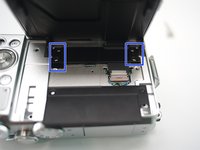
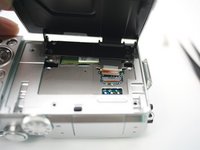
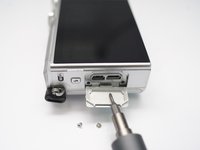
    2. Nikon 1 J5 Keypad Replacement: step 2, image 1 of 3 Nikon 1 J5 Keypad Replacement: step 2, image 2 of 3 Nikon 1 J5 Keypad Replacement: step 2, image 3 of 3
      • Remove 2 screws

      • Open plastic LCD connector cover

      • Lift FPC connector latch

      • Detach LCD FPC

      Ask FixBot
      Add Comment

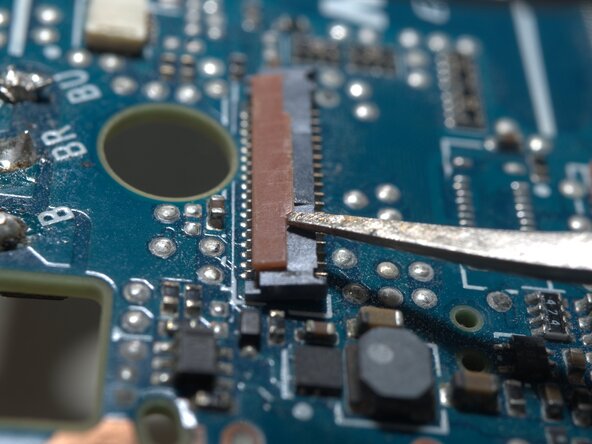
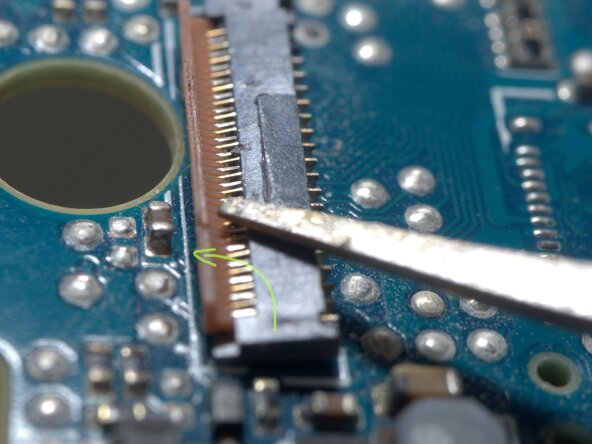
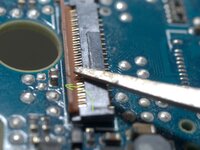
    3. Nikon 1 J5 Keypad Replacement, Detail of the FPC connector: step 3, image 1 of 3 Nikon 1 J5 Keypad Replacement, Detail of the FPC connector: step 3, image 2 of 3 Nikon 1 J5 Keypad Replacement, Detail of the FPC connector: step 3, image 3 of 3
      • The FPC cable is inserted from right side of this photo.

      • Insert a fine tip tweezer or any thin flat tip tool under the latch, and gentally lift it.

      • The latch rotates CCW for about 90 degrees

      Ask FixBot

      Add Comment

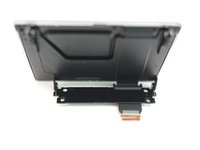
    4. Nikon 1 J5 Keypad Replacement: step 4, image 1 of 3 Nikon 1 J5 Keypad Replacement: step 4, image 2 of 3 Nikon 1 J5 Keypad Replacement: step 4, image 3 of 3
      • Remove 4 screws

      • Remove LCD module

      Ask FixBot
      Add Comment

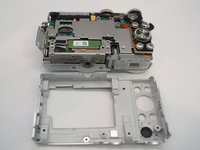
    1. Nikon 1 J5 Keypad Replacement, Back Case: step 5, image 1 of 1
      • WARNING!!! DO NOT TOUCH THESE Solder joints!!! High Voltage up to 300V..

      • Or discharge the flash condenser first, as per "Main PCB replace guide"

      • Remove 3 screws

      Ask FixBot
      Add Comment

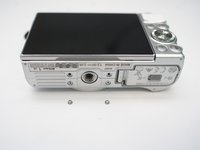
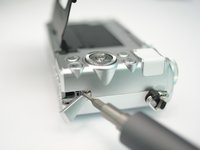
    2. Nikon 1 J5 Keypad Replacement: step 6, image 1 of 3 Nikon 1 J5 Keypad Replacement: step 6, image 2 of 3 Nikon 1 J5 Keypad Replacement: step 6, image 3 of 3
      • Left side, in connector bay, remove 2 screws.

      • Bottom, reomve 2 screws

      • Right side, remove 1 screw

      Ask FixBot
      Add Comment

    3. Nikon 1 J5 Keypad Replacement: step 7, image 1 of 1
      • Peel here and remove 1 screw within.

      Ask FixBot
      Add Comment

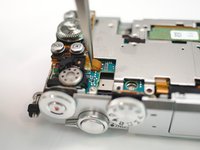
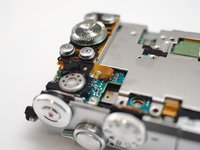
    4. Nikon 1 J5 Keypad Replacement: step 8, image 1 of 2 Nikon 1 J5 Keypad Replacement: step 8, image 2 of 2
      • Pop open back case and remove it from body.

      Ask FixBot
      Add Comment

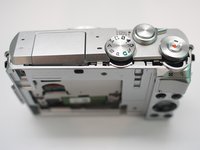
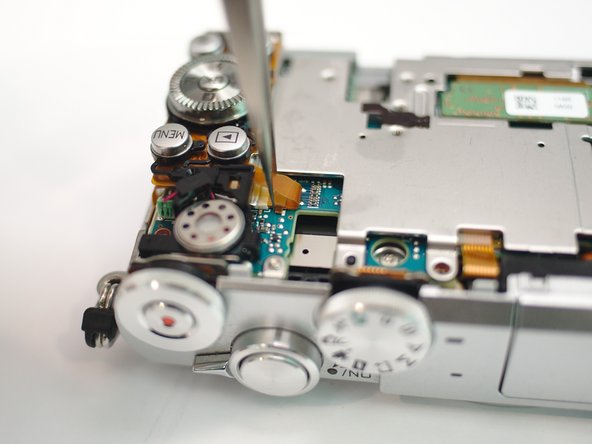
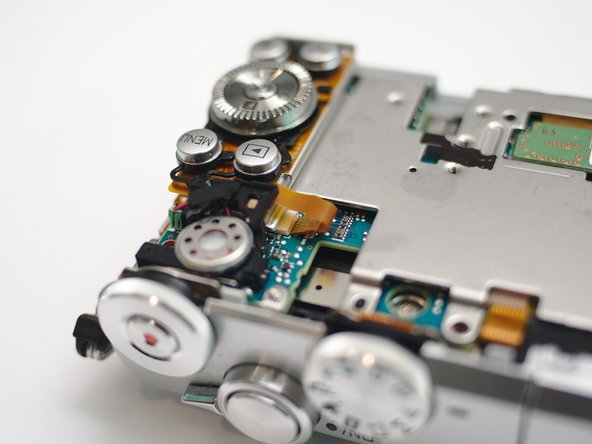
    1. Nikon 1 J5 Keypad Replacement, Keypad: step 9, image 1 of 3 Nikon 1 J5 Keypad Replacement, Keypad: step 9, image 2 of 3 Nikon 1 J5 Keypad Replacement, Keypad: step 9, image 3 of 3
      • Disconnect speaker

      • Disconnect keypad FPC

      Ask FixBot

      Add Comment

    2. Nikon 1 J5 Keypad Replacement: step 10, image 1 of 1
      • Push latches from below

      • pop up and remove keypad.

      Ask FixBot

      Add Comment

Conclusion

To reassemble your device, follow these instructions in reverse order.

Cancel: I did not complete this guide.

Terrance

Member since: 11/17/09

7,063 Reputation

19 Guides authored

0 Guide Comments

Add Comment

View Statistics:

Past 24 Hours: 0

Past 7 Days: 1

Past 30 Days: 14

All Time: 516