
Nextbook Ares 8" Tablet Teardown

Auburn Store and one other contributor
Last updated on May 30, 2019
Views: 7.8K
View statistics:
- Past 24 Hours:
- 3
- Past 7 Days:
- 18
- Past 30 Days:
- 102
- All Time:
- 7,808
Comments: 9
1 comment on steps, 8 guide comments.
Go to guide commentsCompleted: 14 15
14 people have marked this guide "completed." Will you be next?
15 people have marked this guide "completed." Including you — great job!
Favorites: 12 13
12 people have favorited (and subscribed to) this guide. Will you be next?
13 people have favorited (and subscribed to) this guide — including you!
Community-Contributed Guide
An awesome member of our community made this guide. It was not created by iFixit staff.
What you need
Tools


-
-
-
Wedge between the frame and back cover with an isesamo and separate all of the retaining clips
 Ask FixBot
-
-
-
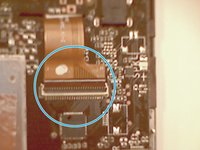
The connector slides out towards the outside of the device, and mine was pretty sticky so be careful.
-
-
-
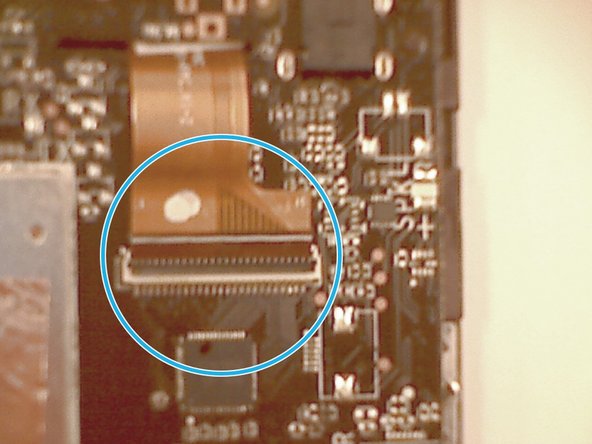
Disconnect the LCD ribbon cable from the top and bottom of the battery. It is unnecessary to peel it off of the battery.
-
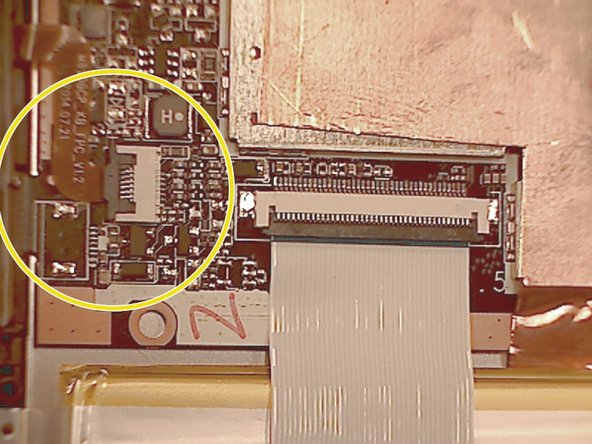
Disconnect the digi cable from the top right of the back of the device.
-
-
-
Disconnect the camera flex
-
Disconnect the power/volume/home flex
-
-
-
Remove the 5 speaker assembly screws and pry off the assembly
-
At this point you can also lightly pull the battery away from the back of the LCD. There isn't much adhesive holding it in place.
-
-
-
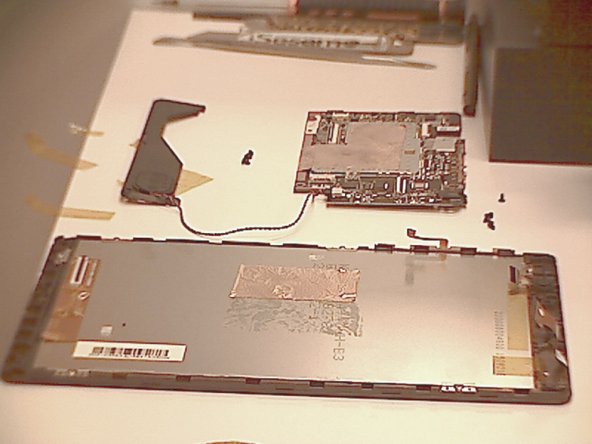
Remove the 5 motherboard screws and gently separate it from the back of the lcd.
-
At this point, the only thing left should be the display assembly
-
-
-
-
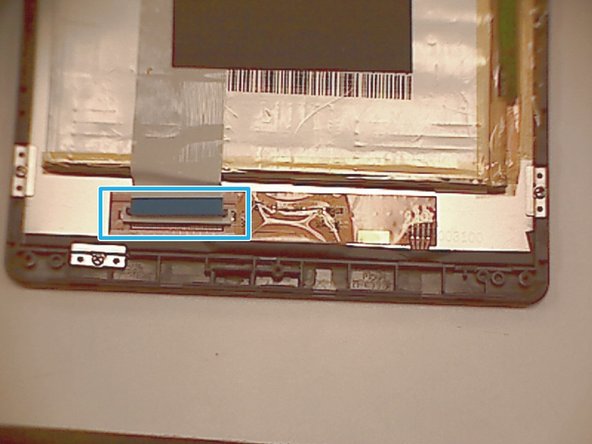
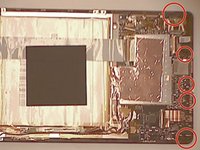
Remove the 6 LCD screws and brackets
-
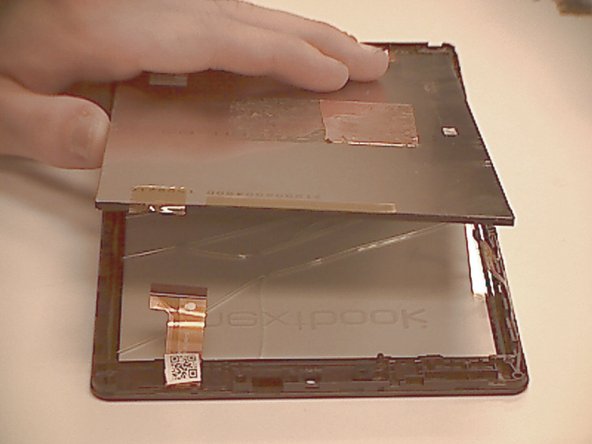
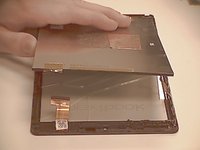
Gently separate the LCD from the frame
-
-
-
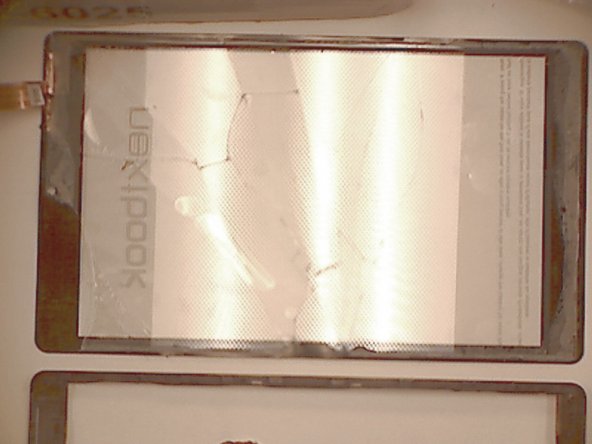
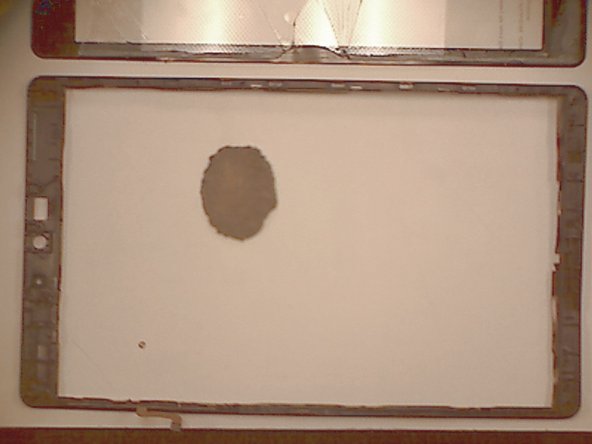
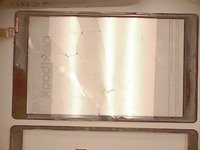
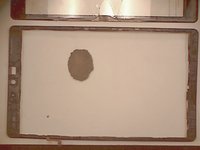
Use a heat gun or hot plate to separate the digitzer and glass from the frame
-
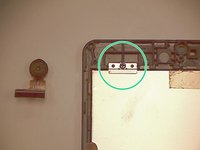
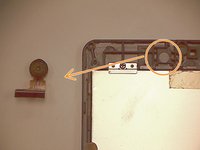
Before heating the frame its a good idea to remove the camera from the frame so it's not damaged.
-
-








To reassemble your device, follow these instructions in reverse order.
Cancel: I did not complete this guide.
14 other people completed this guide.

8 Guide Comments
The screen is crack the screen is on when I hit the home button it won't work
I replaced screen and now screen won't light up
my touch screen does’nt respond can it be replace and where could i get one and what is the price. Im from mauritius thk
My touch screen does’nt respond is this can be change and where can i get one and what the price i’m from Mauritius
