Introduction
The speaker is responsible for the audio outputs of the device. Issues with this component can range from distorted audio, to poor quality audio in general, to even total failure to function. Being such a core component to daily operations, it is imperative to ensure successful installation of any new speaker. In order to perform successful replacement of the component, follow this guide.
What you need
-
-
-
Use the opening tool to gently pry the back cover off of the tablet, running it along the perimeter of the device.
 Ask FixBot
-
-
-
-
-
-
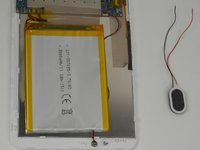
De-solder the red and black wire ends that connect the speaker to the motherboard.
-
-
-
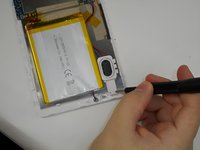
Use a Phillips #00 screwdriver to remove the two 0.8 mm screws holding the cover of the speaker in place.
-
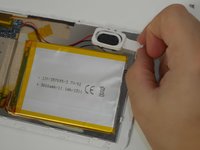
Remove the cover and the speaker.
-
-


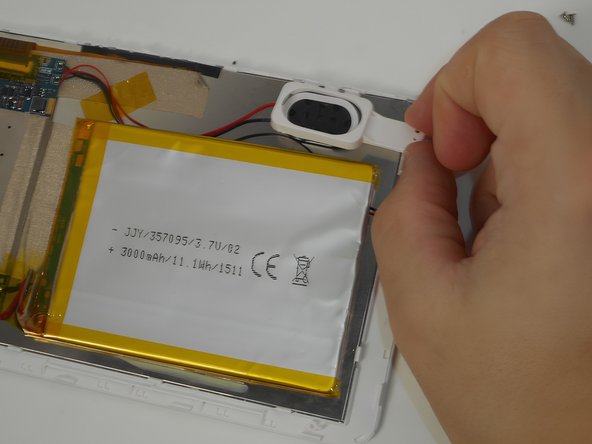
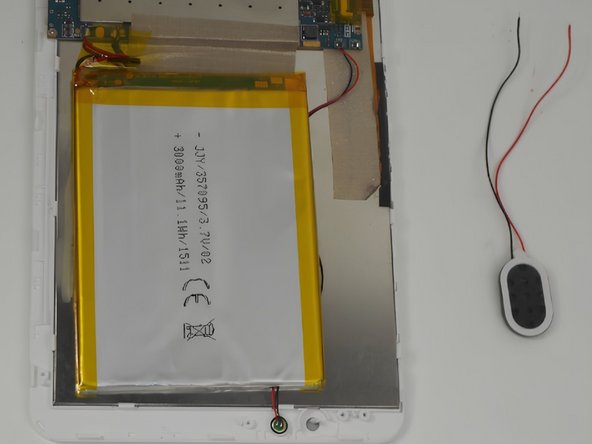
To reassemble your device, follow these instructions in reverse order.

Team

UMass Dartmouth, Team 2-1, Gulbrandsen Fall 2023 Member of UMass Dartmouth, Team 2-1, Gulbrandsen Fall 2023
UMASSD-GULBRANDSEN-F23S2G1
4 Members
72 Guides authored
