
NeuTab Air7 Battery Replacement

Jason Soares and 2 other contributors
Last updated on Dec 28, 2023
Views: 544
View statistics:
- Past 24 Hours:
- 1
- Past 7 Days:
- 16
- Past 30 Days:
- 79
- All Time:
- 544
Comments: 0
No one has left comments on this guide. Will you be first?
Go to guide commentsCompleted: 0 1
No one has marked this guide "completed." Will you be the first?
1 person has marked this guide "completed." It's you — great job!
Favorites: 0 1
No one has favorited (and subscribed to) this guide. Will you be the first?
1 person has favorited (and subscribed to) this guide — and that's you!
Featured Student Guide
This guide has been the hard work of our awesome students and is found to be exceptionally cool by the iFixit staff.
Introduction
Go to step 1 ↓The battery of the NeuTab Air7 is a vital component that stores all of the electrical power within the device. Without it, your tablet would be unable to function, which is why handling of this component requires a delicate hand. Follow this guide to ensure successful replacement.
What you need
Tools
-
Spudger4.9
-


-
-
-
Use the opening tool to gently pry the back cover off of the tablet, running it along the perimeter of the device.
 Ask FixBot
-
-
-
-
-
Remove any adhesive tape that is holding the wires protruding from the battery down.
-
De-solder the red and black wire ends that connect the battery to the motherboard.
-
-
-
-
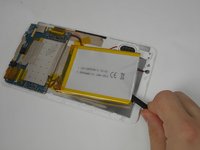
Wedge a plastic or nylon spudger underneath the battery, moving it back and forth to separate it from the device.
-
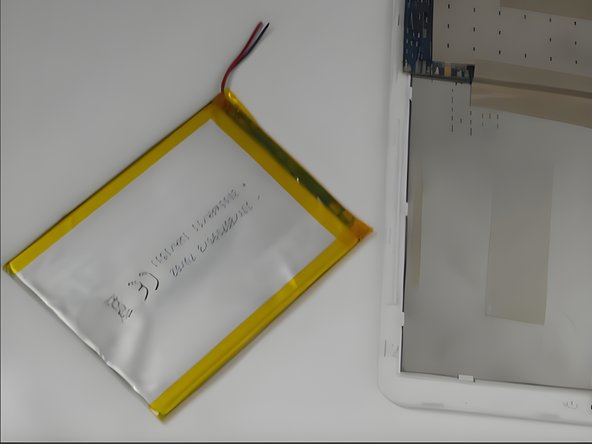
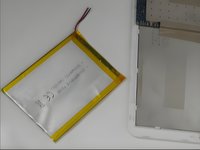
Remove the battery.
-
-


To reassemble your device, follow these instructions in reverse order.

Team

UMass Dartmouth, Team 2-1, Gulbrandsen Fall 2023 Member of UMass Dartmouth, Team 2-1, Gulbrandsen Fall 2023
UMASSD-GULBRANDSEN-F23S2G1
4 Members
72 Guides authored
