Introduction
This guide will explain how to properly replace the display screen on the top of your Neato Botvac Connected.
What you need
-
-
-
Flip the Botvac over so that the underside is facing up and the flat front is facing toward you.
-
Remove the four screws lining the front roller using a TR10 Torx screwdriver.
-
Remove the black panel behind and in front of the roller.
-
Gently lift the roller by the right side to remove it.
 Ask FixBot
-
-
-
Remove the two screws behind the front roller of the robot using a Phillips #2 screwdriver.
-
Remove the battery by lifting it out while pressing down on the wire clip inside the compartment.
-
-
-
-
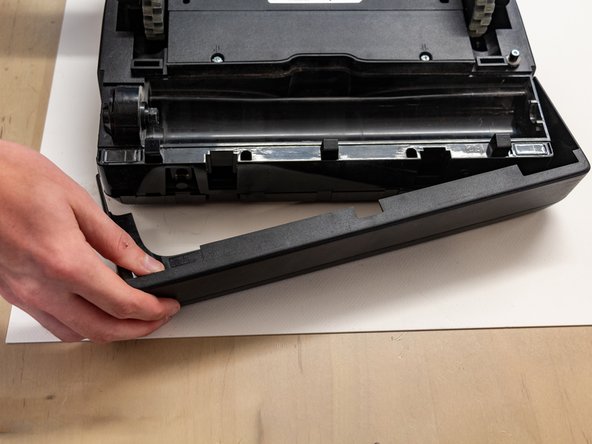
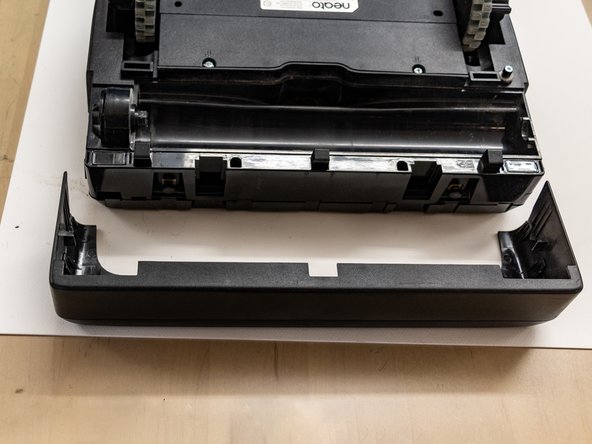
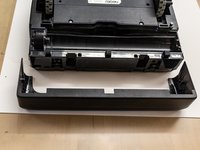
Pull one side of the front bumper out and then forward toward you. Repeat on the other side to completely detach the front bumper.
-
-
-
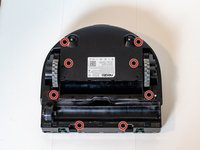
Remove the eight screws from the underside of the Botvac using a TR10 Torx screwdriver.
-
Remove the additional two TR10 screws from the top of the Botvac.
-
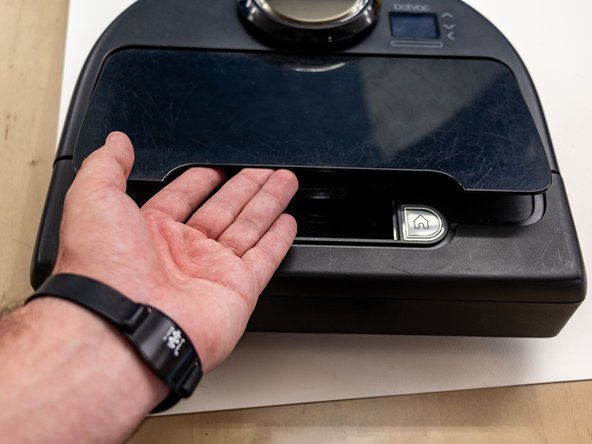
Remove the dustbin.
-
-
-
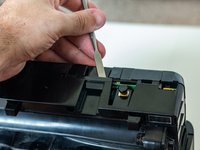
Pry the clips on the front of the robot apart.
-
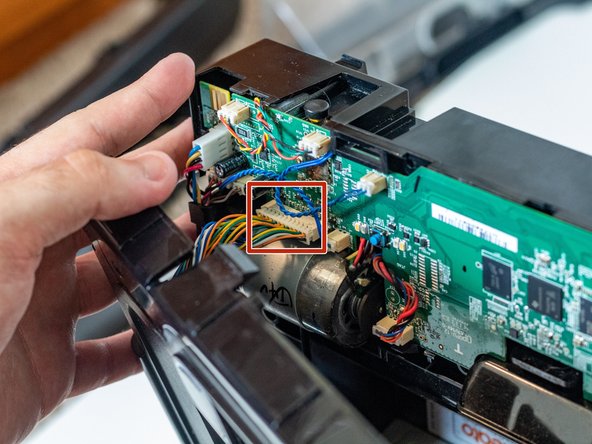
Unplug the beige connector with a spudger, working one side at a time until it comes unplugged.
-
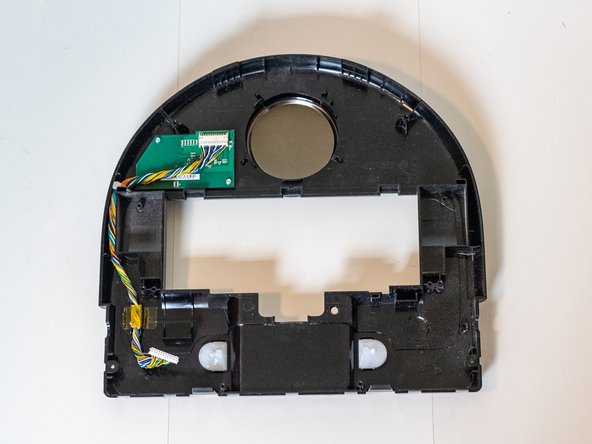
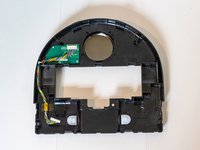
Lay the top of the robot inside up.
-
-
-
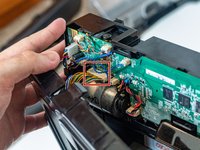
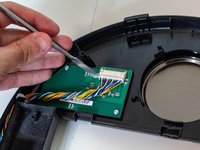
Unplug the beige connector with a spudger. Be careful not to tear out any wires.
-
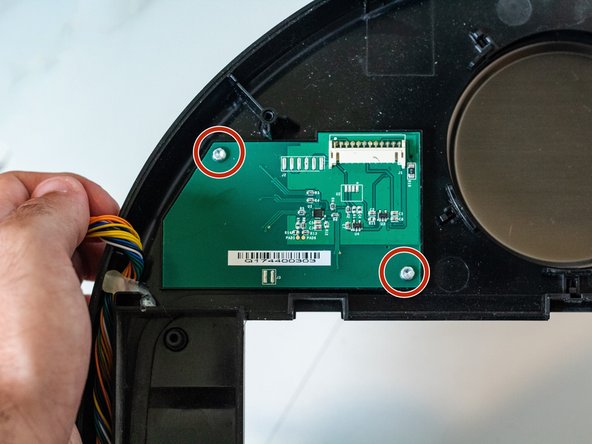
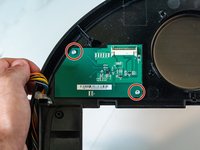
Remove the two screws from the screen using a TR10 Torx screwdriver.
-
Remove the screen from the vacuum.
-
-





To reassemble your device, follow these instructions in reverse order.

Team

University of Delaware, Team 12-5, McGuire Spring 2023 Member of University of Delaware, Team 12-5, McGuire Spring 2023
UD-MCGUIRE-S23S12G5
5 Members
24 Guides authored
