Free Shipping on Domestic Orders $75+

Neato Botvac 65 Wheel Motors Replacement

What you need

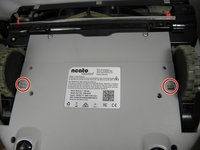
    1. Neato Botvac 65 Wheel Motors Replacement, Battery: step 1, image 1 of 2 Neato Botvac 65 Wheel Motors Replacement, Battery: step 1, image 2 of 2
      • Flip the device upside down.

      • Locate the two (2) 20mm screws on the batttery plate.

      Ask FixBot

      Add Comment

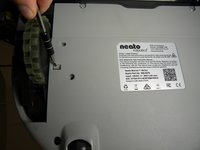
    2. Neato Botvac 65 Wheel Motors Replacement: step 2, image 1 of 2 Neato Botvac 65 Wheel Motors Replacement: step 2, image 2 of 2
      • Use the Phillips #1 screwdriver to loosen both screws.

      Ask FixBot

      Add Comment

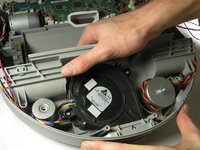
    3. Neato Botvac 65 Wheel Motors Replacement: step 3, image 1 of 1
      • Remove the battery back plate to reveal the battery.

      Ask FixBot

      Add Comment

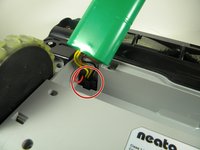
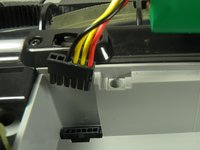
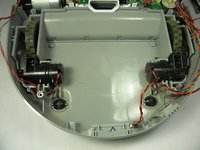
    4. Neato Botvac 65 Wheel Motors Replacement: step 4, image 1 of 2 Neato Botvac 65 Wheel Motors Replacement: step 4, image 2 of 2
      • Disconnect the current battery by pulling the connector from the base and pushing on the clip.

      Ask FixBot

      Add Comment

    1. Neato Botvac 65 Wheel Motors Replacement, Brush: step 5, image 1 of 1
      • Flip the device upside down.

      Ask FixBot

      Add Comment

    2. Neato Botvac 65 Wheel Motors Replacement: step 6, image 1 of 2 Neato Botvac 65 Wheel Motors Replacement: step 6, image 2 of 2
      • Use the screwdriver to take off the four (4) 10mm screws located near the brush which secure the plastic guard.

      Ask FixBot

      Add Comment

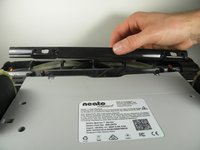
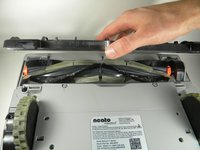
    3. Neato Botvac 65 Wheel Motors Replacement: step 7, image 1 of 2 Neato Botvac 65 Wheel Motors Replacement: step 7, image 2 of 2
      • Remove the plastic brush guard.

      • Pull off the plastic covering the brush.

      Ask FixBot

      Add Comment

    4. Neato Botvac 65 Wheel Motors Replacement: step 8, image 1 of 1
      • Lift the brush to clean or replace.

      Ask FixBot

      Add Comment

    1. Neato Botvac 65 Wheel Motors Replacement, Top Cover: step 9, image 1 of 1
      • Flip device upside down.

      • Locate the six (6) screw connected to the top cover.

      Ask FixBot

      Add Comment

    2. Neato Botvac 65 Wheel Motors Replacement: step 10, image 1 of 1
      • Remove eight (8) star screws using the T10 bit.

      Ask FixBot

      Add Comment

    3. Neato Botvac 65 Wheel Motors Replacement: step 11, image 1 of 2 Neato Botvac 65 Wheel Motors Replacement: step 11, image 2 of 2
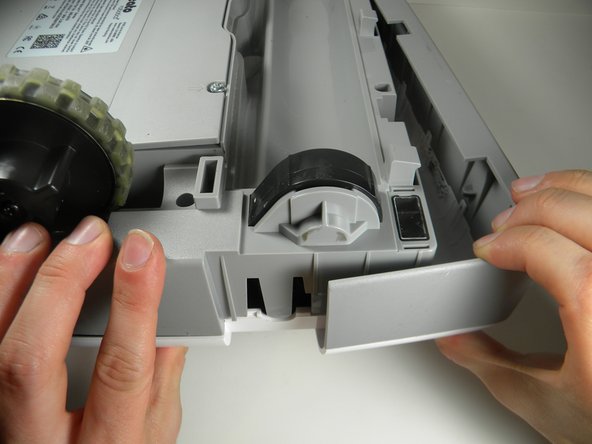
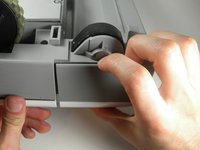
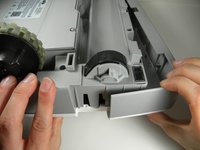
      • Pull off one side of the brush front cover, and then pull off the other.

      Ask FixBot

      Add Comment

    4. Neato Botvac 65 Wheel Motors Replacement: step 12, image 1 of 1
      • Flip right side up and turn around.

      • FInd the two clips connecting the top cover to the body of the device.

      Ask FixBot

      Add Comment

    5. Neato Botvac 65 Wheel Motors Replacement: step 13, image 1 of 2 Neato Botvac 65 Wheel Motors Replacement: step 13, image 2 of 2
      • Lift up on the top cover gently.

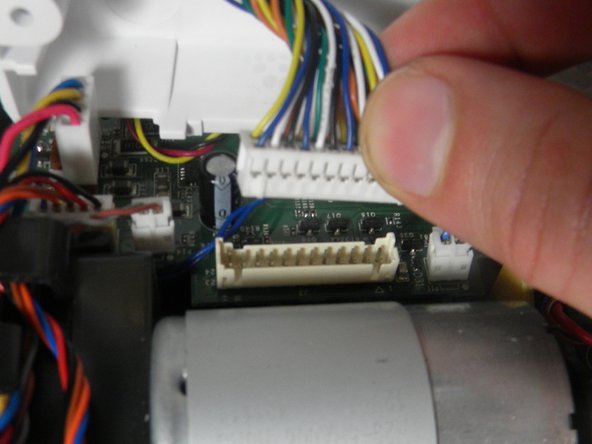
      • Disconnect the connector from the motherboard to detach the top cover from the robot.

      Ask FixBot

      Add Comment

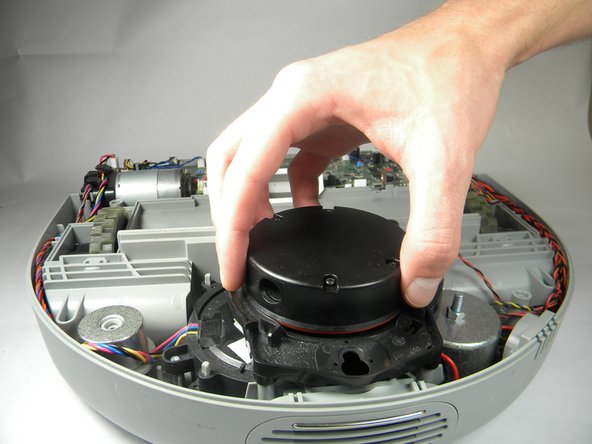
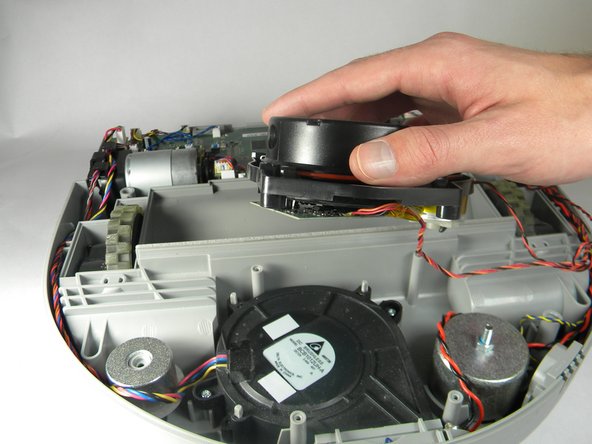
    1. Neato Botvac 65 Wheel Motors Replacement, Wheel Motors: step 14, image 1 of 3 Neato Botvac 65 Wheel Motors Replacement, Wheel Motors: step 14, image 2 of 3 Neato Botvac 65 Wheel Motors Replacement, Wheel Motors: step 14, image 3 of 3
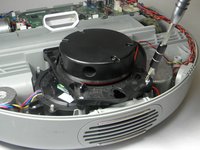
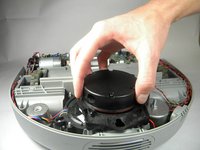
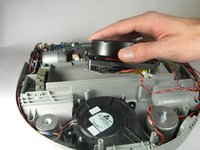
      • Remove four (4) 10mm 'star' screws using the T10 bit from the base plate where the rotating infrared sensor is located.

      • Carefully place the sensor on or near the robot without pulling the wires out.

      Ask FixBot

      Add Comment

    2. Neato Botvac 65 Wheel Motors Replacement: step 15, image 1 of 1
      • Remove two (2) screws using the T10 bit that connects the plastic protector over the wheel motor.

      • Pull up on the metal weight to remove.

      Ask FixBot

      Add Comment

    3. Neato Botvac 65 Wheel Motors Replacement: step 16, image 1 of 2 Neato Botvac 65 Wheel Motors Replacement: step 16, image 2 of 2
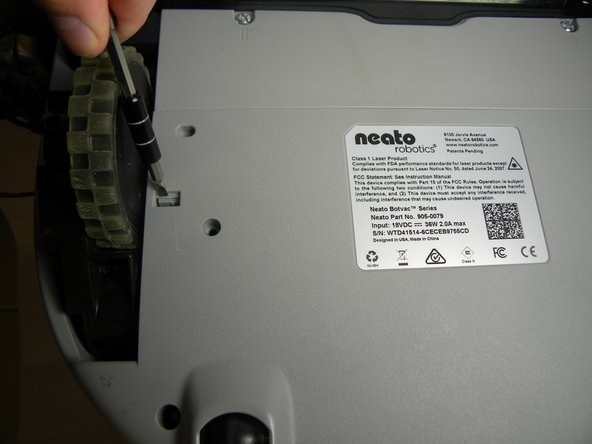
      • Flip the botvac over being careful not to drop the IR sensor or cause damage to the wires.

      • Using a flat-head screw driver and a cloth for protection, press on the clips until they recede into the botvac.

      Ask FixBot

      Add Comment

    4. Neato Botvac 65 Wheel Motors Replacement: step 17, image 1 of 2 Neato Botvac 65 Wheel Motors Replacement: step 17, image 2 of 2
      • Flip the robot back over(right-side up).

      • Carefully remove the plastic cover that protects the motor.

      Ask FixBot

      Add Comment

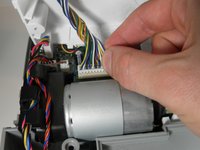
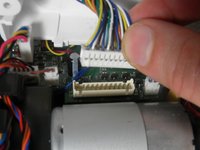
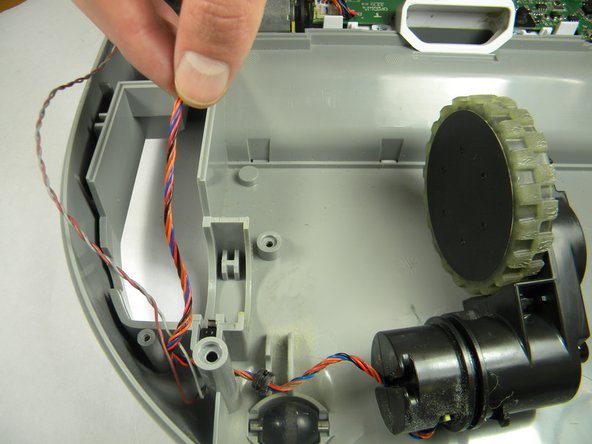
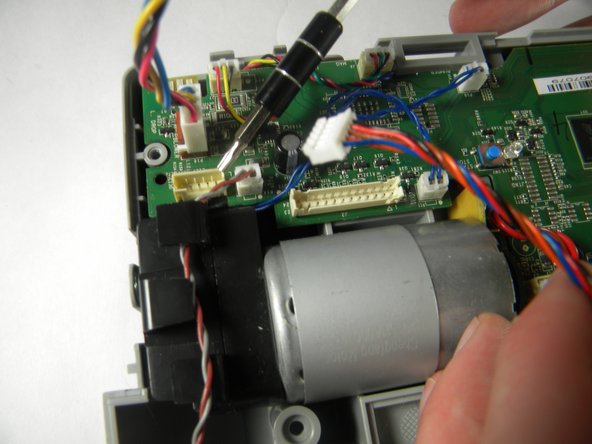
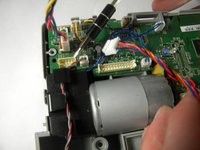
    5. Neato Botvac 65 Wheel Motors Replacement: step 18, image 1 of 3 Neato Botvac 65 Wheel Motors Replacement: step 18, image 2 of 3 Neato Botvac 65 Wheel Motors Replacement: step 18, image 3 of 3
      • Carefully remove the motor that you wish to replace.

      • Trace the wires that are connected to the motor back to the motherboard.

      • Disconnect the connector from the motherboard for the respective motor you're replacing.

      Ask FixBot

      Add Comment

Conclusion

To reassemble your device, follow these instructions in reverse order.

Cancel: I did not complete this guide.

One other person completed this guide.

Joseph Caton

Member since: 02/15/17

334 Reputation

3 Guides authored

Team

USF Tampa, Team S2-G1, Lacy Spring 2017 Member of USF Tampa, Team S2-G1, Lacy Spring 2017

USFT-LACY-S17S2G1

4 Members

60 Guides authored

0 Guide Comments

Add Comment

View Statistics:

Past 24 Hours: 4

Past 7 Days: 18

Past 30 Days: 95

All Time: 1,857