Free Shipping on Domestic Orders $75+

NPET K10V3 Membrane Replacement

What you need

  1. NPET K10V3 Membrane Replacement, Key Cap: step 1, image 1 of 1
    • Remove the keyboard from its power source.

    Ask FixBot

    Add Comment

  2. NPET K10V3 Membrane Replacement: step 2, image 1 of 2 NPET K10V3 Membrane Replacement: step 2, image 2 of 2
    • Firmly grasp the key that will be removed.

    • Remove the keycap by pulling directly upward.

    • Not pulling straight upward or securely will cause damage to the device.

    • If your fingers cannot get a good grip the key cap, use a key cap puller in the same orientation as with fingers.

    Ask FixBot

    Add Comment

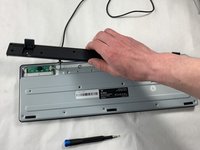
  3. NPET K10V3 Membrane Replacement, Membrane: step 3, image 1 of 1
    • Flip the keyboard over so the bottom is facing upwards.

    • Remove fifteen 4.5 mm screws using a Phillips #2 screwdriver.

    • Remove three 9 mm screws using a Phillips #2 screwdriver.

    • Remove the screws from the kickstand plate first followed by the remaining screws for removal of the backplate.

    Ask FixBot

    Add Comment

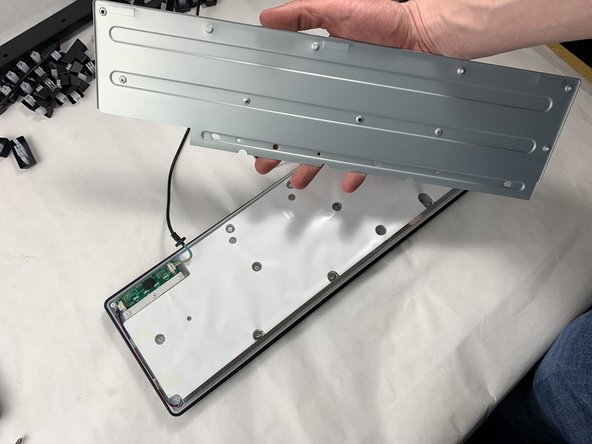
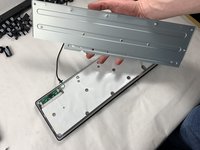
  4. NPET K10V3 Membrane Replacement: step 4, image 1 of 2 NPET K10V3 Membrane Replacement: step 4, image 2 of 2
    • Remove the kickstand.

    • Remove the back plate.

    • Keep in mind the location of the USB cable to ensure it is not damaged when re-assembling.

    Ask FixBot

    Add Comment

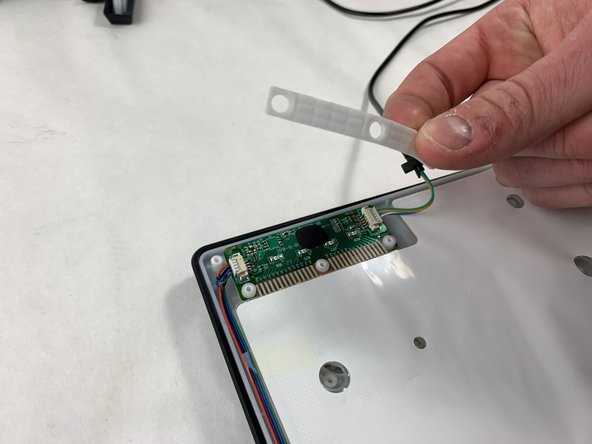
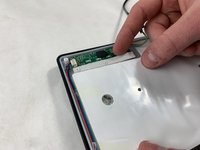
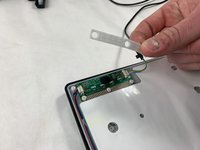
  5. NPET K10V3 Membrane Replacement: step 5, image 1 of 2 NPET K10V3 Membrane Replacement: step 5, image 2 of 2
    • Remove the rubber gasket that compresses the connections.

    • When removing the gasket, lift straight upward to avoid damage and snagging.

    • Clean the gasket if there is any dirt or debris.

    • Do not use chemicals or liquids when cleaning to avoid damage.

    Ask FixBot

    Add Comment

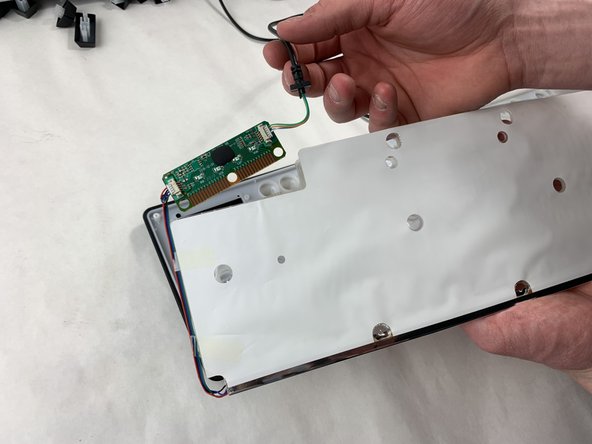
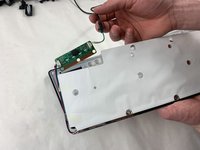
  6. NPET K10V3 Membrane Replacement: step 6, image 1 of 2 NPET K10V3 Membrane Replacement: step 6, image 2 of 2
    • Remove the membrane gently to reveal the copper connections for both motherboard and membrane.

    • Remove the motherboard from the membrane.

    • Remove the membrane out with the motherboard.

    • When removing both parts, lift straight upward to avoid damage and snagging.

    Ask FixBot

    Add Comment

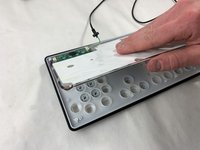
  7. NPET K10V3 Membrane Replacement: step 7, image 1 of 1
    • Place the membrane with the motherboard on a clean surface.

    • If the membrane is dirty around the key gaskets, clean gently without chemicals or liquids.

    Ask FixBot

    Add Comment

Conclusion

To reassemble your device, follow these instructions in reverse order.

Cancel: I did not complete this guide.

One other person completed this guide.

Matthew Costa

Member since: 03/18/24

343 Reputation

2 Guides authored

Team

0 Guide Comments

Add Comment

View Statistics:

Past 24 Hours: 0

Past 7 Days: 7

Past 30 Days: 37

All Time: 541