
Motorola i90c speaker replacement

Jorge and 5 other contributors
Last updated on May 7, 2024
Views: 1.5K
View statistics:
- Past 24 Hours:
- 0
- Past 7 Days:
- 4
- Past 30 Days:
- 33
- All Time:
- 1,545
Comments: 0
No one has left comments on this guide. Will you be first?
Go to guide commentsCompleted: 0 1
No one has marked this guide "completed." Will you be the first?
1 person has marked this guide "completed." It's you — great job!
Favorites: 0 1
No one has favorited (and subscribed to) this guide. Will you be the first?
1 person has favorited (and subscribed to) this guide — and that's you!
Confusing Text
Some of this guide's text is confusing, duplicated, or off-topic. Clarify it by editing!
Markup Mishap
This guide needs better markups. Help out by correcting or making some markup annotations.
Introduction
Go to step 1 ↓Today we are going to repair the speaker system in the phone. This may be due to simple wire disconnections and may require soldering or a replacement of the system.
What you need
Tools

-
-
-
Slide the notch downward while pulling the back cover off to remove it.
 Ask FixBot
-
-
-
Use your fingers to push the battery upward from the bottom.
-
Lift upwards to remove the battery.
-
-
-
-
-
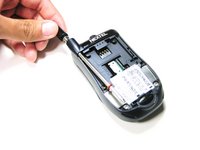
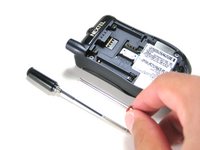
Unscrew the antenna in a counter-clockwise fashion.
-
Remove the aluminum cover.
-
-
-
-
-
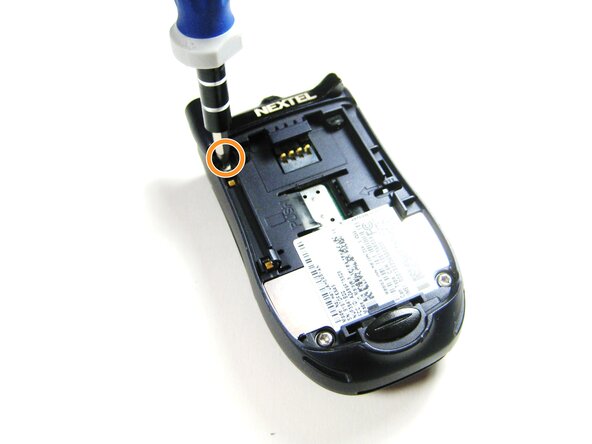
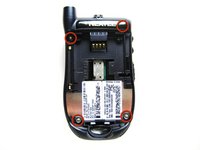
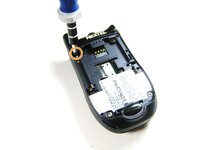
Unscrew the 3 screws shown.
-
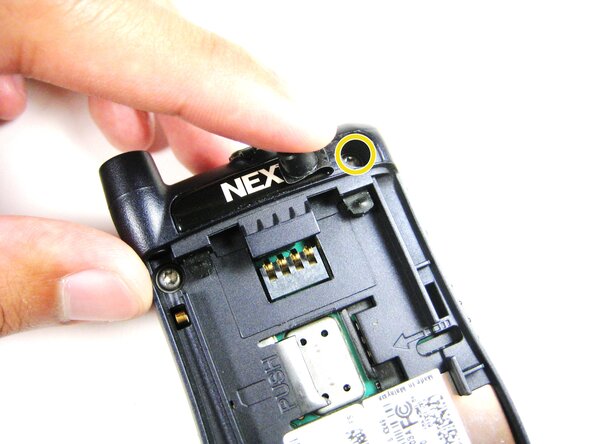
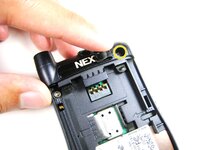
Lift the right part of the Nextel logo
-
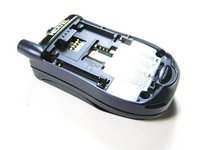
Remove the screw underneath.
-
-
-
-
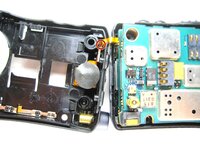
Find the connection between the headphone jack and logic board.
-
Begin separating the two pieces, slowly and carefully.
-
-
-
-
Tool used on this step:Tweezers$4.99
-
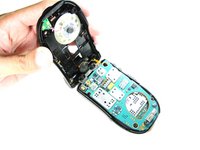
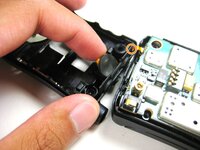
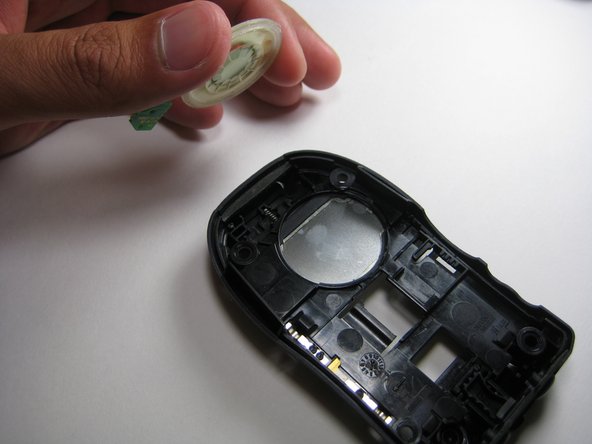
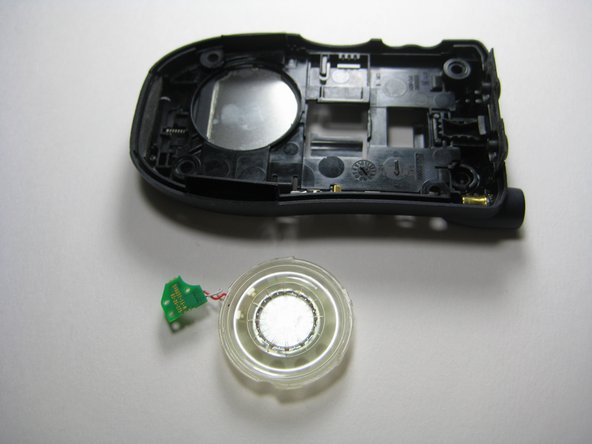
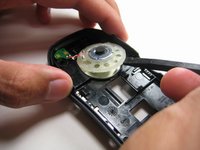
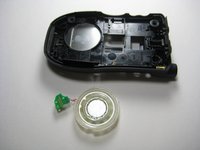
Use the prying tools to wedge out the circular part of the speaker system.
-
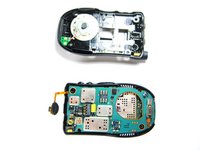
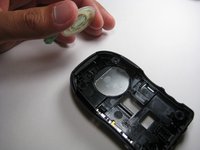
Carefully pull out the wiring and circuit board attached to the speaker system using a prying tool or tweezers.
-
-









To reassemble your device, follow these instructions in reverse order.

Team

Cal Poly, Team 29-61, Johann Spring 2010 Member of Cal Poly, Team 29-61, Johann Spring 2010
CPSU-JOHANN-S10S29G61
4 Members
72 Guides authored
