Free Shipping on Domestic Orders $75+

Motorola i560 Side Volume Button Replacement

What you need

    1. Motorola i560 Side Volume Button Replacement, Battery: step 1, image 1 of 1
      • Place thumb on the rubber tab on the lower back of the phone.

      • Push away from the phone to release back panel.

      Ask FixBot

      Add Comment

    2. Motorola i560 Side Volume Button Replacement: step 2, image 1 of 1
      • Lift the back panel of the phone to expose battery (not shown here).

      Ask FixBot

      Add Comment

    1. Motorola i560 Side Volume Button Replacement, Side Volume Button: step 3, image 1 of 1
      • Pull antenna up, away from the phone, to reveal two of six screws.

      Ask FixBot

      Add Comment

    2. Motorola i560 Side Volume Button Replacement: step 4, image 1 of 1
      • Unscrew all six 5.4 mm screws on the back side of the phone using the T-6 screwdriver bit.

      Ask FixBot

      Add Comment

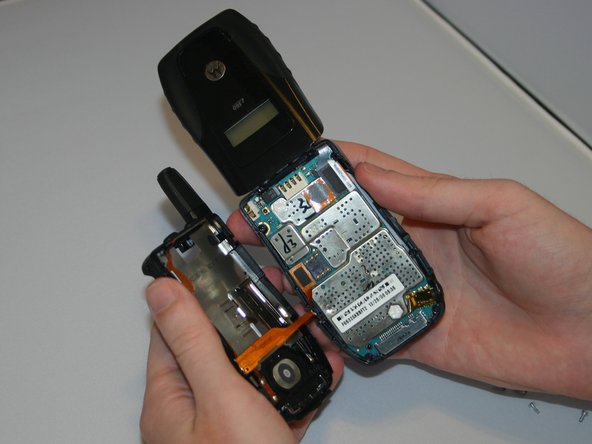
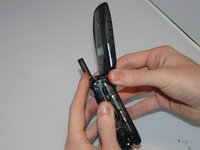
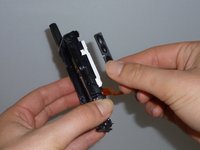
    3. Motorola i560 Side Volume Button Replacement: step 5, image 1 of 2 Motorola i560 Side Volume Button Replacement: step 5, image 2 of 2
      • Gently separate the front and back sides of the phone.

      • Be careful not to break or bend the ribbon cables.

      Ask FixBot

      Add Comment

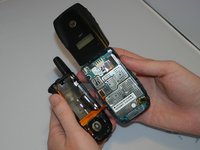
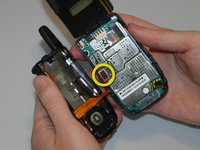
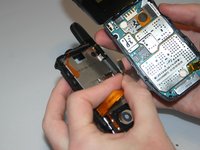
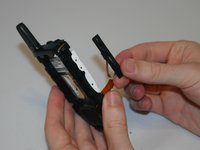
    4. Motorola i560 Side Volume Button Replacement: step 6, image 1 of 2 Motorola i560 Side Volume Button Replacement: step 6, image 2 of 2
      • Detach the first ribbon cable by unplugging it from the logic board.

      Ask FixBot

      Add Comment

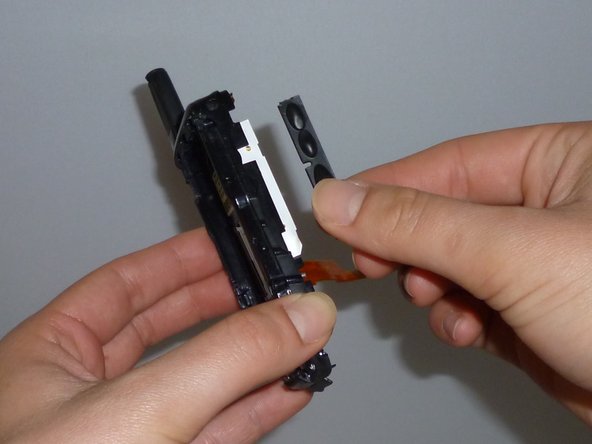
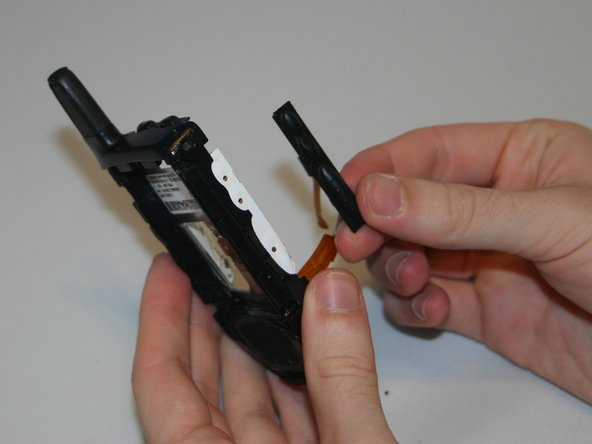
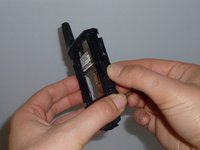
    5. Motorola i560 Side Volume Button Replacement: step 7, image 1 of 3 Motorola i560 Side Volume Button Replacement: step 7, image 2 of 3 Motorola i560 Side Volume Button Replacement: step 7, image 3 of 3
      • Gently remove the side button by pulling the buttons away from the phone.

      Ask FixBot

      Add Comment

Conclusion

To reassemble your device, follow these instructions in reverse order.

Cancel: I did not complete this guide.

Haley S

Member since: 03/11/13

10 Reputation

4 Guides authored

Team

Clemson, Team 13-6, Benson Spring 2013 Member of Clemson, Team 13-6, Benson Spring 2013

CLEM-BENSON-S13S13G6

3 Members

96 Guides authored

0 Guide Comments

Add Comment

View Statistics:

Past 24 Hours: 3

Past 7 Days: 6

Past 30 Days: 23

All Time: 400