Free Shipping on Domestic Orders $75+

Motorola W490 Flex Cable Replacement

What you need

    1. Motorola W490 Flex Cable Replacement, Phone Casing: step 1, image 1 of 2 Motorola W490 Flex Cable Replacement, Phone Casing: step 1, image 2 of 2
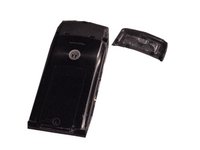
      • Pick up the cell phone with the back facing towards you.

      • Push down on the silver tab located at the top center of the back of the Motorola W490 cellphone.

      • While pushing down on the silver tab, slide the back cover towards the silver tab. Remove the back cover.

      Ask FixBot

      Add Comment

    1. Motorola W490 Flex Cable Replacement, Battery: step 2, image 1 of 2 Motorola W490 Flex Cable Replacement, Battery: step 2, image 2 of 2
      • Remove the battery by pulling the battery from the top corners labeled "Pull Here" located on either side of the top of the battery.

      • Set the battery aside.

      Ask FixBot

      Add Comment

    1. Motorola W490 Flex Cable Replacement, Lower Metal Frame: step 3, image 1 of 2 Motorola W490 Flex Cable Replacement, Lower Metal Frame: step 3, image 2 of 2
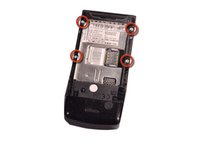
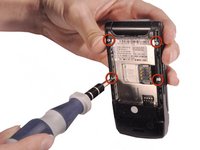
      • After taking out the battery, locate four star-shaped 5.4 mm T6 screws on top and middle of the rear of the phone. Indicated by the red circles.

      • Remove all the screws using the Torx T6 Screwdriver.

      Ask FixBot

      Add Comment

    2. Motorola W490 Flex Cable Replacement: step 4, image 1 of 3 Motorola W490 Flex Cable Replacement: step 4, image 2 of 3 Motorola W490 Flex Cable Replacement: step 4, image 3 of 3
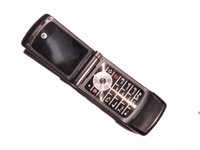
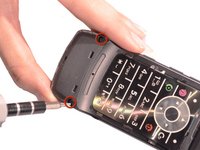
      • Turn over the phone to the front side and open up the phone, displaying the keypad.

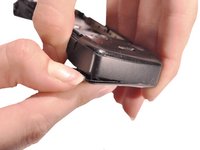
      • Use a plastic opening tool or your fingernail to make a gap between the front bottom cover and the phone.

      • Pull and set the glued plastic cover aside.

      • Be careful not to break the plastic cover when making a gap or pulling. The plastic cover is superglued to the phone.

      Ask FixBot

      Add Comment

    3. Motorola W490 Flex Cable Replacement: step 5, image 1 of 2 Motorola W490 Flex Cable Replacement: step 5, image 2 of 2
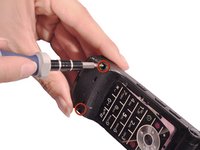
      • Under the plastic cover, locate two star-shaped T5 screws.

      • Use the Torx T5 Screwdriver to remove the two screws.

      Ask FixBot

      Add Comment

    4. Motorola W490 Flex Cable Replacement: step 6, image 1 of 3 Motorola W490 Flex Cable Replacement: step 6, image 2 of 3 Motorola W490 Flex Cable Replacement: step 6, image 3 of 3
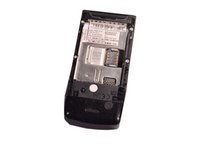
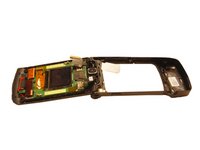
      • Turn over the phone to the back side of phone where the battery was removed.

      • Use hands to remove the unscrewed rear frame of the phone.

      • Set aside the rear metal frame.

      Ask FixBot

      Add Comment

    1. Motorola W490 Flex Cable Replacement, Circuit Board: step 7, image 1 of 3 Motorola W490 Flex Cable Replacement, Circuit Board: step 7, image 2 of 3 Motorola W490 Flex Cable Replacement, Circuit Board: step 7, image 3 of 3
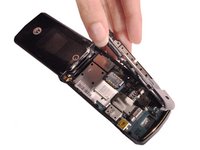
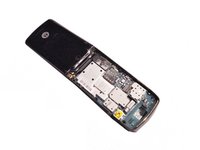
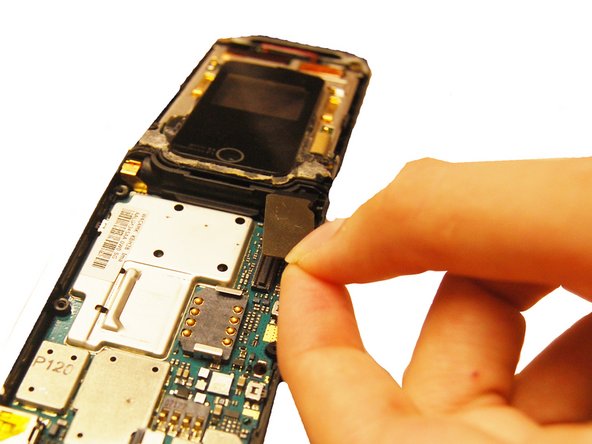
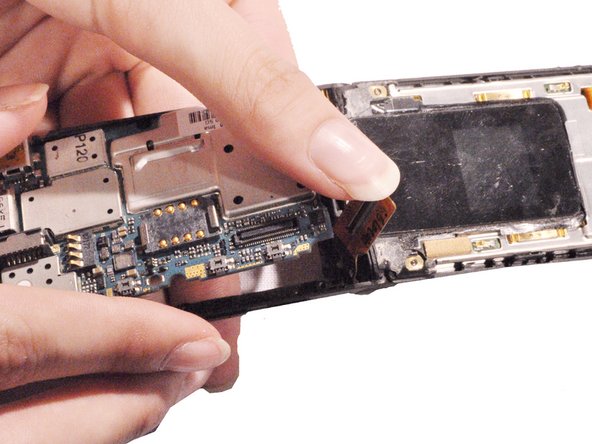
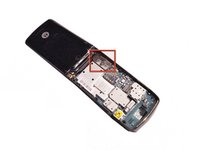
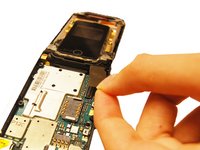
      • Identify the flex cable attachment. Indicated in a red square.

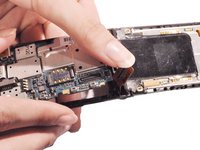
      • Detach the bottom half of the flex cable, pop it off of the circuit board.

      • Pick up the loosened circuit board from the phone and set aside.

      Ask FixBot

      Add Comment

    1. Motorola W490 Flex Cable Replacement, Upper Metal Frame: step 8, image 1 of 2 Motorola W490 Flex Cable Replacement, Upper Metal Frame: step 8, image 2 of 2
      • Use the blue plastic opening tool to pry off all four of the rubber stickers from the upper inside face.

      • Use the Torx T5 screwdriver to remove the four 5.4 mm screws from the upper inner face.

      Ask FixBot

      Add Comment

    2. Motorola W490 Flex Cable Replacement: step 9, image 1 of 3 Motorola W490 Flex Cable Replacement: step 9, image 2 of 3 Motorola W490 Flex Cable Replacement: step 9, image 3 of 3
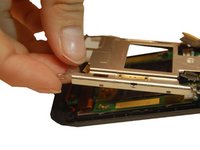
      • Use a flathead screwdriver or plastic opening tools to help pry the top cover away from the phone.

      Ask FixBot

      Add Comment

    3. Motorola W490 Flex Cable Replacement: step 10, image 1 of 2 Motorola W490 Flex Cable Replacement: step 10, image 2 of 2
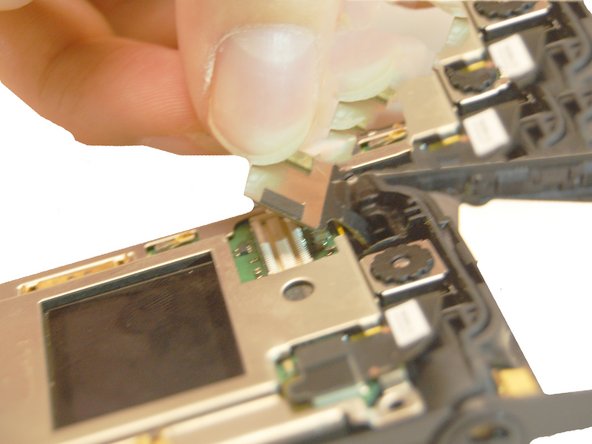
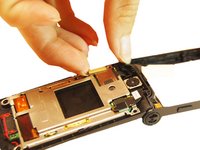
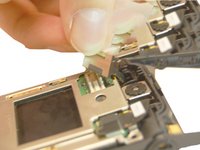
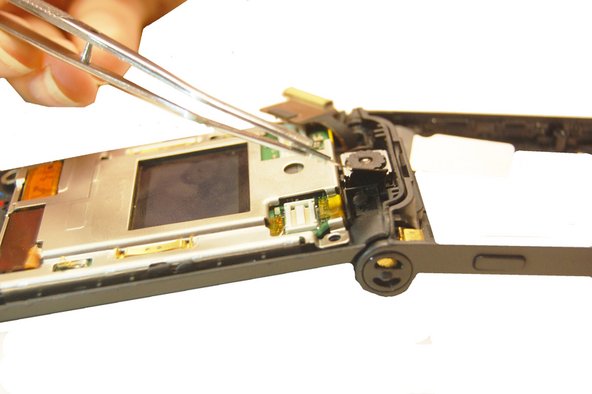
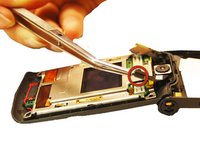
      • Pull the flex cable connection away from the top of the phone.

      Ask FixBot

      Add Comment

    4. Motorola W490 Flex Cable Replacement: step 11, image 1 of 2 Motorola W490 Flex Cable Replacement: step 11, image 2 of 2
      • Pull the camera connection away from the top of the phone.

      Ask FixBot

      Add Comment

    5. Motorola W490 Flex Cable Replacement: step 12, image 1 of 3 Motorola W490 Flex Cable Replacement: step 12, image 2 of 3 Motorola W490 Flex Cable Replacement: step 12, image 3 of 3
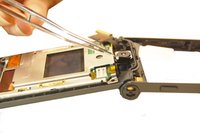
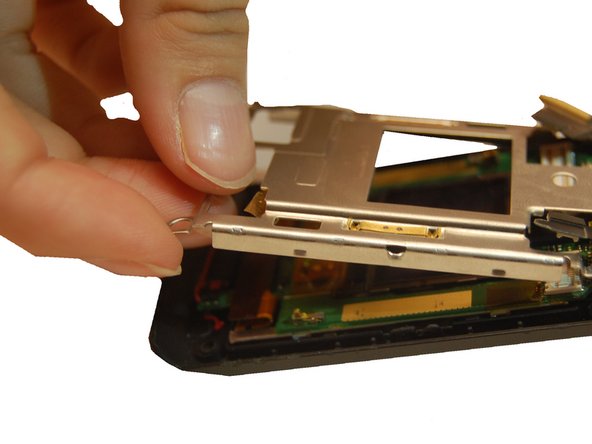
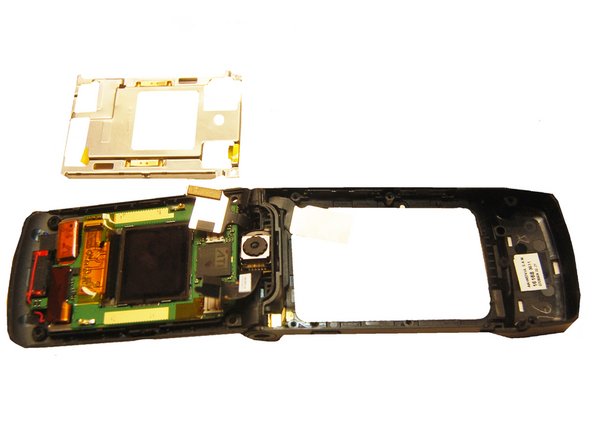
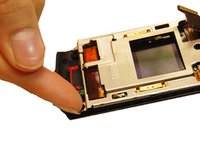
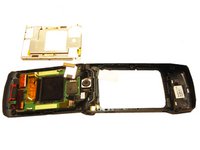
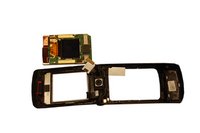
      • Pull the upper metal frame away from the phone.

      Ask FixBot

      Add Comment

    1. Motorola W490 Flex Cable Replacement, LCD Screen: step 13, image 1 of 3 Motorola W490 Flex Cable Replacement, LCD Screen: step 13, image 2 of 3 Motorola W490 Flex Cable Replacement, LCD Screen: step 13, image 3 of 3
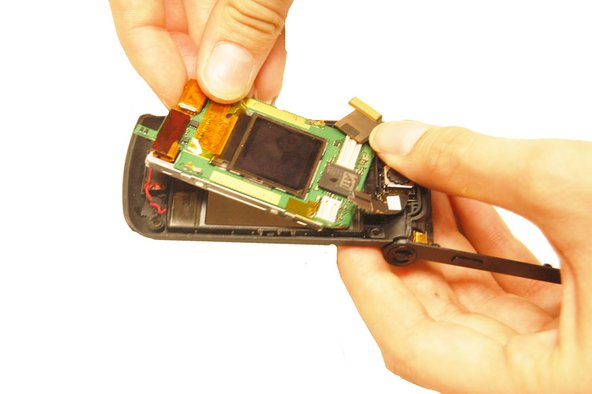
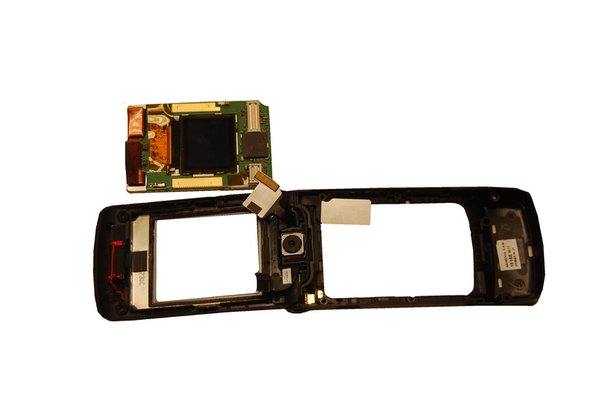
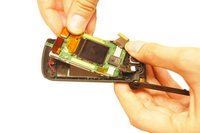
      • Hold the outer phone casing and pull the LCD screen out.

      Ask FixBot

      Add Comment

    1. Motorola W490 Flex Cable Replacement, Flex Cable: step 14, image 1 of 2 Motorola W490 Flex Cable Replacement, Flex Cable: step 14, image 2 of 2
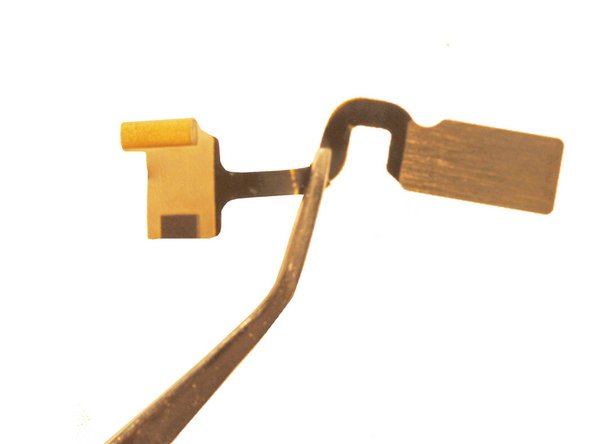
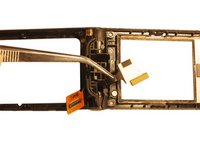
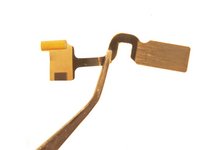
      • Remove the other end of the flex cable from the LCD board.

      • Pull the cable through the phone casing hinge and remove it.

      Ask FixBot

      Add Comment

Conclusion

To reassemble your device, follow these instructions in reverse order.

Cancel: I did not complete this guide.

Will Edwards

Member since: 10/22/12

61 Reputation

9 Guides authored

Team

Clemson, Team 14-1, Benson Fall 2012 Member of Clemson, Team 14-1, Benson Fall 2012

CLEM-BENSON-F12S14G1

4 Members

144 Guides authored

2 Guide Comments

How the !@#$ do you get the new flex cable in??? Id about anybody else, but mine was snapped in half when I opened it, thus, I was unable to see the original assembly... HELP???? Please??

Angela WM - Reply Share

Add Comment

View Statistics:

Past 24 Hours: 2

Past 7 Days: 5

Past 30 Days: 24

All Time: 1,397