
Motorola V557 Screen Replacement

Blair Frandeen and 8 other contributors
Last updated on Jan 20, 2025
Views: 3.2K
View statistics:
- Past 24 Hours:
- 2
- Past 7 Days:
- 11
- Past 30 Days:
- 41
- All Time:
- 3,232
Comments: 0
No one has left comments on this guide. Will you be first?
Go to guide commentsCompleted: 0 1
No one has marked this guide "completed." Will you be the first?
1 person has marked this guide "completed." It's you — great job!
Favorites: 0 1
No one has favorited (and subscribed to) this guide. Will you be the first?
1 person has favorited (and subscribed to) this guide — and that's you!
Missing Prerequisites
This guide is missing information on how to start the process. Make a prerequisite guide!
Better Introduction
Improve this guide by completing or revising its introduction.
Introduction
Go to step 1 ↓The screen is a common breaking point for cellular phones, and can be replaced to repair an unusable phone.
What you need
Tools
-
Spudger4.9
-


-
-
-
Remove the four rubber stoppers from around the screen with a pin to reveal four screws.
 Ask FixBot
-
-
-
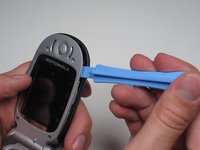
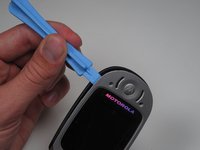
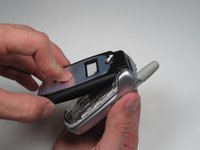
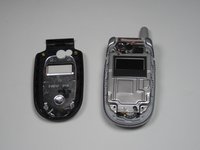
With the edges separated, close the phone and lift off the faceplate with your fingers.
-
-
-
-
-
Gently peel off the plastic film from the metal plate above the camera lens as shown.
-
-
-
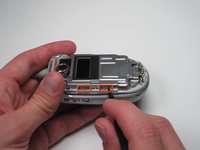
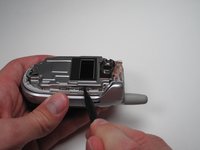
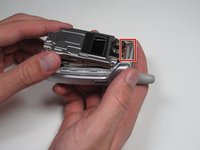
Insert the spudger into the slots marked and gently pry upwards to remove the metal cover.
-
Repeat the previous bullet for the two corresponding tabs on the opposite side of the phone.
-
-
-
Lift and peel back the tape attaching metal casing to body of the phone.
-
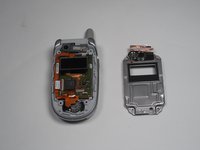
Gently lift the metal cover and remove to expose the circuit board.
-
-
-
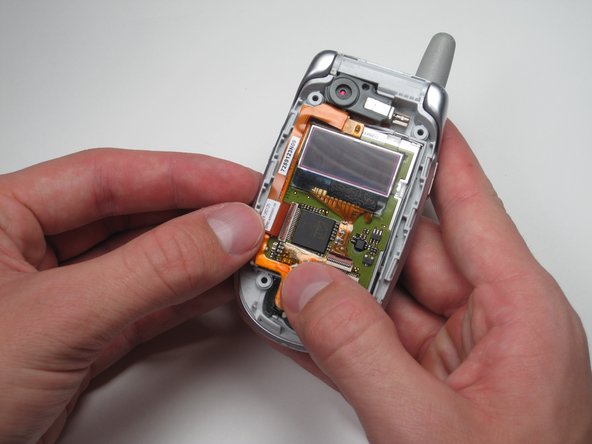
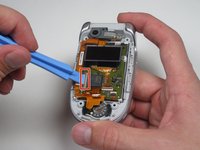
Using a plastic opening tool, pry or lift open the pink door shown.
-
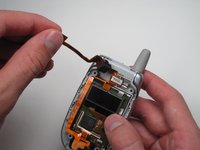
After the door is open, gently pull on the ribbon cable's corner to separate it from the board.
-
-
-
-
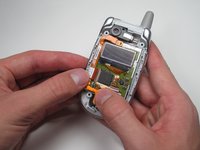
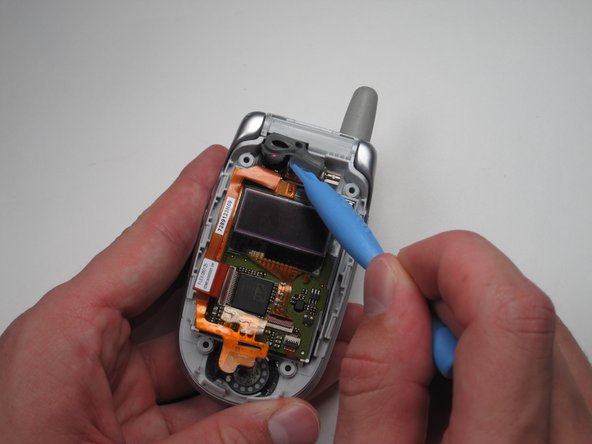
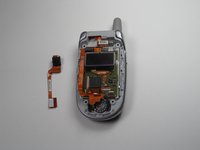
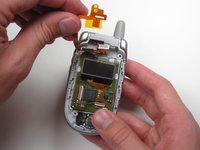
Lift the top ribbon cable, with camera attached, up and away from the rest of the phone.
-
-
-
-
-
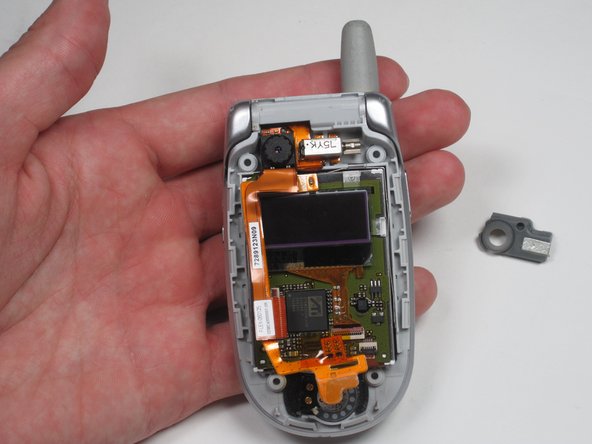
Pull the ribbon cable up and out of the way to get access to the circuit board-screen unit.
-
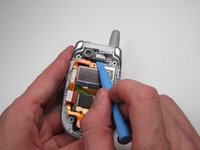
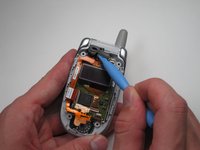
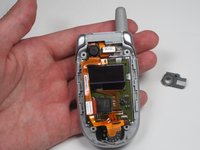
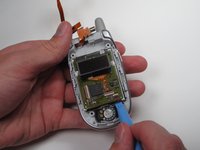
Using a plastic opening tool, gently pry and remove the circuit board-screen unit in both screens.
-
-














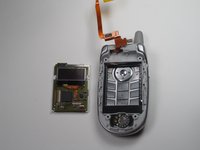
To reassemble your device, follow these instructions in reverse order.

Team

Cal Poly, Team 7-50, Amido Fall 2010 Member of Cal Poly, Team 7-50, Amido Fall 2010
CPSU-AMIDO-F10S7G50
4 Members
144 Guides authored
