
Motorola V551 Screen Replacement

gregatron and 12 other contributors
Last updated on Jun 29, 2023
Views: 4.3K
View statistics:
- Past 24 Hours:
- 1
- Past 7 Days:
- 10
- Past 30 Days:
- 81
- All Time:
- 4,303
Comments: 1
1 comment on steps.
Completed: 2 3
2 people have marked this guide "completed." Will you be next?
3 people have marked this guide "completed." Including you — great job!
Favorites: 0 1
No one has favorited (and subscribed to) this guide. Will you be the first?
1 person has favorited (and subscribed to) this guide — and that's you!
Introduction
Go to step 1 ↓If your Motorola V551 Cellphone screen non-operational, it is likely that the screen is in need of repair. In order to remove and replace the screen, follow the steps in this guide.
The screen is the most important feature of a cell phone to the user. Without the ability to see the actions you are taking, a phone is meaningless. A faulty screen will not display anything on the phone.
Before using this guide, inspect the other components and their connections to the motherboard. The problem could be a component being unplugged from dropping the phone.
Ensure the cellphone is fully powered off and not plugged in before beginning the repair.
What you need
Tools
-
Spudger4.9
-


-
-
Tool used on this step:Spudger$3.99
-
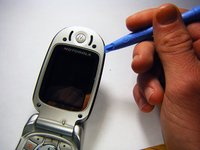
On the phone's face, remove the four rubber caps from the screw covers using a spudger.
 Ask FixBot
-
-
-
Unscrew the four cover screws using a T6 Torx screwdriver, turning counterclockwise.
-
-
-
-
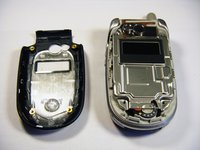
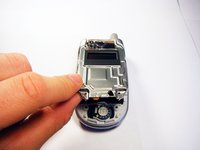
Carefully remove the protective cover from the circuitry.
-
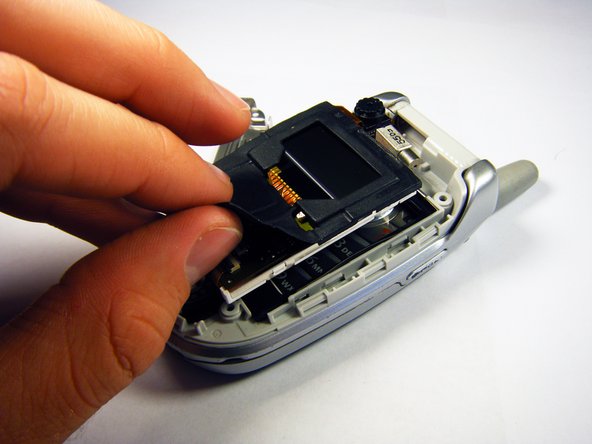
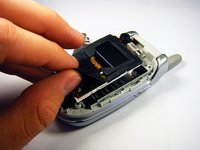
Slowly peel the black rubber gasket off of the circuit board.
-
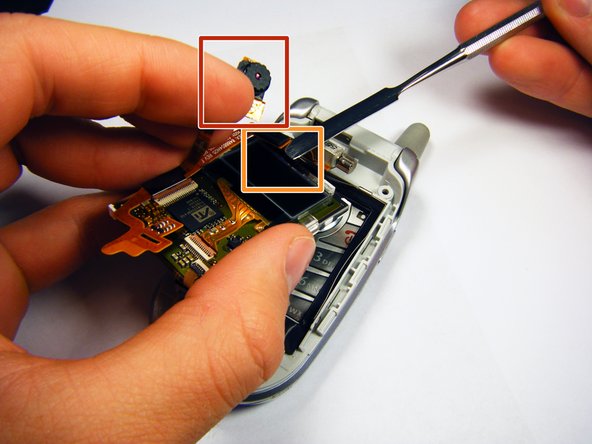
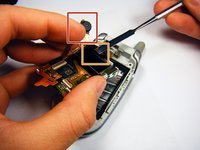
Carefully move the camera out of the way using your hand.
-
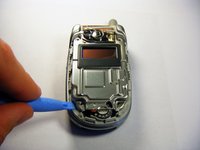
Use a flat tool to disconnect the upper and lower circuit boards.
-
-
-
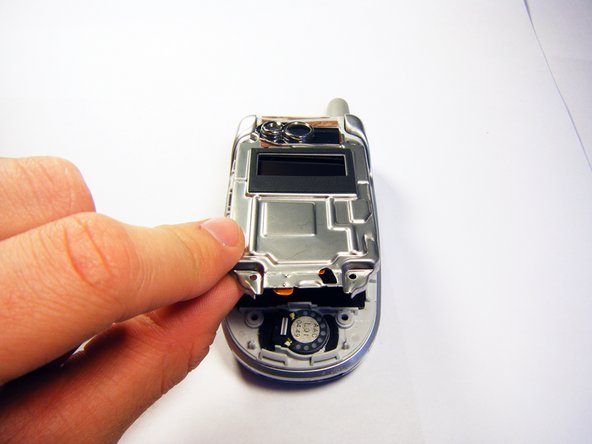
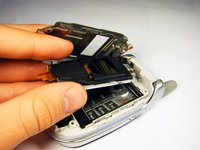
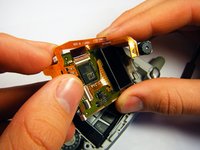
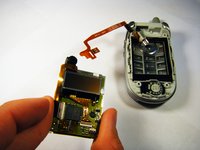
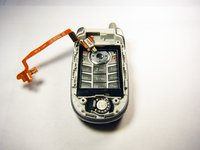
Gently slip the copper strip out from under the circuitry by using your hand.
-
-






To reassemble your device, follow these instructions in reverse order.
Cancel: I did not complete this guide.
2 other people completed this guide.

Team

Cal Poly, Team 6-6, Maness Fall 2009 Member of Cal Poly, Team 6-6, Maness Fall 2009
CPSU-MANESS-F09S6G6
4 Members
72 Guides authored
