Introduction
The following instructions will guide you through the repair of your Motorola V180 Motherboard. The Motorola V180 Motherboard should be replaced when it becomes unresponsive or overheats. Replacing the motherboard should allow the Motorola to function like usual. This task does not require any special skills however, be careful as some parts do easily fall off.
What you need
-
-
-
Completely power off the Motorola V180.
-
Flip the phone over to its back side.
-
Press down the button and slide off the back cover.
-
Remove the old battery.
 Ask FixBot
-
-
-
-
-
-
Use your T6 Torx Screwdriver to unscrew the four screws located on the back of the phone.
-
Remove the SIM card located on the back of the phone.
-
A ribbon near the antenna is still attached to the motherboard. Do not break this ribbon.
-
-
-
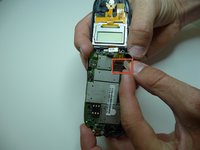
Unclip the pronged rectangle connector ribbon attached to the motherboard.
-
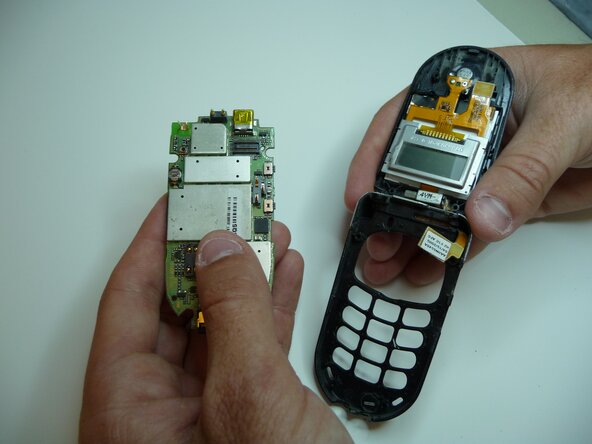
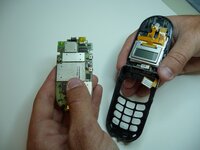
Remove the motherboard by lifting it up out of the keypad.
-
-


To reassemble your device, follow these instructions in reverse order.

Team

Cal Poly, Team 6-16, Maness Spring 2010 Member of Cal Poly, Team 6-16, Maness Spring 2010
CPSU-MANESS-S10S6G16
4 Members
72 Guides authored
