Free Shipping on Domestic Orders $75+

Motorola SLVR L9 Antenna Cover Replacement

What you need

  1. Motorola SLVR L9 Antenna Cover Replacement, Battery: step 1, image 1 of 2 Motorola SLVR L9 Antenna Cover Replacement, Battery: step 1, image 2 of 2
    • Turn the phone over so that the back of the phone is facing up.

    Ask FixBot

    Add Comment

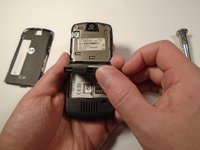
  2. Motorola SLVR L9 Antenna Cover Replacement: step 2, image 1 of 3 Motorola SLVR L9 Antenna Cover Replacement: step 2, image 2 of 3 Motorola SLVR L9 Antenna Cover Replacement: step 2, image 3 of 3
    • Press down on the silver battery cover latch located at the top of the phone.

    • Pull the battery cover down and away from the latch; then lift it up to remove the battery cover.

    Ask FixBot

    Add Comment

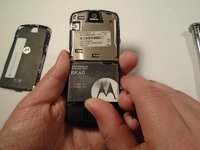
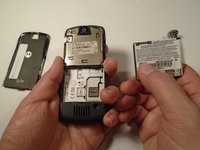
  3. Motorola SLVR L9 Antenna Cover Replacement: step 3, image 1 of 3 Motorola SLVR L9 Antenna Cover Replacement: step 3, image 2 of 3 Motorola SLVR L9 Antenna Cover Replacement: step 3, image 3 of 3
    • To remove the battery, pull the battery up from the bottom center.

    Ask FixBot

    Add Comment

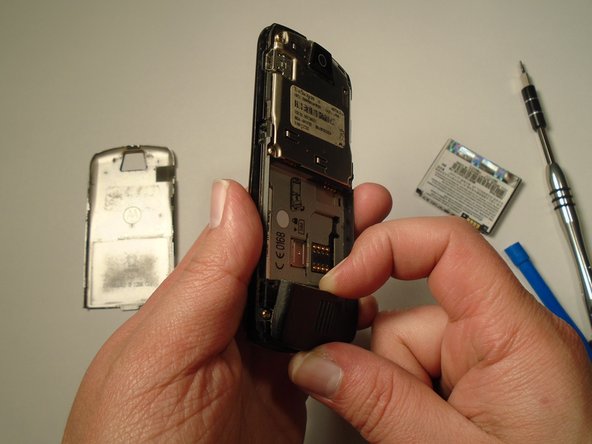
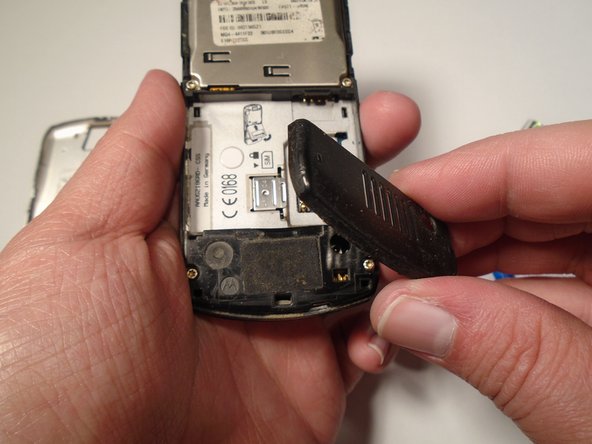
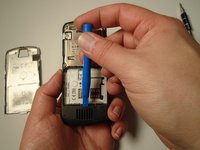
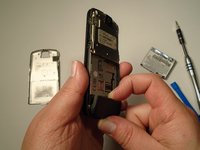
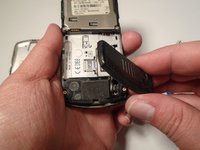
  4. Motorola SLVR L9 Antenna Cover Replacement, Antenna Cover: step 4, image 1 of 3 Motorola SLVR L9 Antenna Cover Replacement, Antenna Cover: step 4, image 2 of 3 Motorola SLVR L9 Antenna Cover Replacement, Antenna Cover: step 4, image 3 of 3
    • Use the plastic opening tool to loosen the cover latch.

    • Once the cover latch has been loosened, gently pull the cover latch off of the device.

    Ask FixBot

    Add Comment

Conclusion

To reassemble your device, follow these instructions in reverse order.

Cancel: I did not complete this guide.

Eric Lopez

Member since: 10/13/15

201 Reputation

2 Guides authored

Team

0 Guide Comments

Add Comment

View Statistics:

Past 24 Hours: 1

Past 7 Days: 5

Past 30 Days: 22

All Time: 343