
Motorola Rival Keyboard Replacement

Sekani Paul and 6 other contributors
Last updated on Jun 24, 2025
Views: 648
View statistics:
- Past 24 Hours:
- 3
- Past 7 Days:
- 13
- Past 30 Days:
- 91
- All Time:
- 648
Comments: 0
No one has left comments on this guide. Will you be first?
Go to guide commentsCompleted: 0 1
No one has marked this guide "completed." Will you be the first?
1 person has marked this guide "completed." It's you — great job!
Favorites: 0 1
No one has favorited (and subscribed to) this guide. Will you be the first?
1 person has favorited (and subscribed to) this guide — and that's you!
Action Shots
Be an action hero! This guide needs images that better demonstrate how to perform specific actions.
Needs Better Images
Better photos will improve this guide. Help out by taking, editing, or uploading new ones!
Introduction
Go to step 1 ↓If your Motorola Rival’s keyboard is unresponsive or certain keys stop working, replacing it can restore its functionality. A working keyboard is essential for texting, dialing, and navigating your phone.
This repair is rated as moderate. While it doesn’t require advanced technical skills, it does call for attention to detail and patience. The process involves removing various screws, buttons, and panels to access the keyboard, which is secured beneath the motherboard.
Before you begin, ensure the phone is powered off and disconnected from any external power sources. Be sure to have the necessary tools, including the iFixit Opening Tool and the Phillips #00 screwdriver from the 64 Bit Driver Kit, ready to go.
What you need
Tools


-
-
-
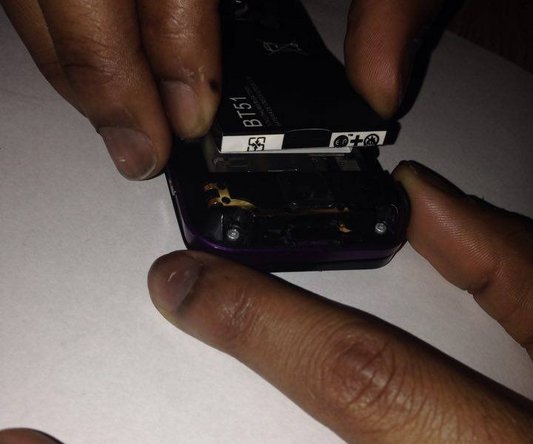
Push down on the release tab and pull the back cover away from the device, exposing the battery.
 Ask FixBot
-
-
-
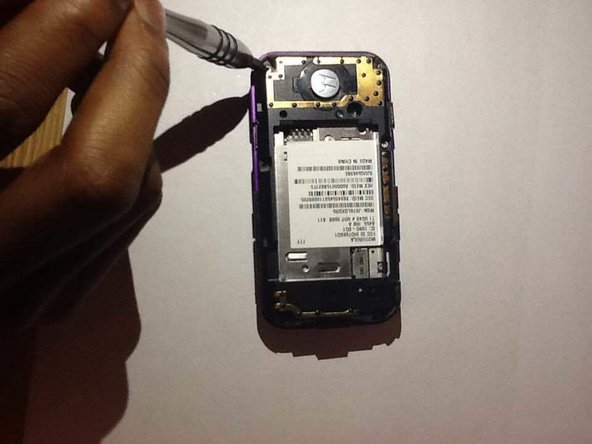
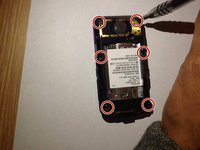
Use a Phillips #00 screwdriver to remove the six screws around the edge of the device.
-
-
-
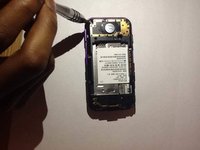
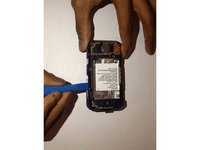
Insert the iFixit Opening Tool into the seam where the front and back panels meet and work your way around the perimeter to separate the two panels.
-
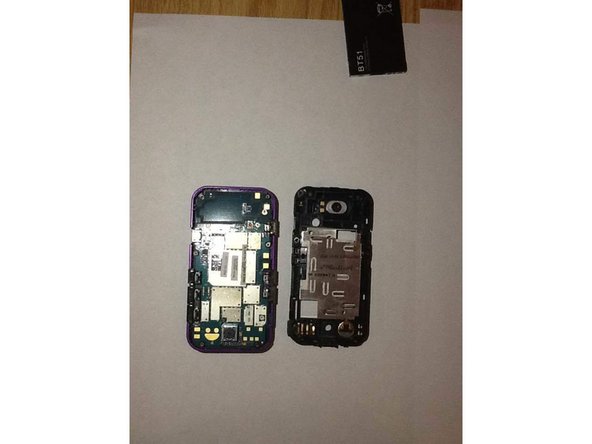
Once the two panels are separated, set the front panel to the side. You will be working with the back panel to access the keyboard.
-
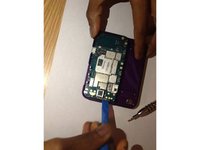
The motherboard is now exposed on the back panel.
-
-
-
Use the iFixit Opening Tool to lift the camera button and remove it from its position.
-
-
-
Use the iFixit Opening Tool to lift the lock/mute button and remove it from its position.
-
-
-
Use the iFixit Opening Tool to lift the volume buttons and remove them from their position.
-
-
-
-
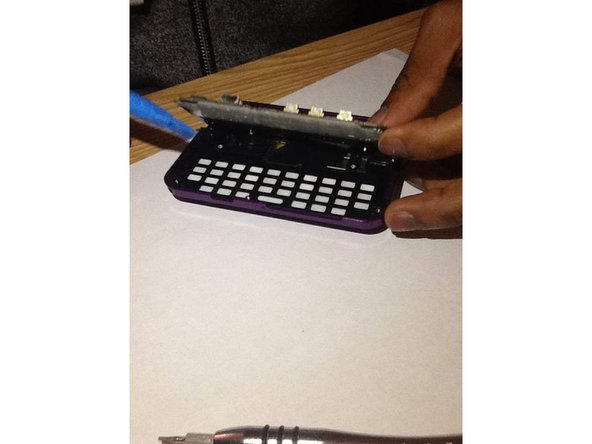
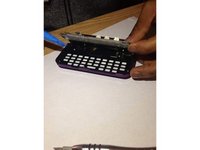
Slide the keyboard out.
-
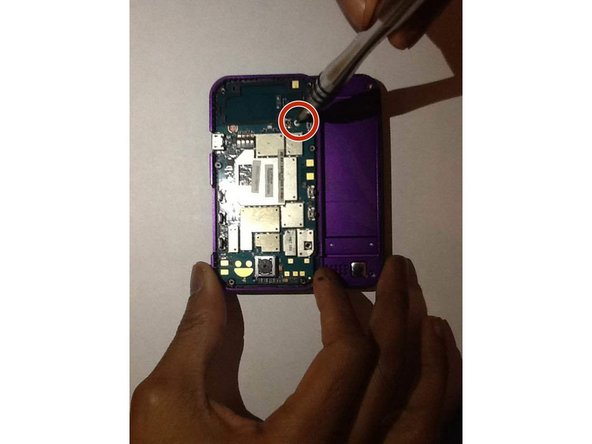
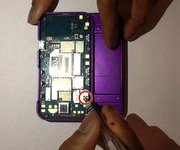
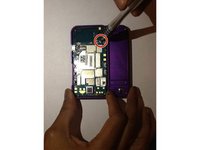
Use a Phillips #00 screwdriver to remove all of the screws.
-
-
-
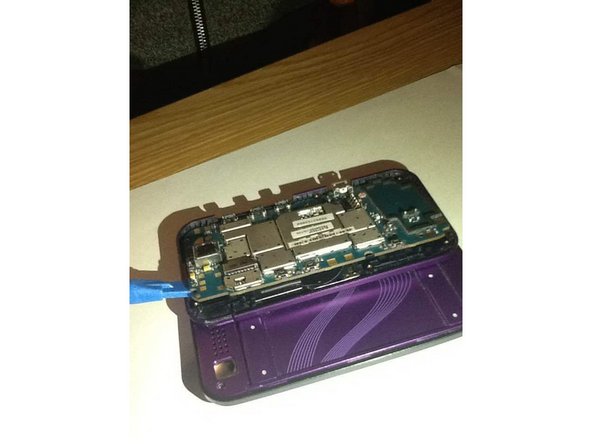
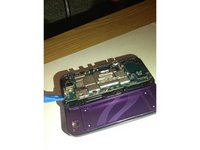
Insert the iFixit Opening Tool under the edges of the motherboard to lift it out of the back panel and expose the keyboard.
-
-









To reassemble your device, follow these steps in reverse order.

Team

UMass Dartmouth, Team 1-8, Bhusal Fall 2015 Member of UMass Dartmouth, Team 1-8, Bhusal Fall 2015
UMASSD-BHUSAL-F15S1G8
2 Members
24 Guides authored
