Free Shipping on Domestic Orders $75+

Motorola Rival Battery Replacement

  1. Motorola Rival Battery Replacement, Battery: step 1, image 1 of 1
    • Locate the back side of the device

    Ask FixBot

    Add Comment

  2. Motorola Rival Battery Replacement: step 2, image 1 of 1
    • Locate the lever to release the back cover

    Ask FixBot

    Add Comment

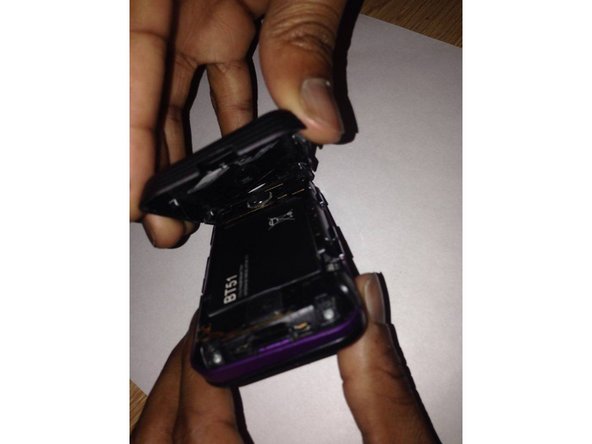
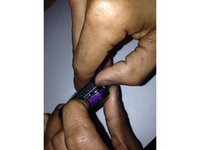
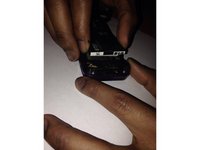
  3. Motorola Rival Battery Replacement: step 3, image 1 of 2 Motorola Rival Battery Replacement: step 3, image 2 of 2
    • Push down on the lever, while pulling the back cover away from the device

    Ask FixBot

    Add Comment

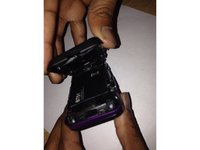
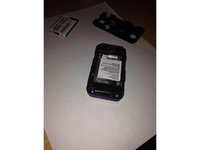
  4. Motorola Rival Battery Replacement: step 4, image 1 of 2 Motorola Rival Battery Replacement: step 4, image 2 of 2
    • Place index finger an thumb on the battery and pull away from device.

    Ask FixBot

    Add Comment

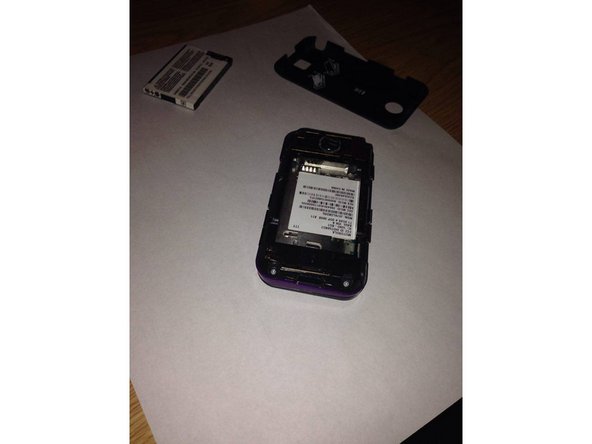
  5. Motorola Rival Battery Replacement: step 5, image 1 of 1
    • Replace faulty battery with replacement battery and replace the cover on the device

    Ask FixBot

    Add Comment

Conclusion

To reassemble your device, follow these instructions in reverse order.

Cancel: I did not complete this guide.

One other person completed this guide.

Sekani Paul

Member since: 11/04/15

231 Reputation

2 Guides authored

Team

UMass Dartmouth, Team 1-8, Bhusal Fall 2015 Member of UMass Dartmouth, Team 1-8, Bhusal Fall 2015

UMASSD-BHUSAL-F15S1G8

2 Members

4 Guides authored

0 Guide Comments

Add Comment

View Statistics:

Past 24 Hours: 1

Past 7 Days: 3

Past 30 Days: 17

All Time: 359