Free Shipping on Domestic Orders $75+

Motorola Razr V3m Keypad Cover Replacement

What you need

  1. Motorola Razr V3m Keypad Cover Replacement, Battery: step 1, image 1 of 2 Motorola Razr V3m Keypad Cover Replacement, Battery: step 1, image 2 of 2
    • Press the release button located on the upper edge of the battery cover. At the same time, lift the battery cover away from the phone.

    Ask FixBot

    Add Comment

  2. Motorola Razr V3m Keypad Cover Replacement: step 2, image 1 of 2 Motorola Razr V3m Keypad Cover Replacement: step 2, image 2 of 2
    • Push the top edge of the battery and lift away from the phone.

    Ask FixBot

    Add Comment

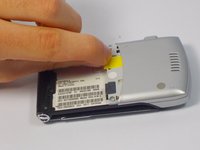
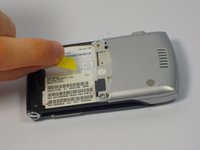
  3. Motorola Razr V3m Keypad Cover Replacement, SIM Card: step 3, image 1 of 2 Motorola Razr V3m Keypad Cover Replacement, SIM Card: step 3, image 2 of 2
    • Gently pull the SIM Card toward the top of the phone with your finger.

    Ask FixBot

    Add Comment

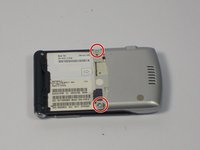
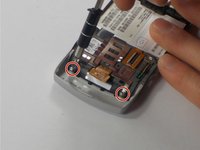
  4. Motorola Razr V3m Keypad Cover Replacement, Keypad Cover: step 4, image 1 of 2 Motorola Razr V3m Keypad Cover Replacement, Keypad Cover: step 4, image 2 of 2
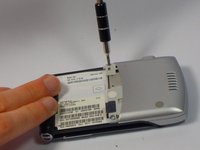
    • Remove the two screws from the back panel with a T6 screwdriver.

    Ask FixBot

    Add Comment

  5. Motorola Razr V3m Keypad Cover Replacement: step 5, image 1 of 1
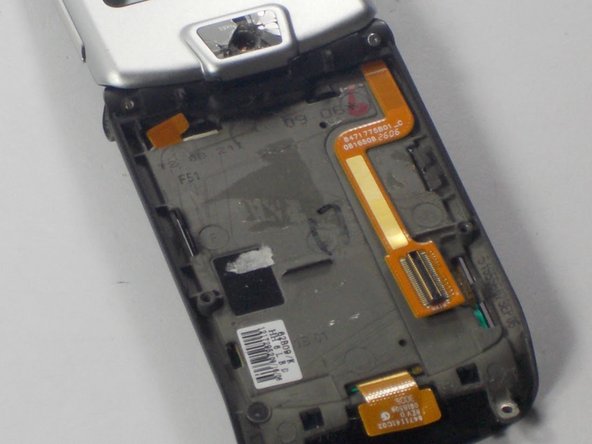
    • Carefully use a metal spudger to pry back panel open.

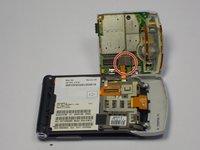
    • The back panel is attached to the phone with a copper ribbon that acts as a hinge.

    • Carefully open out the back panel to the side of the phone corresponding with the hinge.

    • Do not pull back away from phone. It may damage the copper ribbon.

    Ask FixBot

    Add Comment

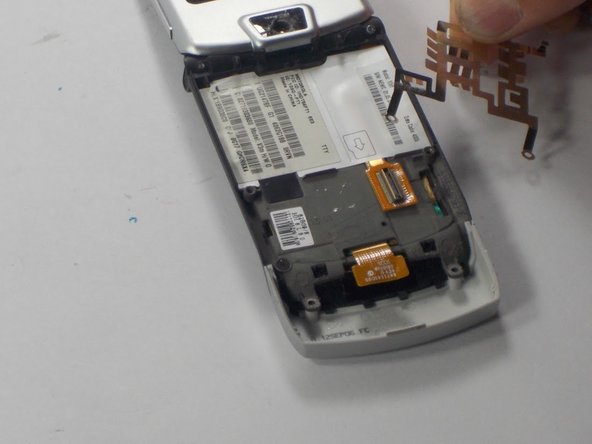
  6. Motorola Razr V3m Keypad Cover Replacement: step 6, image 1 of 2 Motorola Razr V3m Keypad Cover Replacement: step 6, image 2 of 2
    Tool used on this step:
    Tweezers
    $4.99
    Buy
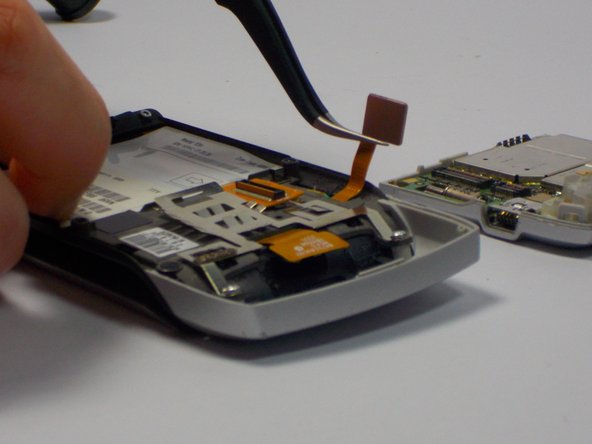
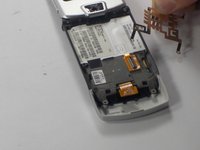
    • Use tweezers to disconnect the copper ribbon from the inside of the back panel.

    Ask FixBot

    Add Comment

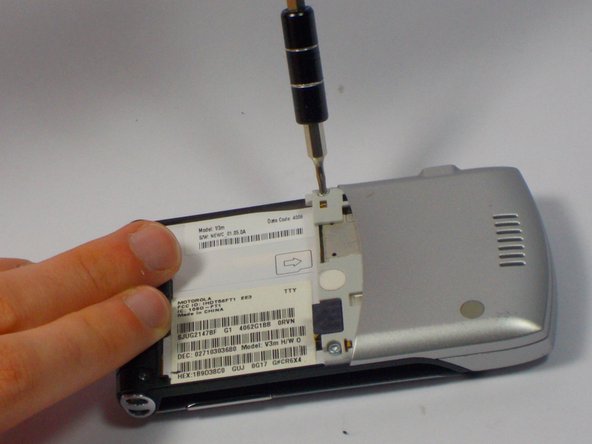
  7. Motorola Razr V3m Keypad Cover Replacement: step 7, image 1 of 2 Motorola Razr V3m Keypad Cover Replacement: step 7, image 2 of 2
    • Use a T6 Torx bit screwdriver to remove the two screws holding the cover down.

    • The metal shield will come off with the screws; don't forget to reattach it before replacing the screws.

    Ask FixBot

    Add Comment

  8. Motorola Razr V3m Keypad Cover Replacement: step 8, image 1 of 2 Motorola Razr V3m Keypad Cover Replacement: step 8, image 2 of 2
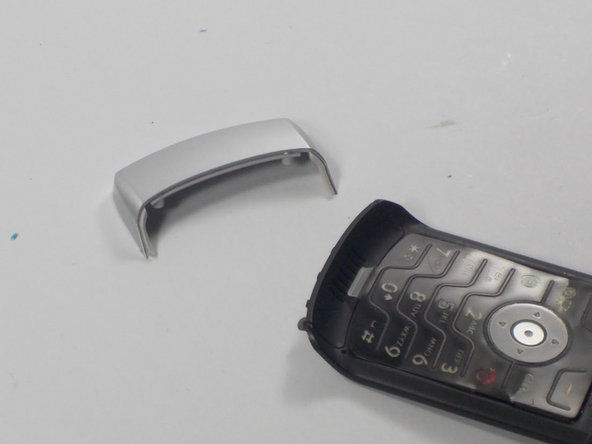
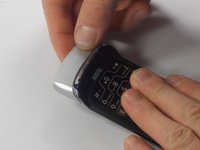
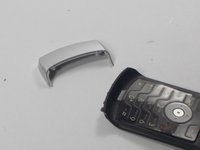
    • Remove the keypad cover, located below the keypad on the front of the phone.

    Ask FixBot

    Add Comment

  9. Motorola Razr V3m Keypad Cover Replacement: step 9, image 1 of 2 Motorola Razr V3m Keypad Cover Replacement: step 9, image 2 of 2
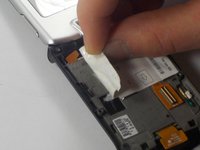
    • Remove the sticker on the back of the phone.

    Ask FixBot

    Add Comment

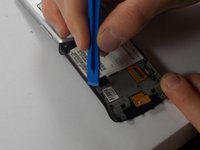
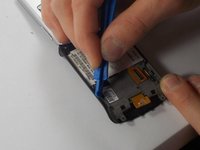
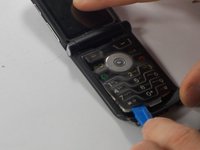
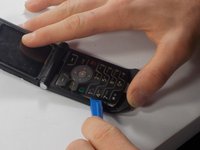
  10. Motorola Razr V3m Keypad Cover Replacement: step 10, image 1 of 3 Motorola Razr V3m Keypad Cover Replacement: step 10, image 2 of 3 Motorola Razr V3m Keypad Cover Replacement: step 10, image 3 of 3
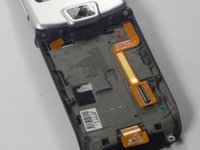
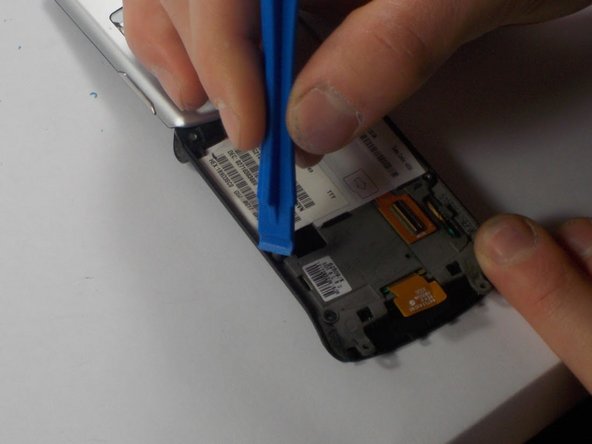
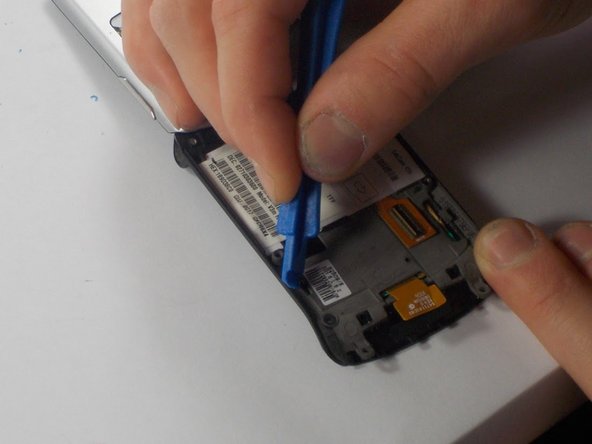
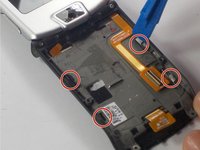
    • Using a plastic opening tool, push the four metal tabs along the edge of the phone in towards the keypad.

    Ask FixBot

    Add Comment

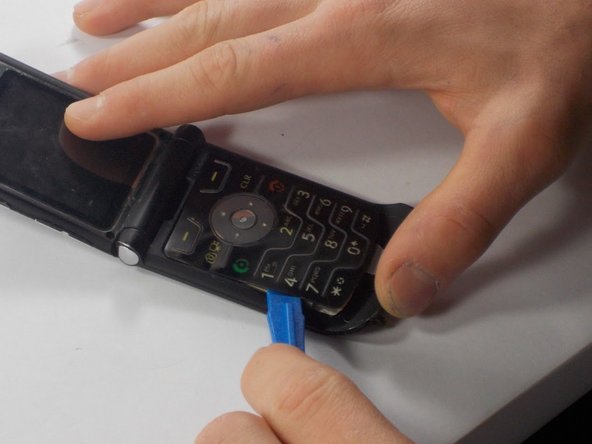
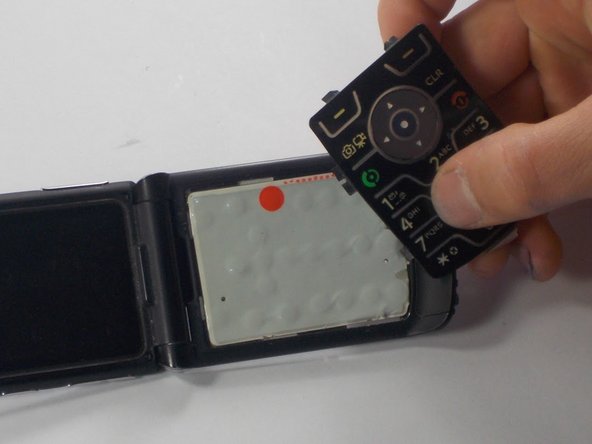
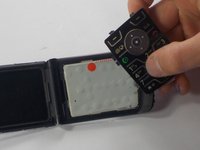
  11. Motorola Razr V3m Keypad Cover Replacement: step 11, image 1 of 3 Motorola Razr V3m Keypad Cover Replacement: step 11, image 2 of 3 Motorola Razr V3m Keypad Cover Replacement: step 11, image 3 of 3
    • Using the plastic opening tool, pry the edges of the keypad until it is loose. Then, pull it off.

    • It is easiest to work your way from left to right when loosening the case.

    Ask FixBot

    Add Comment

Conclusion

To reassemble your device, follow these instructions in reverse order.

Cancel: I did not complete this guide.

One other person completed this guide.

Jonathan Gendron

Member since: 10/28/15

122 Reputation

1 Guide authored

Team

UMass Dartmouth, Team 3-2, Shastany Fall 2015 Member of UMass Dartmouth, Team 3-2, Shastany Fall 2015

UMASSD-SHASTANY-F15S3G2

4 Members

16 Guides authored

0 Guide Comments

Add Comment

View Statistics:

Past 24 Hours: 1

Past 7 Days: 10

Past 30 Days: 38

All Time: 1,631