
Motorola Q Global Display Screen Replacement

Will Dickman and 9 other contributors
Last updated on Jul 6, 2026
Views: 1.3K
View statistics:
- Past 24 Hours:
- 0
- Past 7 Days:
- 11
- Past 30 Days:
- 45
- All Time:
- 1,271
Comments: 0
No one has left comments on this guide. Will you be first?
Go to guide commentsCompleted: 0 1
No one has marked this guide "completed." Will you be the first?
1 person has marked this guide "completed." It's you — great job!
Favorites: 1 2
1 person has favorited (and subscribed to) this guide. Will you be next?
2 people have favorited (and subscribed to) this guide — including you!
Action Shots
Be an action hero! This guide needs images that better demonstrate how to perform specific actions.
Needs More Images
A few more images would make this guide's procedures crystal clear.
Slice and Dice
The steps in this guide should be split up and made into a series of prerequisite guides.
Better Introduction
Improve this guide by completing or revising its introduction.
Missing Details
Some of this guide's details are missing. Help users by adding tools, difficulty, or time.
Introduction
Go to step 1 ↓Being able to access the LCD display of your Motorola Q Global is important if you wish to do self-maintenance. Here, we show you how to do so.
What you need
Tools


-
-
-
Turn the phone face down.
-
Press and hold the release button in the middle of the back panel.
-
Slide the bottom panel down to remove.
 Ask FixBot
-
-
-
Remove the battery pack by prying it out with a fingernail, screw driver or other opening tool at the tab shown.
-
-
-
-
-
Slide the upper case rightward and lift up.
-
Lift the camera sticker so that it does not get damaged.
-
-
-
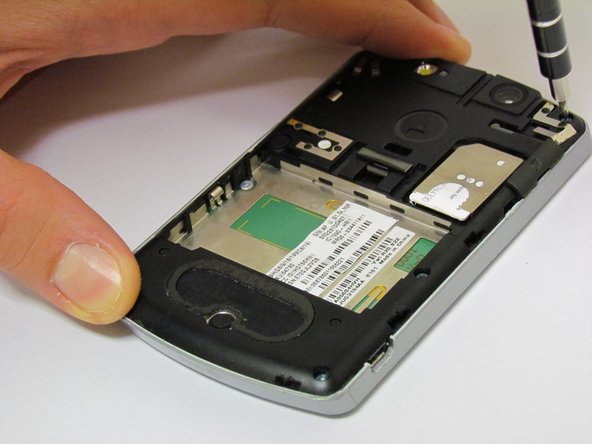
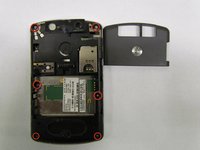
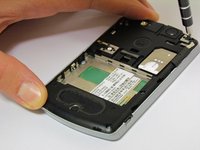
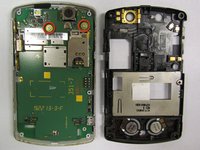
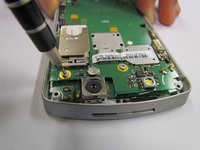
Once the screws are removed, use the plastic opening tool to remove the black casing.
-
-
-
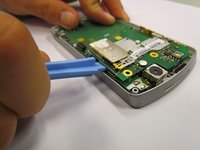
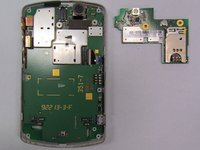
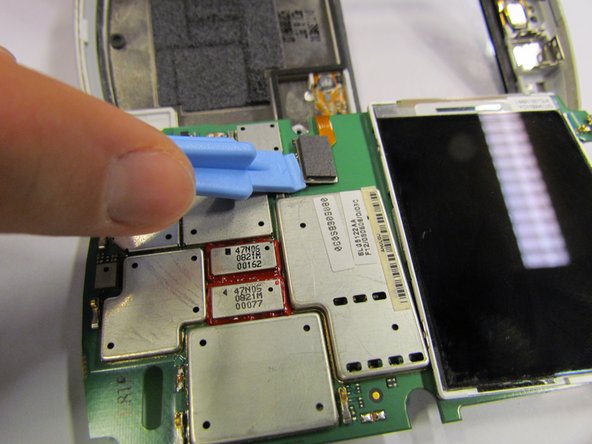
Remove the glued, mounted surface by lifting it from underneath the SIM card slot by using the plastic opening tool.
-
-
-
-
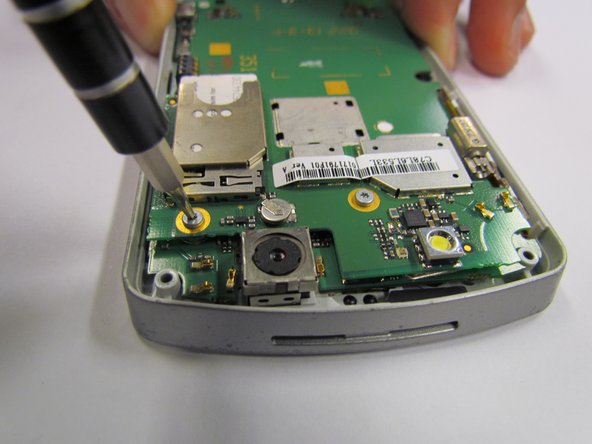
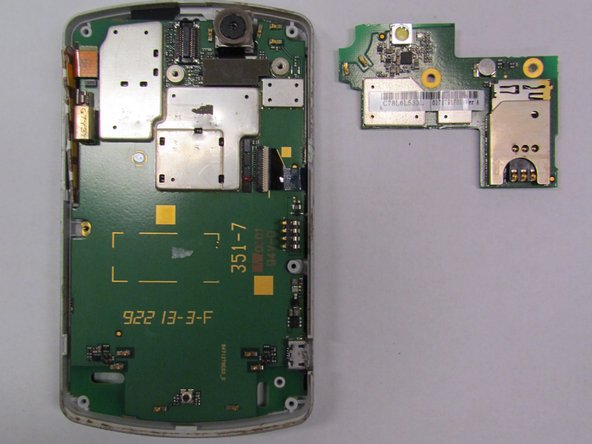
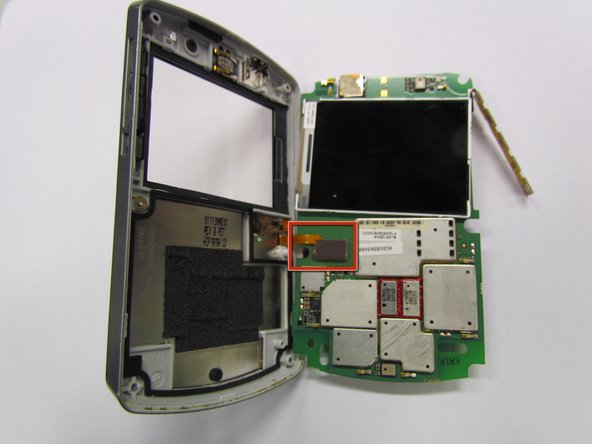
Lift the motherboard about 90 degrees and remove the circuit with the orange ribbon (from the keyboard) by gently lifting the circuit.
-
-
-
Separate the front plate from the circuit board.
-
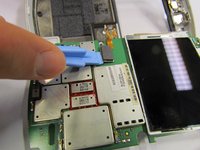
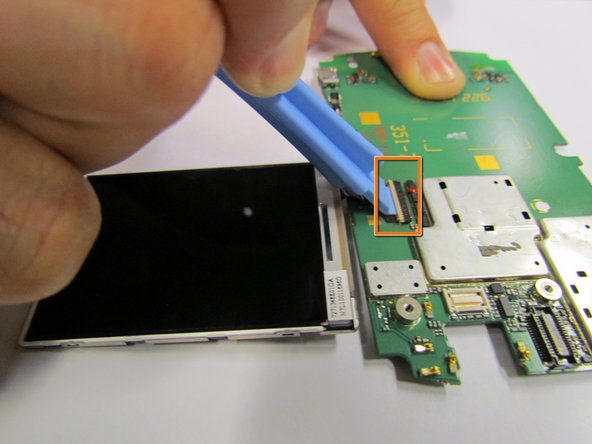
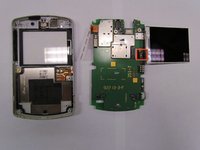
The LCD screen is attached to the circuit board by a thin ribbon.
-
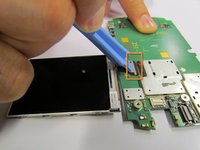
Switch the lock on top of the circuit entry from horizontal to vertical.
-







To reassemble your device, follow these instructions in reverse order. Take your e-waste to an R2 or e-Stewards certified recycler.

Team

Cal Poly, Team 6-31, Regan Fall 2012 Member of Cal Poly, Team 6-31, Regan Fall 2012
CPSU-REGAN-F12S6G31
5 Members
60 Guides authored
