
Motorola Moto G5s Plus Display Replacement

Kevin George and 7 other contributors
Last updated on May 16, 2024
Views: 5.4K
View statistics:
- Past 24 Hours:
- 3
- Past 7 Days:
- 20
- Past 30 Days:
- 68
- All Time:
- 5,403
Comments: 2
2 comments on steps.
Completed: 8 9
8 people have marked this guide "completed." Will you be next?
9 people have marked this guide "completed." Including you — great job!
Favorites: 2 3
2 people have favorited (and subscribed to) this guide. Will you be next?
3 people have favorited (and subscribed to) this guide — including you!
Introduction
Go to step 1 ↓This guide will help you replace the screen for your Motorola Moto G5s Plus.
Before you begin, download the Rescue and Smart Assistant app to backup your device and diagnose whether your problem is software or hardware related.
What you need
Tools


-
-
-
Bring the heat gun one to two inches from the edges of the display to melt the display adhesive.
-
Spend equal amounts of time applying heat around the entire edge of the phone.
 Ask FixBot
-
-
-
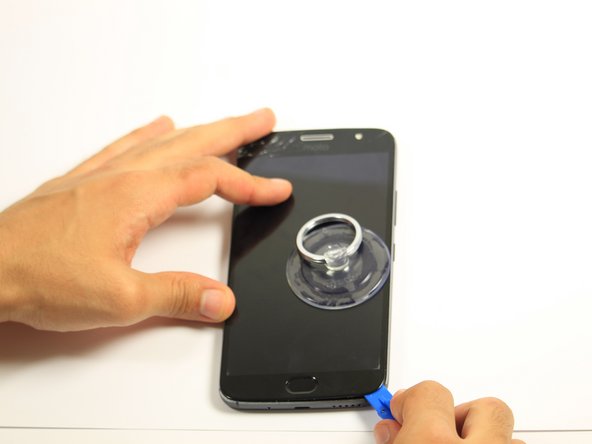
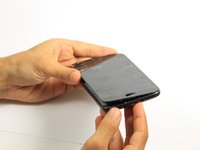
Attach the suction cup to the display slightly to the left of center.
-
Exert a moderate force to pull on the suction cup. The display will come loose.
-
-
-
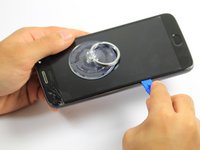
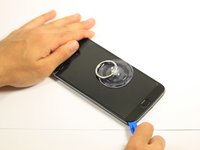
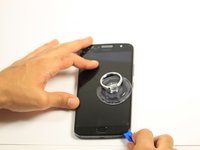
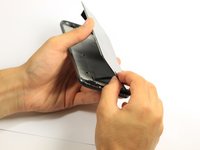
Insert the opening tool inside the loosened edge.
-
Gradually work the opening tool around the edge of the entire screen to cut through the adhesive.
-
-
-
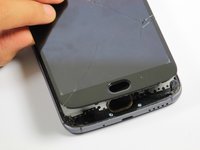
Press down on the fingerprint sensor with the display slightly raised to disconnect it from the display.
-
-
-
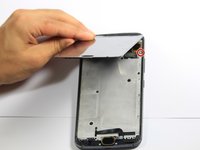
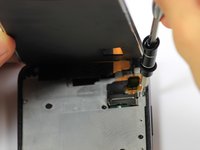
Remove the one 5mm Torx-5 screw located by the connector cables in the top right corner of the device.
-
-
Tool used on this step:Tweezers$4.99
-
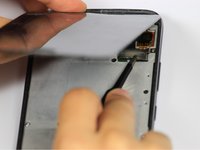
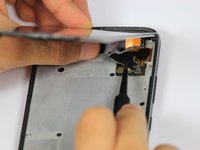
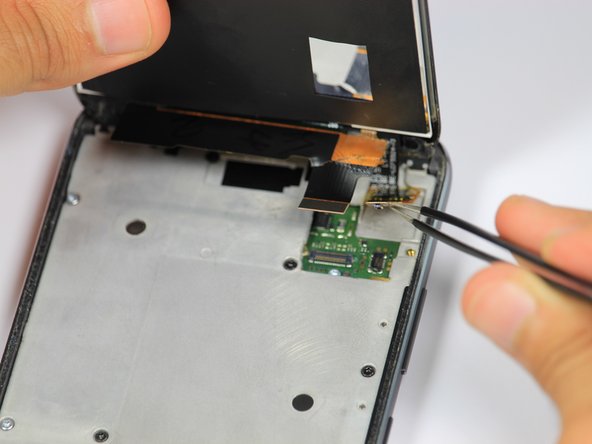
Grab the unscrewed metal plate with your blunt tweezers.
-
Slide the metal plate to the left and then out to remove it.
-
-
-
-
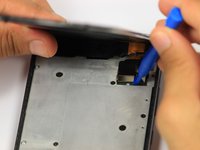
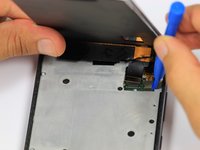
Disengage the two cable connectors by gently prying beneath the edge of the connector with the opening tool.
-
-











To reassemble your device, follow these instructions in reverse order.
Cancel: I did not complete this guide.
8 other people completed this guide.

Team

Cal Poly, Team S4-G5, White Fall 2018 Member of Cal Poly, Team S4-G5, White Fall 2018
CPSU-WHITE-F18S4G5
4 Members
60 Guides authored
