Introduction
If your Motorola Moto 360 3rd Gen smartwatch is having trouble holding a charge, or is not charging at all, you might need to replace the battery. Before replacing the battery, make sure that there is no dust around the charging pins or ports. Furthermore, make sure that you power off your phone completely and disconnect from any external power source.
What you need
-
-
Tool used on this step:Halberd Spudger$2.99
-
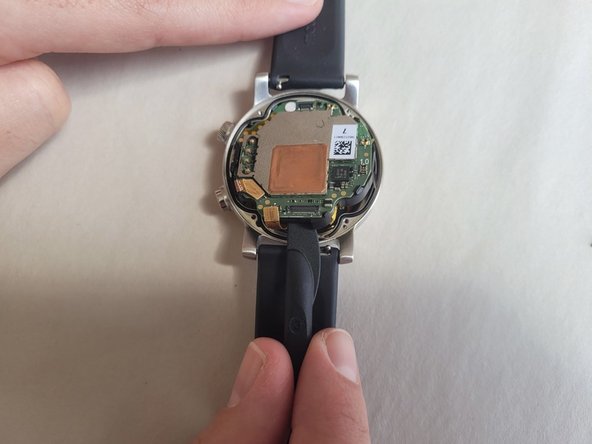
Use a T4 Torx screwdriver to remove the four 4.2 mm screws securing the lower case.
-
Gently pry the case open with a halberd spudger if the case will not release after removing the bolts.
 Ask FixBot
-
-
-
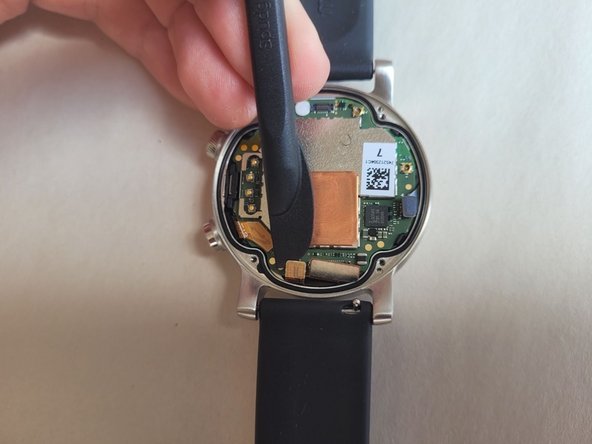
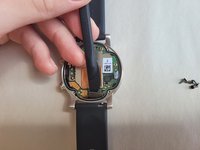
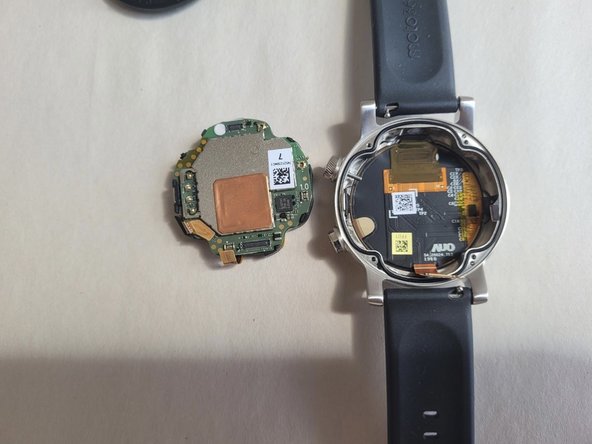
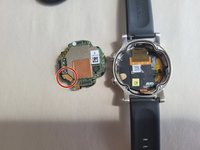
Raise the cover without straining the connected ribbon cable.
-
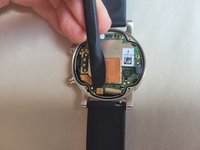
Disconnect the ribbon cable from the motherboard with a halberd spudger.
-
-
-
-
-
Tool used on this step:Halberd Spudger$2.99
-
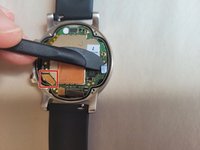
Use a halberd spudger to lift the three flat-top connectors straight up to disconnect them.
-
-
-
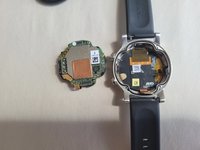
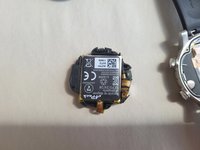
Flip the motherboard over so the battery is facing upwards.
-
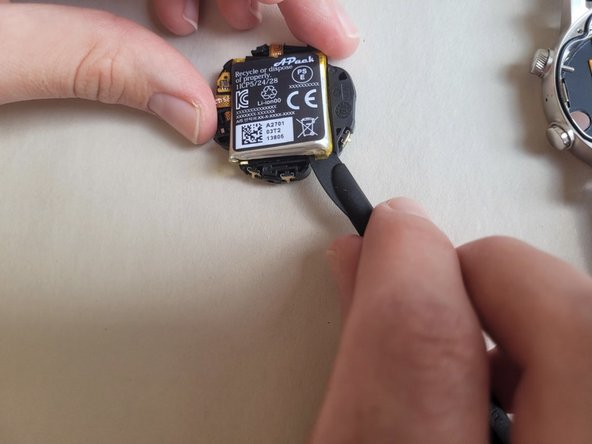
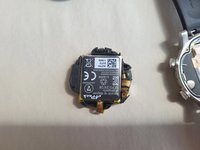
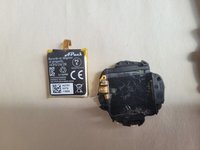
Gently pry the battery out of the motherboard housing.
-
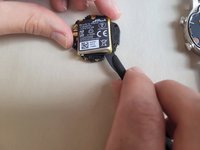
Disconnect the battery ribbon from the motherboard using the spudger tool.
-
-








To reassemble your device, follow these instructions in reverse order carefully.
Cancel: I did not complete this guide.
2 other people completed this guide.

Team

Western Carolina University, Team 1-4, Virtue Spring 2023 Member of Western Carolina University, Team 1-4, Virtue Spring 2023
WCU-VIRTUE-S23S1G4
4 Members
50 Guides authored
5 Guide Comments
Excellent guide, thanks. Any luck in finding a replacement battery?
Same. No idea where to get a replacement battery
Is there a guide showing how to replace the screen or at least remove it?
Thanks for the guide! Nice instructions.
But looking at a replacement battery as well, any idea please?
