Introduction
The I/O Board serves two primary functions: it recharges the battery by connecting to a power source and it enables data transfer when linking to other devices. Symptoms of a malfunctioning charging port include inconsistent or slow charging and/or needing to hold the cable at an angle to receive charge.
What you need
-
-
-
Use a Phillips #00 screwdriver to remove the seven 5 mm screws securing the motherboard.
-
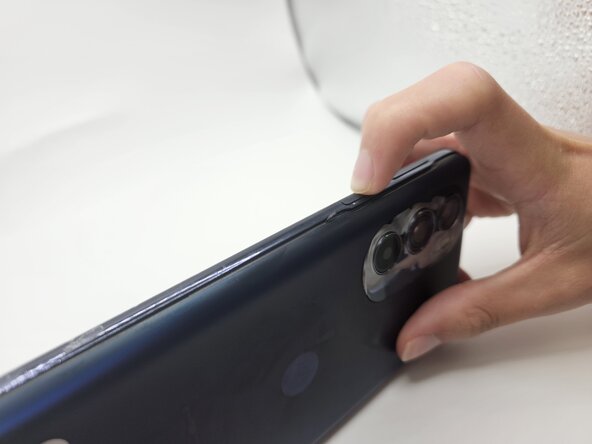
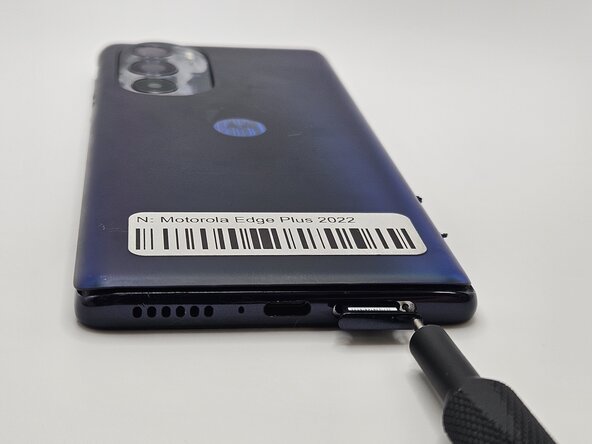
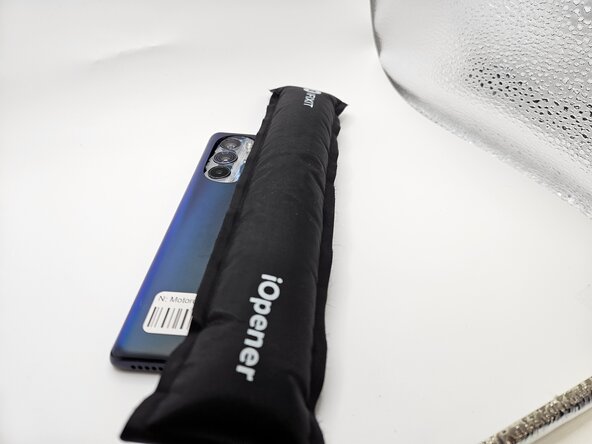
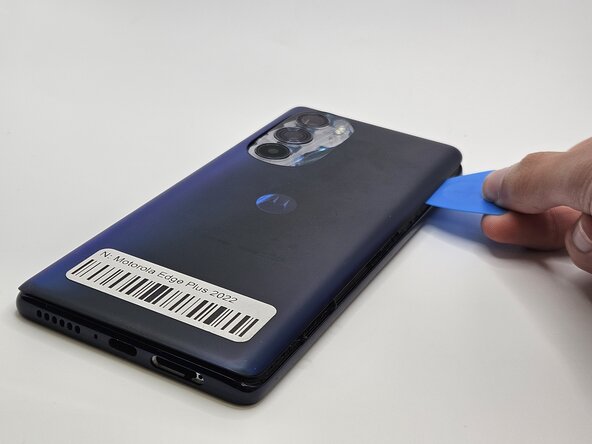


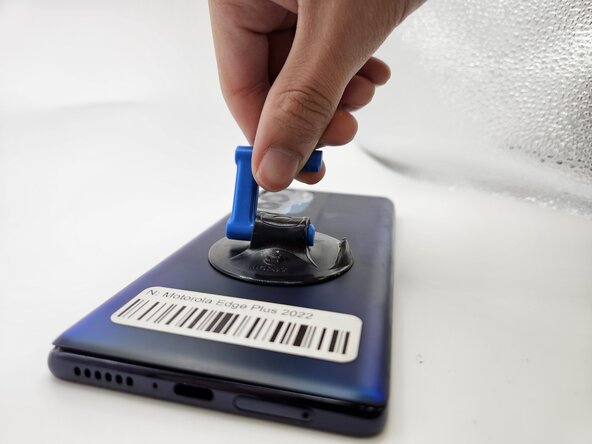
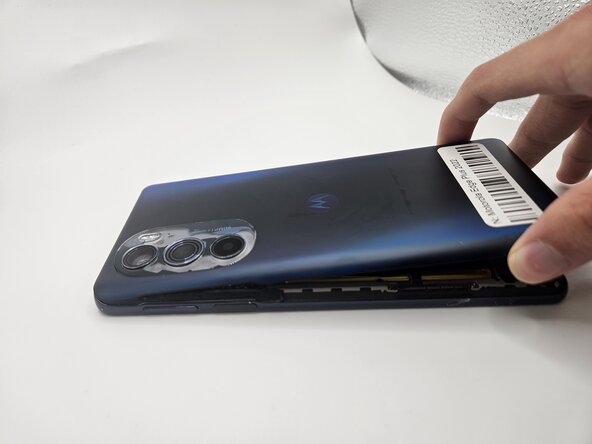


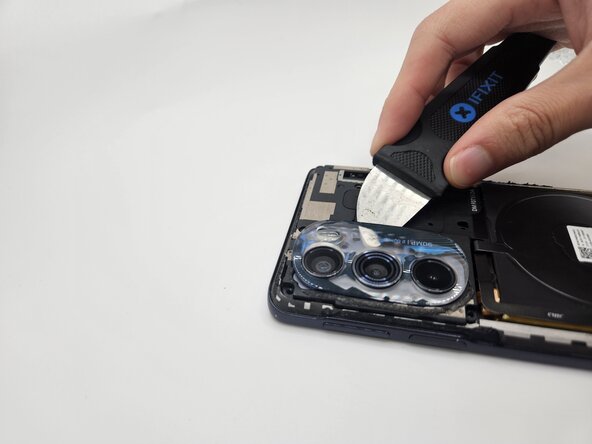
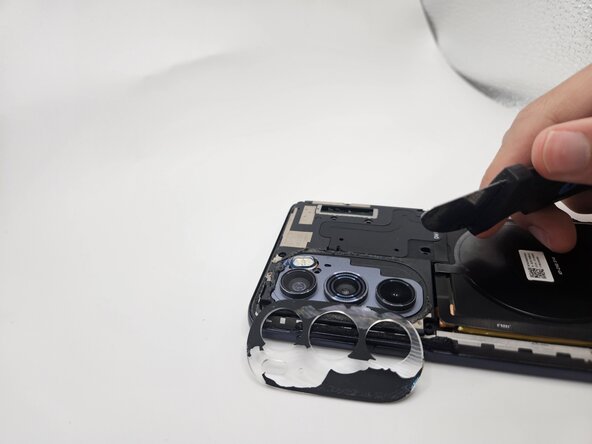


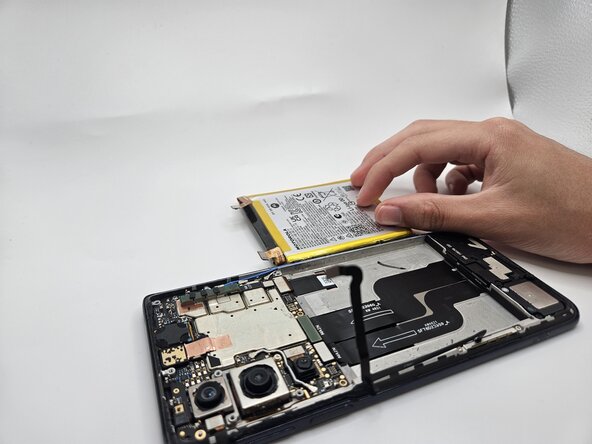


To reassemble your device, follow the above steps in reverse order.
Take your e-waste to an R2 or e-Stewards certified recycler.
Repair didn’t go as planned? Try some basic troubleshooting or ask our Answers community for help.
Team

University of North Texas, Team 7-4, Kilpatrick Fall 2025 Member of University of North Texas, Team 7-4, Kilpatrick Fall 2025
UNT-KILPATRICK-F25S7G4
4 Members
5 Guides authored
