
Motorola E815 Front Screen Replacement

Zoie E and
Last updated on May 7, 2024
Views: 3K
View statistics:
- Past 24 Hours:
- 4
- Past 7 Days:
- 16
- Past 30 Days:
- 91
- All Time:
- 3,026
Comments: 1
1 comment on steps.
Completed: 0 1
No one has marked this guide "completed." Will you be the first?
1 person has marked this guide "completed." It's you — great job!
Favorites: 1 2
1 person has favorited (and subscribed to) this guide. Will you be next?
2 people have favorited (and subscribed to) this guide — including you!
Action Shots
Be an action hero! This guide needs images that better demonstrate how to perform specific actions.
What you need

Introduction
Go to step 1 ↓If the front screen of your E815 is cracked or broken, you need to replace the screen. In most cases, a cracked screen is clearly visible by ink blots or radiating shatter patterns throughout the screen.
In this guide, you will:
- Dissemble the E815
- Access the front screen
- Replace the screen
-
-
-
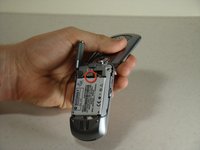
Locate the back cover release slide.
-
Use your finger to slide it down.
 Ask FixBot
-
-
-
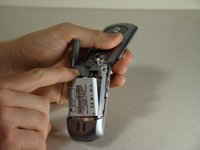
Locate the battery removal slot.
-
Use your finger to pull the battery out from the top.
-
Remove the battery.
-
-
-
-
-
Locate the antenna port on the top of the phone.
-
-
-
Grip the plastic support post and unscrew the apparatus using a counterclockwise twist.
-
Pull the apparatus up and out of the phone.
-
-
-
-
-
-
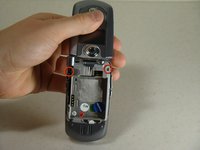
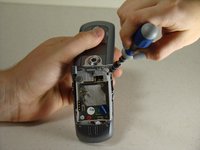
Locate the two screws on the backside of the phone.
-
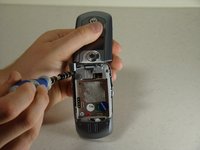
Unscrew the two screws using your T6 screwdriver.
-
-
Tool used on this step:Tweezers$4.99
-
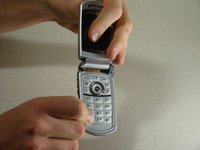
Grasp the top of the phone near the speaker.
-
Gently pull the top section of the phone upwards until you feel some resistance.
-
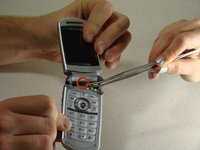
Locate the brown connector that runs from the top section of the phone to the circuit board under the keypad.
-
Using tweezers, gently pry the connector from the circuit board.
-
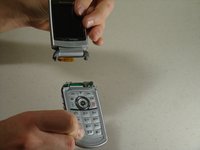
Detach the top section of the phone from the keypad section.
-
-
-
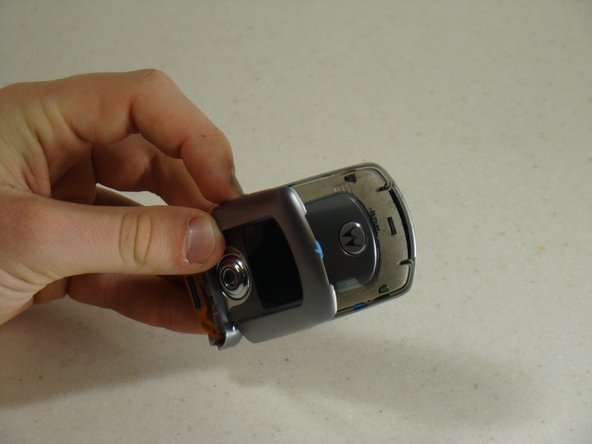
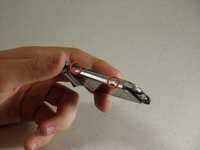
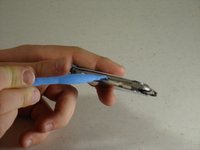
Carefully insert the blue pry tool into the notch between the two halves of the top section of the phone.
-
Gently pry the two halves apart.
-
-
-
Rotate the top section of the phone around so that you are looking at the outer screen.
-
Disconnect the cover from the outer screen side of the phone.
-
-
-
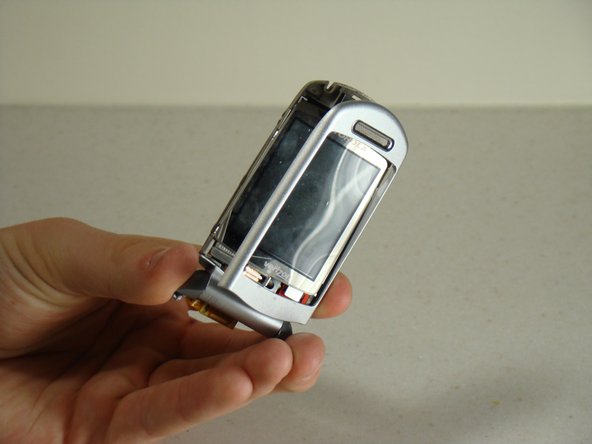
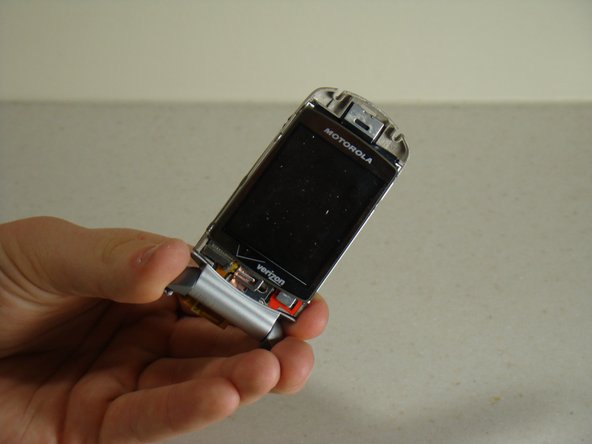
Rotate the top section of the phone around so you are looking at the large screen.
-
Using your fingers, lift the protector off of the screen.
-
-
-
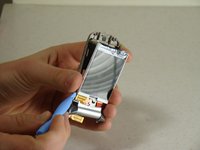
Turn the phone so that you can see the side metal clasps.
-
Using the blue lifter tool, snap the metal clasps off of screen body.
-
Proceed to snap all four corners of the metal cover off of the screen body.
-
-
-
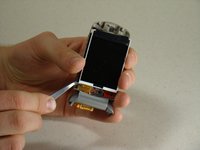
Using tweezers, gently detach the brown connecting strip from the back of the screen.
-
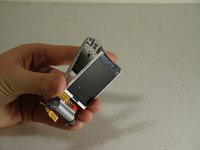
Separate the screen from the phone frame.
-
The front screen can now be accessed and replaced!
-
-













To reassemble your device, follow these instructions in reverse order.

Team

Cal Poly, Team 14-8, Forte Winter 2011 Member of Cal Poly, Team 14-8, Forte Winter 2011
CPSU-FORTE-W11S14G8
5 Members
60 Guides authored
