
Motorola C139 Keypad & Faceplate Replacement

Christopher Stubbs and 4 other contributors
Last updated on Jan 28, 2014
Views: 1.6K
View statistics:
- Past 24 Hours:
- 1
- Past 7 Days:
- 16
- Past 30 Days:
- 80
- All Time:
- 1,629
Comments: 0
No one has left comments on this guide. Will you be first?
Go to guide commentsCompleted: 0 1
No one has marked this guide "completed." Will you be the first?
1 person has marked this guide "completed." It's you — great job!
Favorites: 0 1
No one has favorited (and subscribed to) this guide. Will you be the first?
1 person has favorited (and subscribed to) this guide — and that's you!
Incorrect Tools
Help make this guide better by using the correct tools in images and/or text.
Introduction
Go to step 1 ↓This guide details the steps involved with replacing the keypad or faceplate on the Motorola C139
What you need
Tools


-
-
-
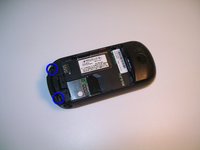
Begin by flipping your phone over so that the back cover is facing up.
-
Apply force to the back cover and simultaneously slide the cover down.
 Ask FixBot
-
-
-
Press the button labeled "PUSH" located at the bottom back of the phone. This will release the battery.
-
Lift and remove the battery.
-
-
-
-
-
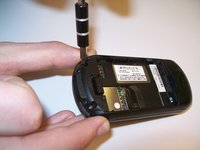
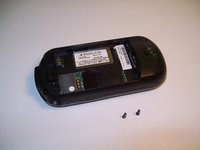
Use a Torx T-5 screwdriver to remove the screws on the back of the phone.
-
-
-
-
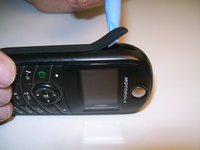
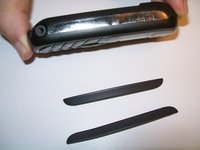
Slide a pry tool underneath the adhesive rubber stip and peel it back away from the phone.
-
Repeat for the other side.
-
-
-
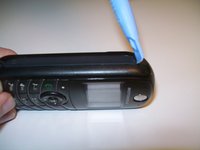
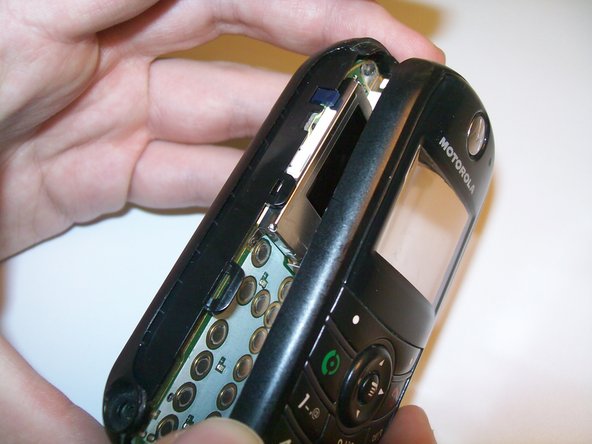
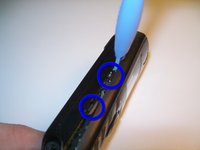
Insert the pry tool in the slit on the side of the phone and slide it down until you hear an audible click and the phone bottom loosens from the top.
-
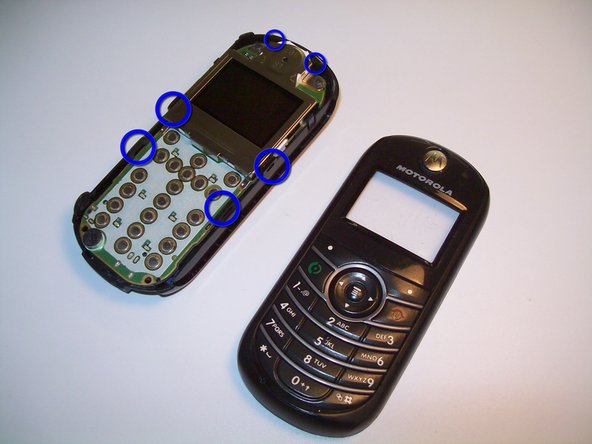
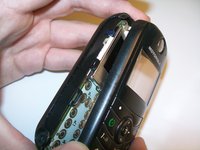
Use the pry tool to release the two hooks on each side and the two hooks at the top holding the case together.
-
-
-
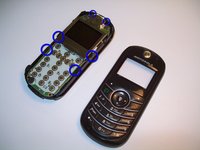
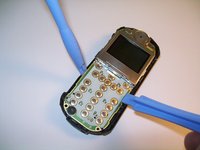
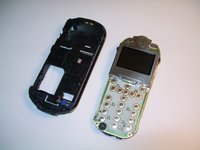
Use plastic opening tools to free the circuit board from the case.
-
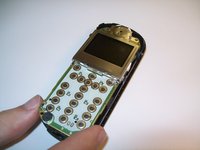
Then grip the circuit board and lift to remove the circuit board from the case.
-
-
-
-
-
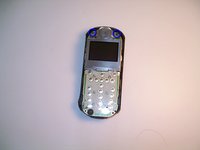
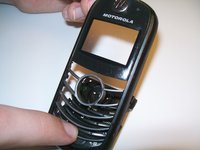
On the top half of the phone push downwards on the number keys to free the keypad from the top of the phone.
-
-







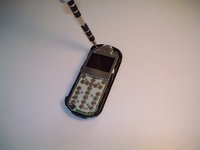
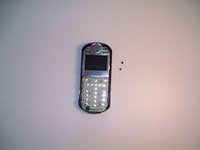



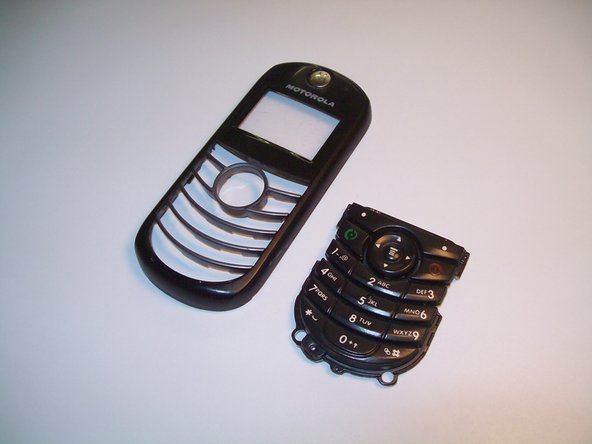
To reassemble your device, follow these instructions in reverse order.

Team

Clemson, Team 2-2, Benson Spring 2012 Member of Clemson, Team 2-2, Benson Spring 2012
CLEM-BENSON-S12S2G2
3 Members
96 Guides authored
