Free Shipping on Domestic Orders $75+

Motorola Buzz ic502 SIM card Replacement

  1. Motorola Buzz ic502 SIM card Replacement, Battery: step 1, image 1 of 3 Motorola Buzz ic502 SIM card Replacement, Battery: step 1, image 2 of 3 Motorola Buzz ic502 SIM card Replacement, Battery: step 1, image 3 of 3
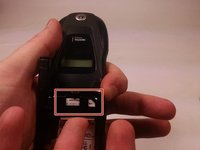
    • First flip the phone over.

    • Then find the back release circled in red.

    Ask FixBot

    Add Comment

  2. Motorola Buzz ic502 SIM card Replacement: step 2, image 1 of 2 Motorola Buzz ic502 SIM card Replacement: step 2, image 2 of 2
    • Carefully remove the back using the release.

    • Lift from the bottom!

    Ask FixBot

    Add Comment

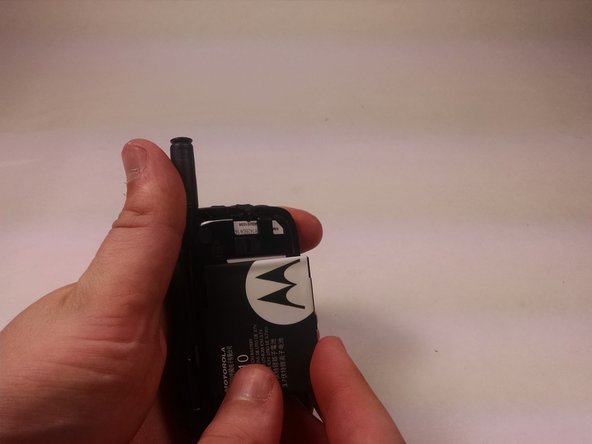
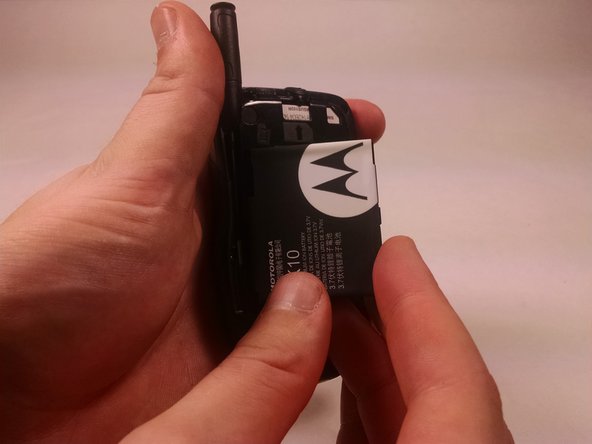
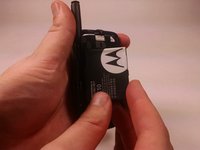
  3. Motorola Buzz ic502 SIM card Replacement: step 3, image 1 of 3 Motorola Buzz ic502 SIM card Replacement: step 3, image 2 of 3 Motorola Buzz ic502 SIM card Replacement: step 3, image 3 of 3
    • Lift the battery from the right side.

    • After the battery has lifted about a 45 degree angle remove from phone.

    Ask FixBot

    Add Comment

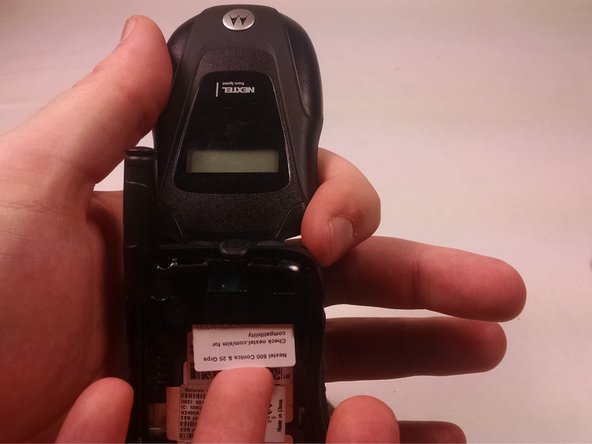
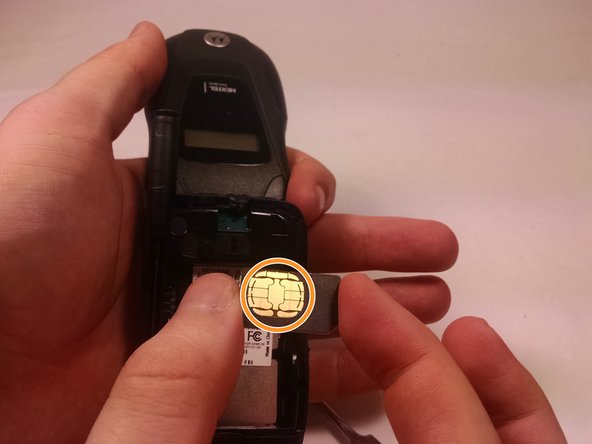
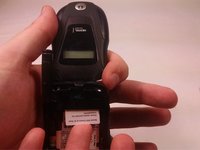
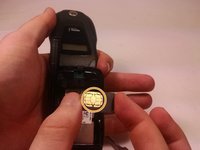
  4. Motorola Buzz ic502 SIM card Replacement, SIM card: step 4, image 1 of 3 Motorola Buzz ic502 SIM card Replacement, SIM card: step 4, image 2 of 3 Motorola Buzz ic502 SIM card Replacement, SIM card: step 4, image 3 of 3
    • The SIM card is located here

    • Carefully push the SIM card down from the top with your finger

    • Make sure to hold card from sides and do not touch the marked spot on card

    Ask FixBot

    Add Comment

Conclusion

To reassemble your device, follow these instructions in reverse order.

Cancel: I did not complete this guide.

Austin Quinn

Member since: 10/20/16

401 Reputation

4 Guides authored

Team

UMass Dartmouth, Team 6-6, Martin Fall 2016 Member of UMass Dartmouth, Team 6-6, Martin Fall 2016

UMASSD-MARTIN-F16S6G6

3 Members

10 Guides authored

0 Guide Comments

Add Comment

View Statistics:

Past 24 Hours: 0

Past 7 Days: 2

Past 30 Days: 13

All Time: 362