
Motorola Buzz ic502 Keypad Replacement

Austin Quinn and 2 other contributors
Last updated on Dec 19, 2016
Views: 453
View statistics:
- Past 24 Hours:
- 2
- Past 7 Days:
- 14
- Past 30 Days:
- 76
- All Time:
- 453
Comments: 0
No one has left comments on this guide. Will you be first?
Go to guide commentsCompleted: 0 1
No one has marked this guide "completed." Will you be the first?
1 person has marked this guide "completed." It's you — great job!
Favorites: 0 1
No one has favorited (and subscribed to) this guide. Will you be the first?
1 person has favorited (and subscribed to) this guide — and that's you!
Needs More Images
A few more images would make this guide's procedures crystal clear.
Introduction
Go to step 1 ↓This guide will teach you how to remove the keypad
What you need
Tools
-
Spudger4.9
-
-


-
-
-
First flip the phone over.
-
Then find the back release circled in red.
 Ask FixBot
-
-
-
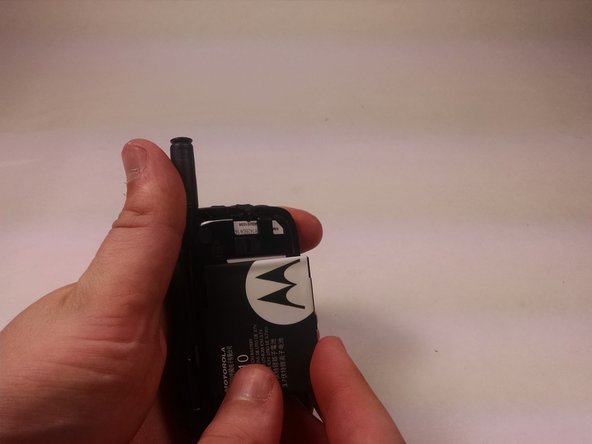
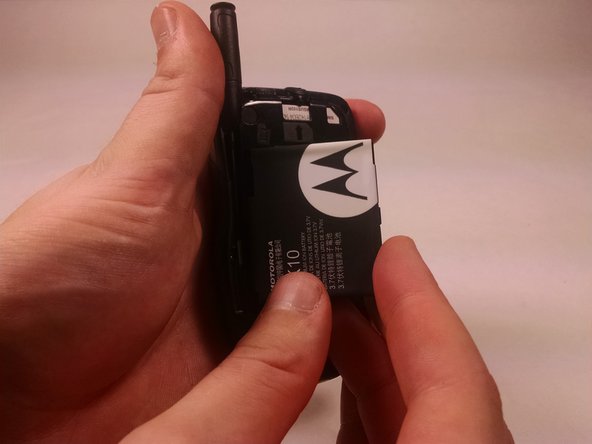
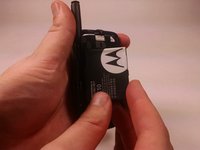
Lift the battery from the right side.
-
After the battery has lifted about a 45 degree angle remove from phone.
-
-
-
-
-
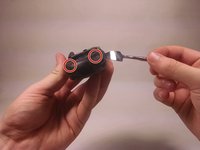
Remove the plastic pieces with metal spudge
-
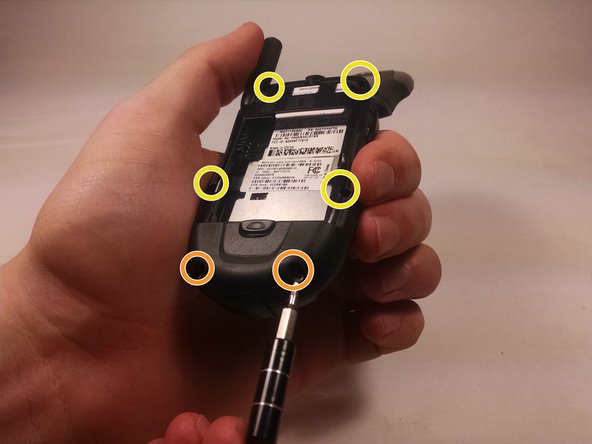
Under both are two screws, remove those as well.
-
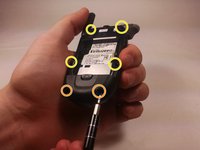
Remove the other four screws on back of phone.
-
-
-
-
Carefully lift screen as to not snap wire that connects it (shown is a version in which the screen has been fully removed).
-
Lift off keypad and replace.
-
-




To reassemble your device, follow these instructions in reverse order.

Team

UMass Dartmouth, Team 6-6, Martin Fall 2016 Member of UMass Dartmouth, Team 6-6, Martin Fall 2016
UMASSD-MARTIN-F16S6G6
3 Members
60 Guides authored
