
Motorola 120c Display Replacement

Eric Dazet and
Last updated on May 7, 2024
Views: 1.4K
View statistics:
- Past 24 Hours:
- 5
- Past 7 Days:
- 20
- Past 30 Days:
- 96
- All Time:
- 1,416
Comments: 0
No one has left comments on this guide. Will you be first?
Go to guide commentsCompleted: 0 1
No one has marked this guide "completed." Will you be the first?
1 person has marked this guide "completed." It's you — great job!
Favorites: 1 2
1 person has favorited (and subscribed to) this guide. Will you be next?
2 people have favorited (and subscribed to) this guide — including you!
Needs Better Images
Better photos will improve this guide. Help out by taking, editing, or uploading new ones!
What you need
Tools

Introduction
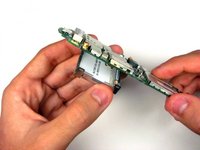
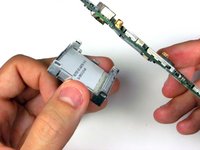
Go to step 1 ↓This process involves first removing the battery, outer case, and motherboard. After, the display can be removed from the motherboard.
-
-
-
Hold the phone and pull the back latch down towards the bottom.
-
Remove the back panel by releasing the latch and lifting from the top.
 Ask FixBot
-
-
-
Remove the battery by pushing the bottom end towards the top, then lifting up.
-
-
-
-
-
-
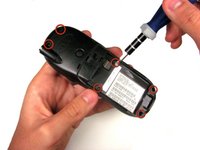
Once the battery is out, unscrew the six 7.0 mm screws with T-6 screwdriver.
-
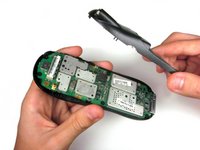
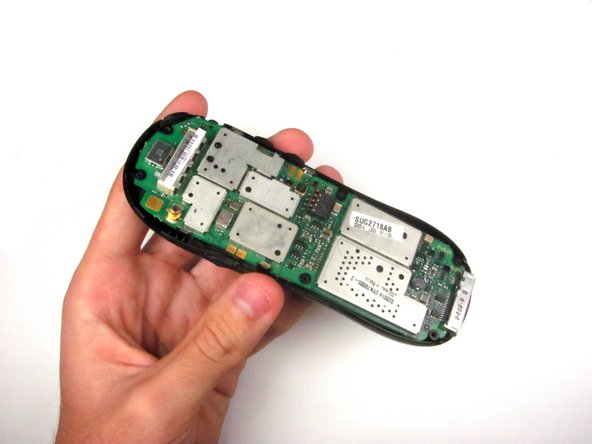
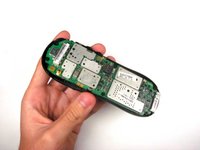
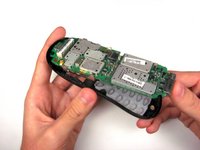
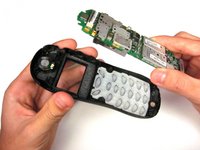
Once the screws are removed, simply lift the back panel off
-
-
-
-
Tool used on this step:Tweezers$4.99
-
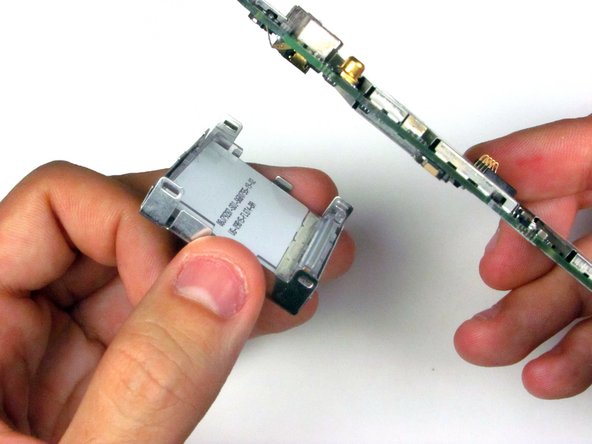
Use tweezers to pry off the four clasps that hold the display in place.
-
-






To reassemble your device, follow these instructions in reverse order.

Team

Cal Poly, Team 6-21, Amido Spring 2012 Member of Cal Poly, Team 6-21, Amido Spring 2012
CPSU-AMIDO-S12S6G21
4 Members
108 Guides authored
