Moto G4 Back Cover Replacement

Last updated on Jul 30, 2018
Views: 2.1K
View statistics:
- Past 24 Hours:
- 5
- Past 7 Days:
- 24
- Past 30 Days:
- 97
- All Time:
- 2,129
Comments: 0
No one has left comments on this guide. Will you be first?
Go to guide commentsCompleted: 2 3
2 people have marked this guide "completed." Will you be next?
3 people have marked this guide "completed." Including you — great job!
Favorites: 0 1
No one has favorited (and subscribed to) this guide. Will you be the first?
1 person has favorited (and subscribed to) this guide — and that's you!
What you need
Tools
-
Spudger4.9

Introduction
Go to step 1 ↓This is a very basic guide for removing the back cover—either to replace it for cosmetic reasons, or to gain access to internal components for servicing.
-
-
-
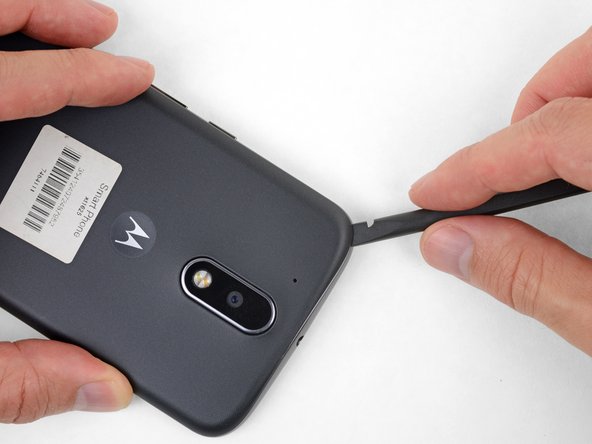
Insert a fingernail or a spudger into the notch on the bottom edge of the phone, near the charge port.
-
Gently twist or pry to open a small gap between the back cover and the body of the phone.
-
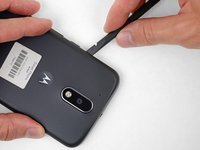
While keeping your tool (or fingernail) inserted into the gap between the back cover and the body of the phone, slide it around the corner to begin loosening the plastic clips holding the cover in place.
 Ask FixBot
-
-
-
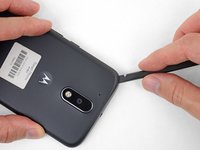
Slide your tool all along the side of the phone to separate more of the clips securing the back cover.
-
-
-
-
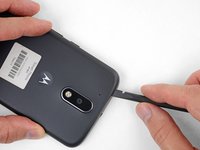
Keep your tool inserted slightly under the back cover, and slide it around the top corner.
-
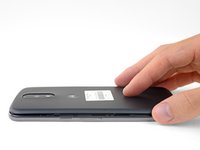
If necessary, continue prying around the remaining edges of the phone until the back cover comes free.
-
-





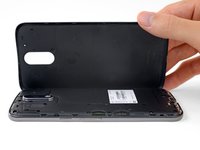
To reassemble your device, follow these instructions in reverse order.
Cancel: I did not complete this guide.
2 other people completed this guide.