
Moto C Plus Motherboard Assembly Replacement

Dominik Schnabelrauch and 4 other contributors
Last updated on May 7, 2024
Views: 7.4K
View statistics:
- Past 24 Hours:
- 1
- Past 7 Days:
- 18
- Past 30 Days:
- 71
- All Time:
- 7,404
Comments: 3
2 comments on steps, 1 guide comment.
Go to guide commentsCompleted: 9 10
9 people have marked this guide "completed." Will you be next?
10 people have marked this guide "completed." Including you — great job!
Favorites: 1 2
1 person has favorited (and subscribed to) this guide. Will you be next?
2 people have favorited (and subscribed to) this guide — including you!
Introduction
Go to step 1 ↓Use this guide to remove the motherboard with the cameras and headphone jack attached from your Motorola Moto C Plus.
Before you begin, download the Rescue and Smart Assistant app to backup your device and diagnose whether your problem is software or hardware related.
What you need
Tools
-
Spudger4.9
-
-


-
-
-
Insert a thumbnail, or spudger, into the notch on the bottom right to start separating the phone unit from the back cover.
-
Move to the bottom left corner and pry the phone unit out of the back cover until you can get a good grip.
 Ask FixBot
-
-
-
-
-
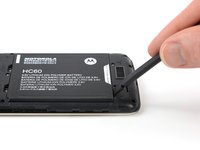
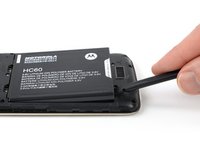
Use a spudger or fingernail to lift the battery starting at the notch on the bottom left.
-
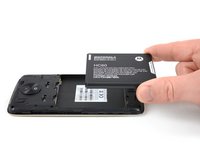
Lever the battery out of its recess and remove it.
-
-
-
-
-
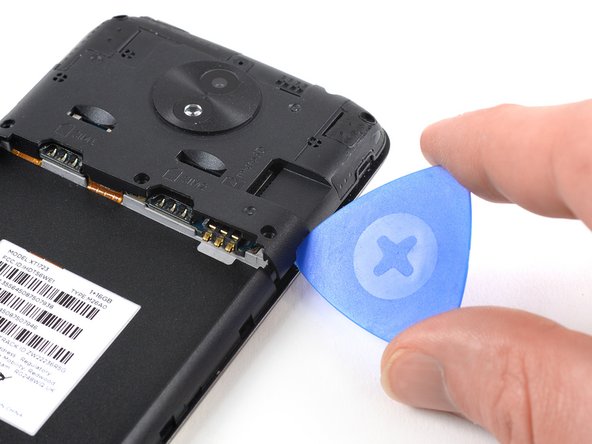
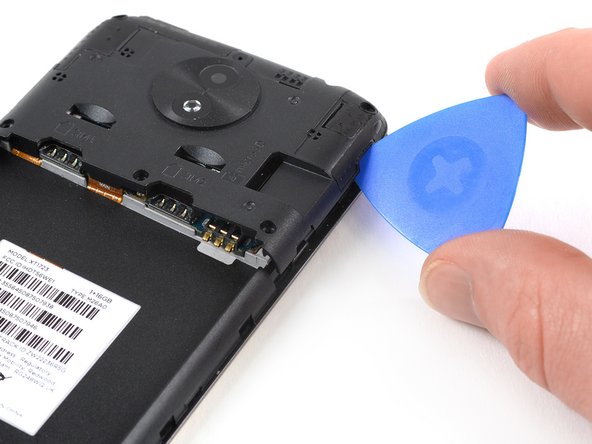
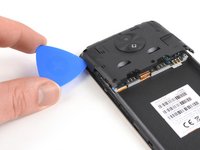
Apply an opening pick to the bottom right corner of the motherboard cover.
-
Twist the opening pick to free the motherboard cover out of the plastic clamps on the right side of the phone.
-
-
-
Repeat the previous step on the left side of the motherboard cover to free it out of the plastic clamps.
-
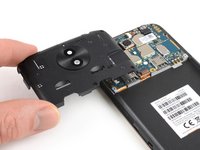
Pry up the motherboard cover until you can get a good grip.
-
Remove the motherboard cover.
-
-
-
-
-
Remove the two 3.2 mm Phillips #00 screws securing the motherboard.
-
-
-
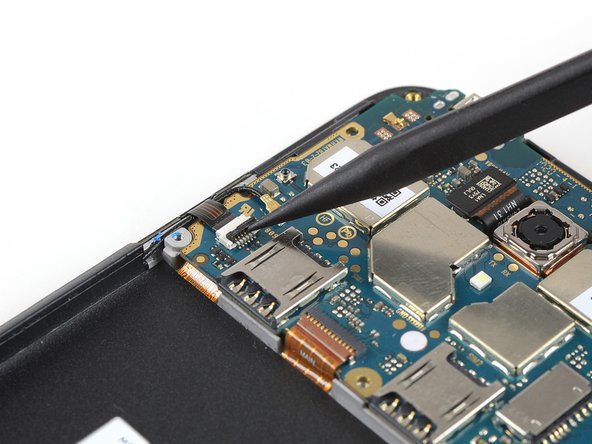
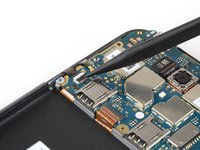
Use the tip of a spudger to lift the latch on the power and volume button ZIF connector.
-
-
Tool used on this step:Tweezers$4.99
-
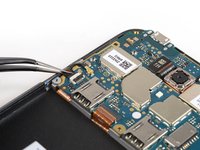
Use a pair of tweezers to pull the power and volume button flex cable out of the ZIF connector.
-
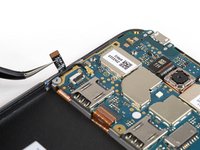
Fold the power and volume button flex cable out of the way.
-
-
-
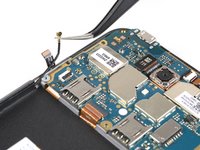
Pry up and disconnect the antenna cable.
-
Fold the antenna cable out of the way.
-
-
-
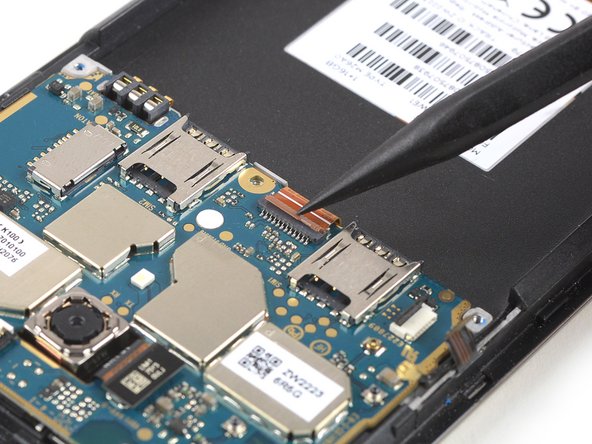
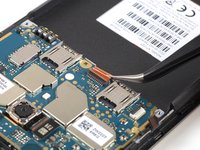
Use the tip of a spudger to open the interconnect cable ZIF connector by lifting the brown flap.
-
-
-
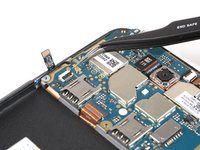
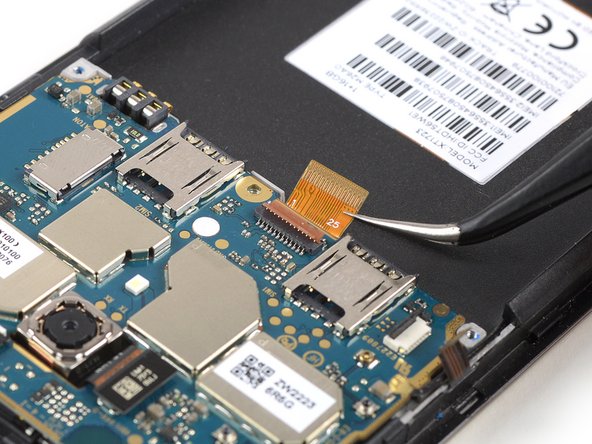
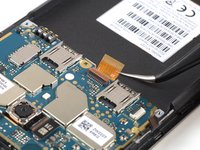
Use a pair of tweezers to pull the interconnect flex cable out of the ZIF connector.
-
-
-
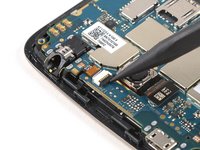
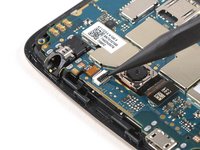
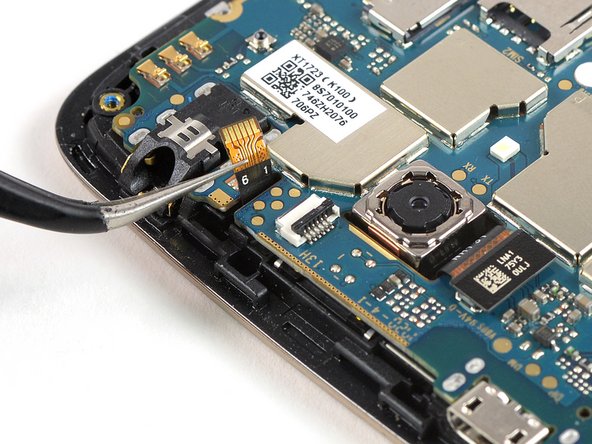
Use the tip of a spudger to open the flap of the ZIF connector next to the headphone jack.
-
-
-
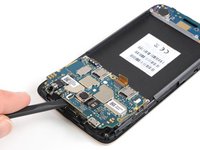
Use a spudger to carefully lift the motherboard until you can get a good grip. Avoid to damage the cables next to the motherboard.
-
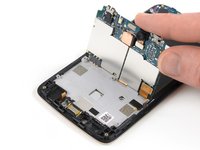
Lift the motherboard and fold it back until you have enough space to disconnect the display flex cable.
-
-
-
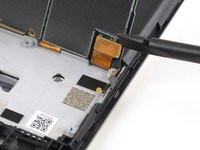
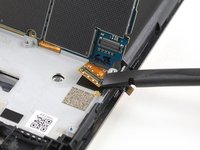
Use the edge of a spudger to pry up and disconnect the display flex cable from the motherboard.
-
-






















To reassemble your device, follow these instructions in reverse order.
Cancel: I did not complete this guide.
9 other people completed this guide.


1 Guide Comment
roderyjose9@gmail como hago para encender este mismo teléfono sin el botón de encendido
